Real-time updates with Mercure and Symfony UX Turbo
Real-time komunikace s Mercure protokolem a Symfony. How to show users what’s happening right now, without polling and without writing JavaScript, on a real example from Peon. I first gave this talk in English at AmsterdamPHP on 21 April 2022, and then in Czech in Ostrava. Both recordings are linked at the bottom.
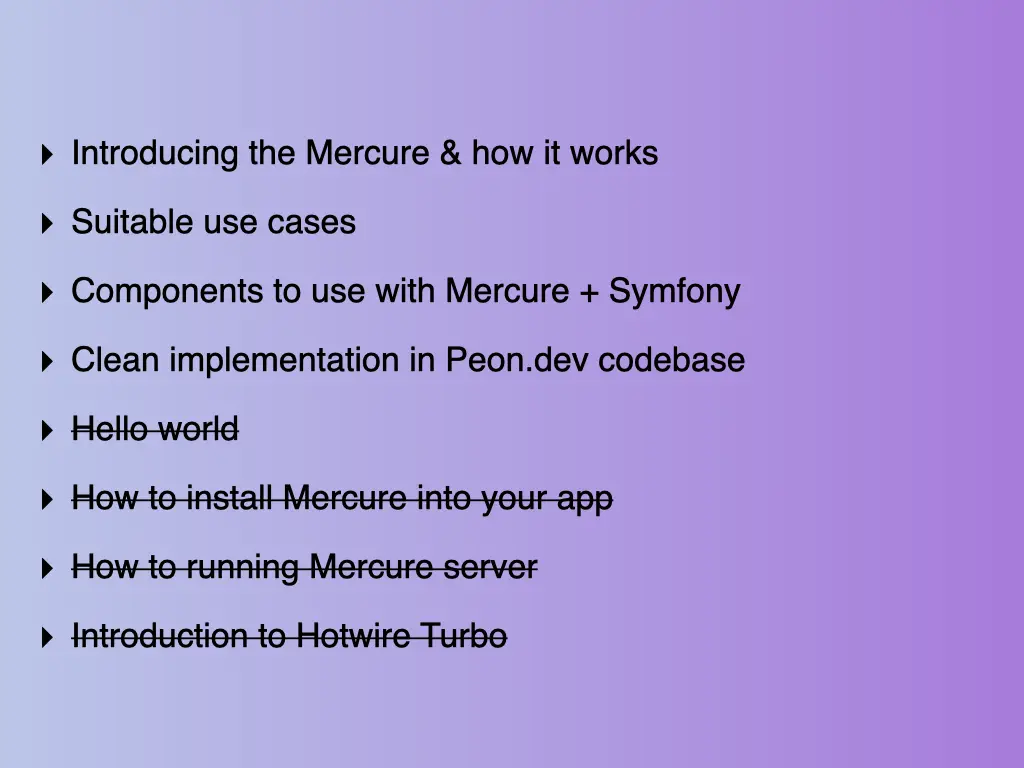
symfony/ux-turbo-mercure package used below was deprecated in Symfony UX 2.6.1, a few months after this talk. Its code now ships inside symfony/ux-turbo: install that together with symfony/mercure-bundle. The approach itself hasn’t changed.The original agenda also had a hello world, installing Mercure, running the Mercure server and an introduction to Hotwire Turbo. For the conference I crossed those out and focused on how Mercure works, when it’s worth it, which Symfony packages to use, and a clean implementation in the Peon codebase.
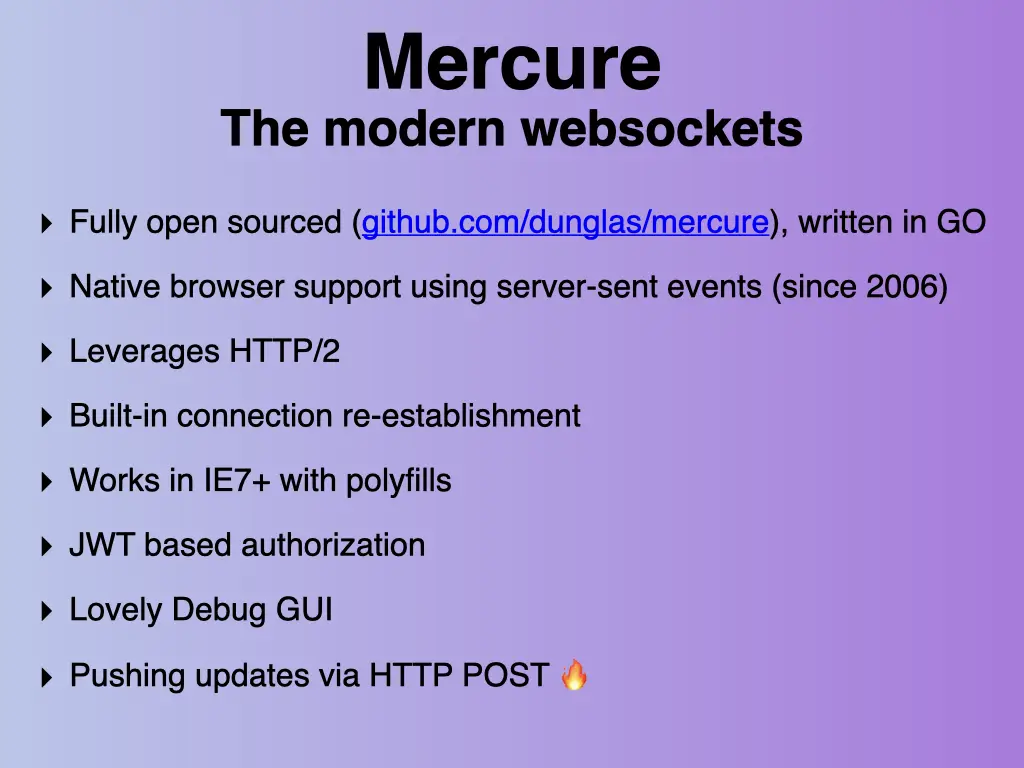
Mercure, the modern websockets
Mercure is a protocol and a server for pushing updates from the server to browsers. What I like about it:
- Fully open source (github.com/dunglas/mercure), written in Go
- Native browser support through server-sent events, which browsers have had since 2006
- It uses HTTP/2
- Reconnecting after a dropped connection is built in
- Works in IE7+ with polyfills
- Authorization with JWT
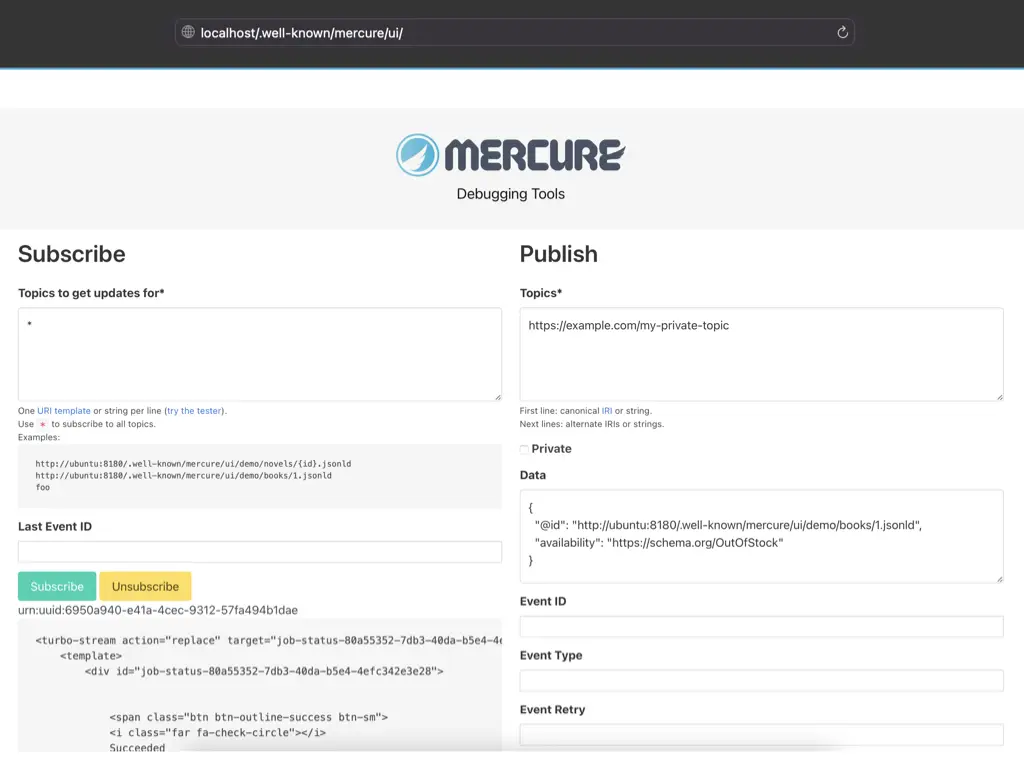
- A lovely debug UI
- You publish updates with a plain HTTP POST
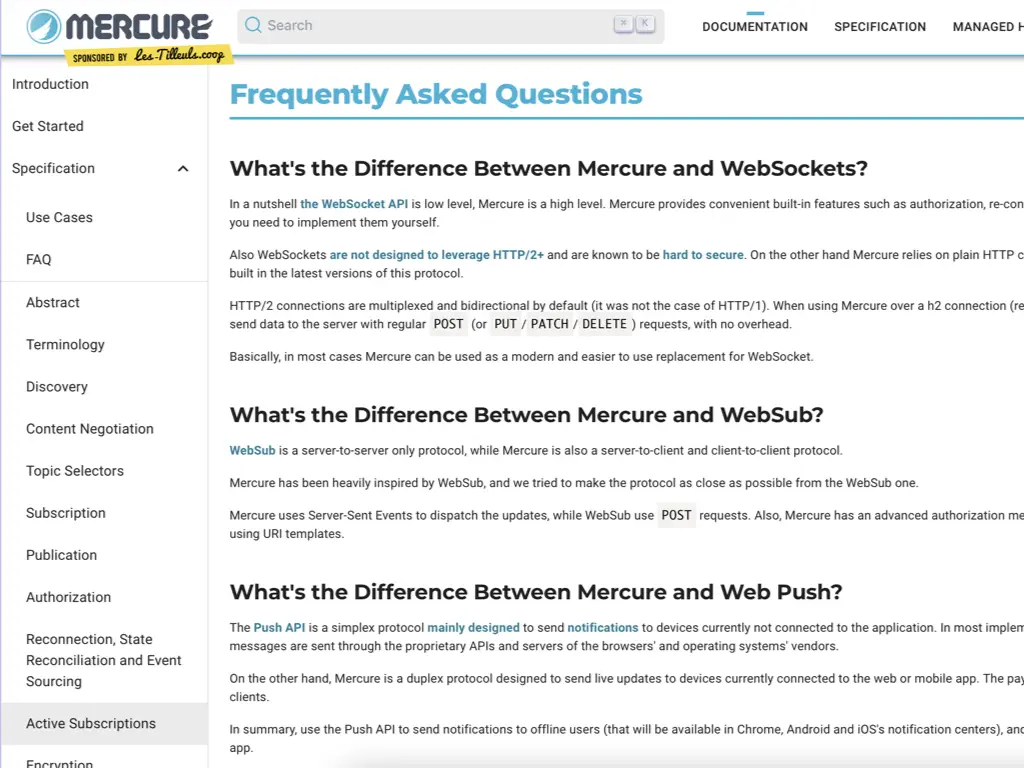
The Mercure FAQ explains the difference from WebSockets well: the WebSocket API is low level, Mercure is high level and gives you authorization, reconnection and state reconciliation for free. In most cases you can use it as a modern and easier replacement for WebSockets.
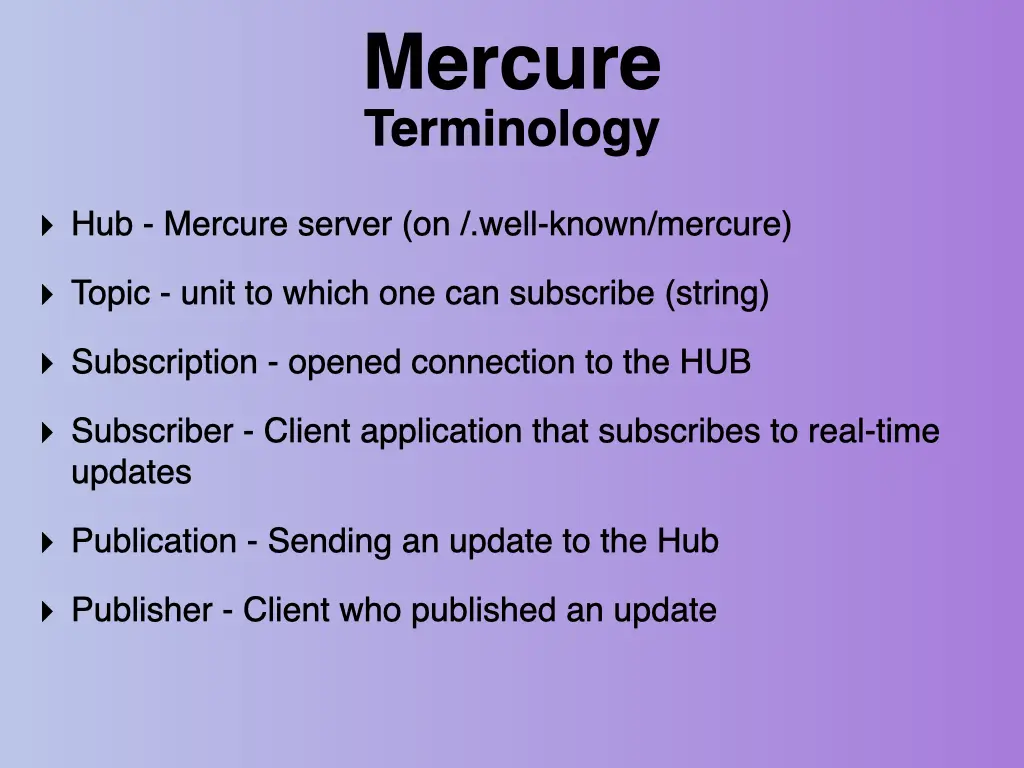
The terminology
- Hub: the Mercure server, on
/.well-known/mercure - Topic: the thing you subscribe to, a string
- Subscription: an open connection to the hub
- Subscriber: the client app that subscribes to updates
- Publication: sending an update to the hub
- Publisher: whoever published the update
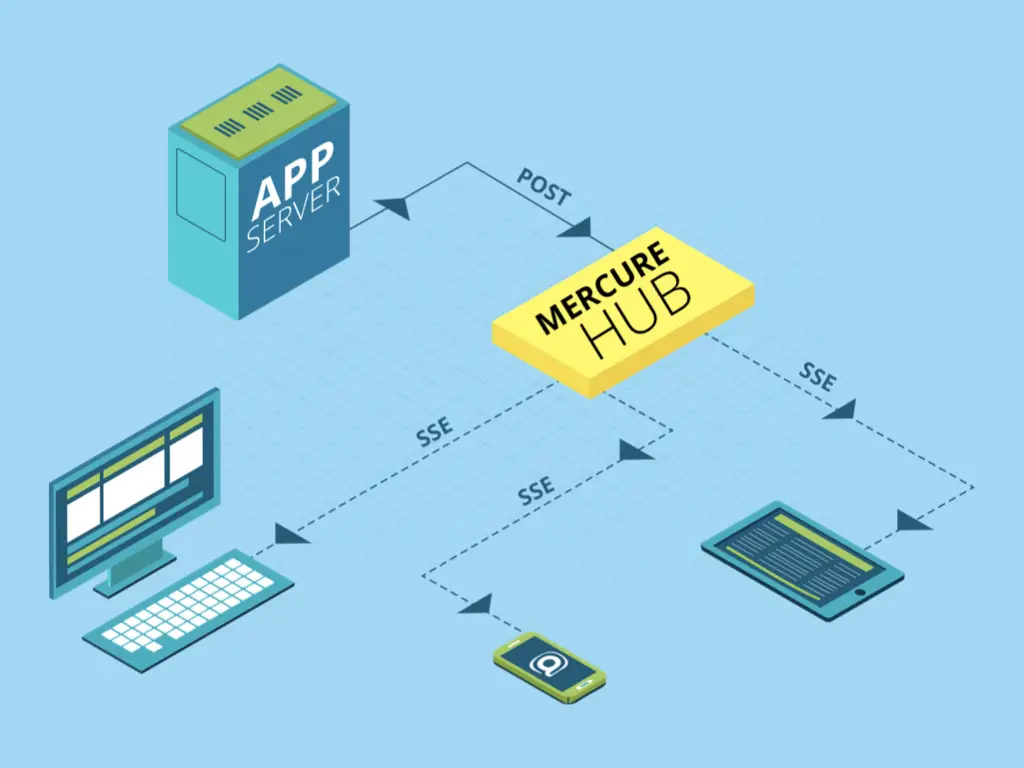
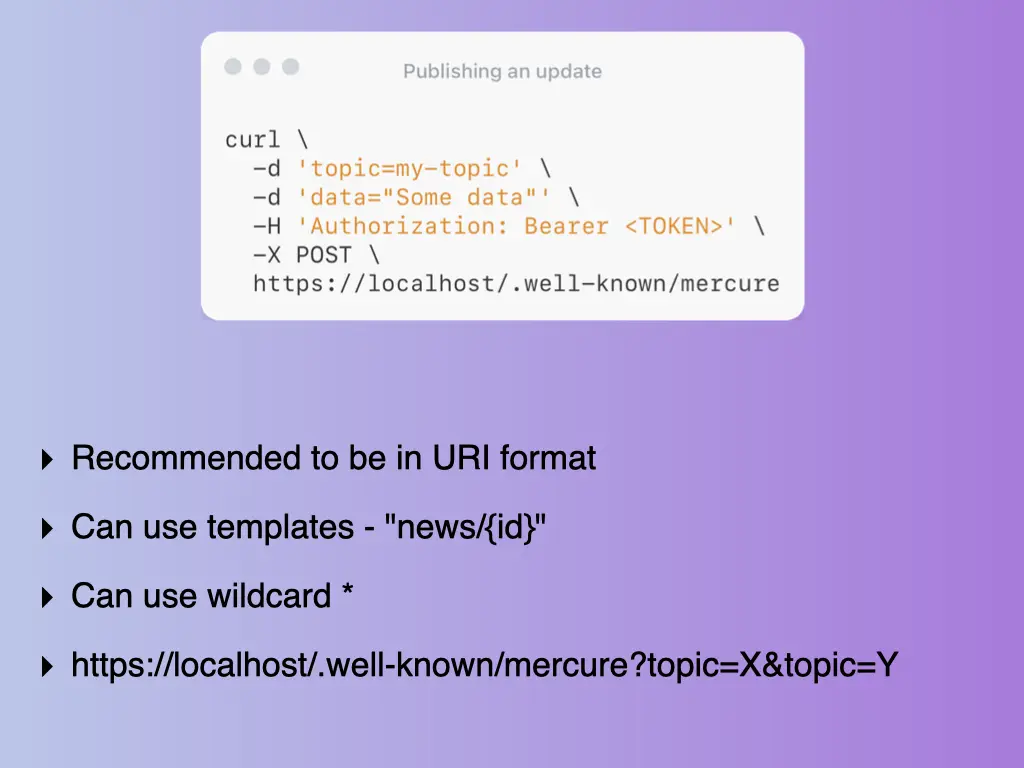
Publishing is a single request:
curl \
  -d 'topic=my-topic' \
  -d 'data="Some data"' \
  -H 'Authorization: Bearer <TOKEN>' \
  -X POST \
  https://localhost/.well-known/mercure
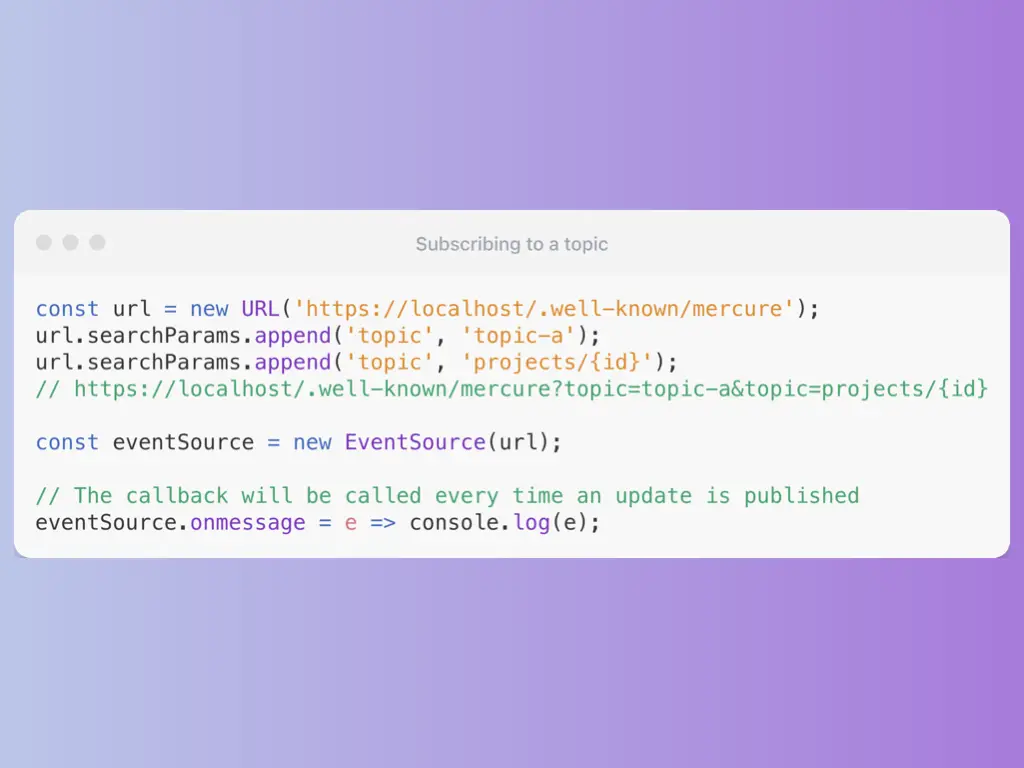
Topics should be URIs. They can use templates like news/{id} and the * wildcard, and you can subscribe to several at once: https://localhost/.well-known/mercure?topic=X&topic=Y. In the browser it’s the native EventSource:
const url = new URL('https://localhost/.well-known/mercure');
url.searchParams.append('topic', 'topic-a');
url.searchParams.append('topic', 'projects/{id}');

const eventSource = new EventSource(url);

// The callback will be called every time an update is published
eventSource.onmessage = e => console.log(e);
When it’s worth it
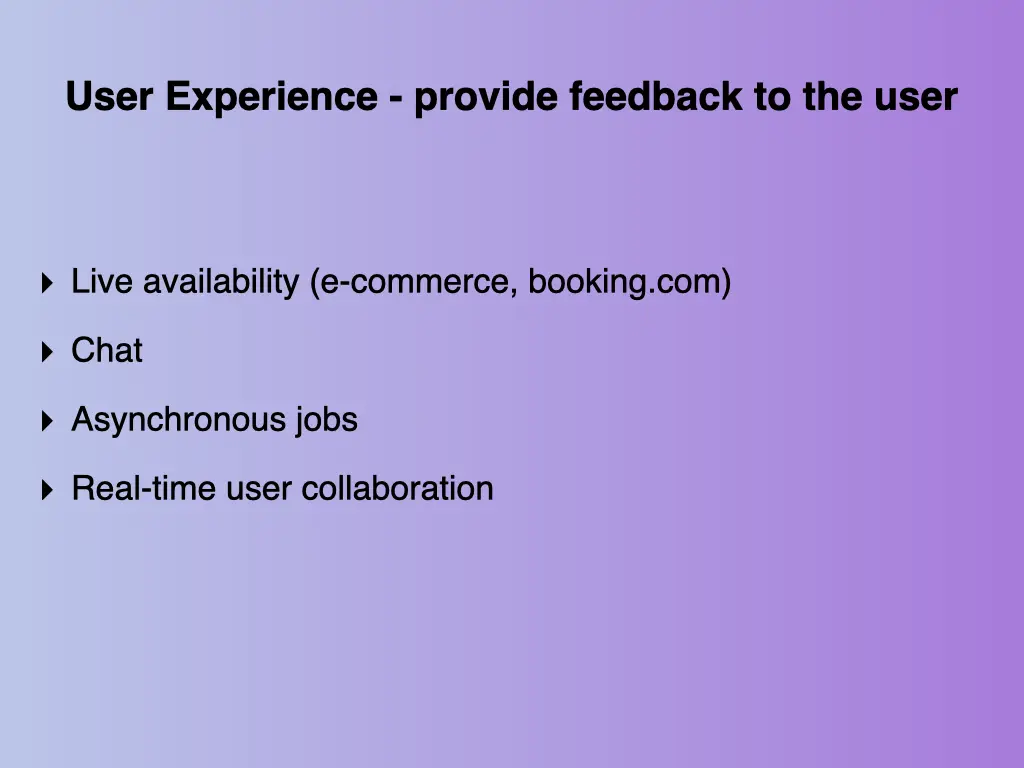
Not every application benefits from Mercure. It’s about user experience: giving the user feedback. Good fits are live availability (e-commerce, booking.com), chat, asynchronous jobs and real-time collaboration.
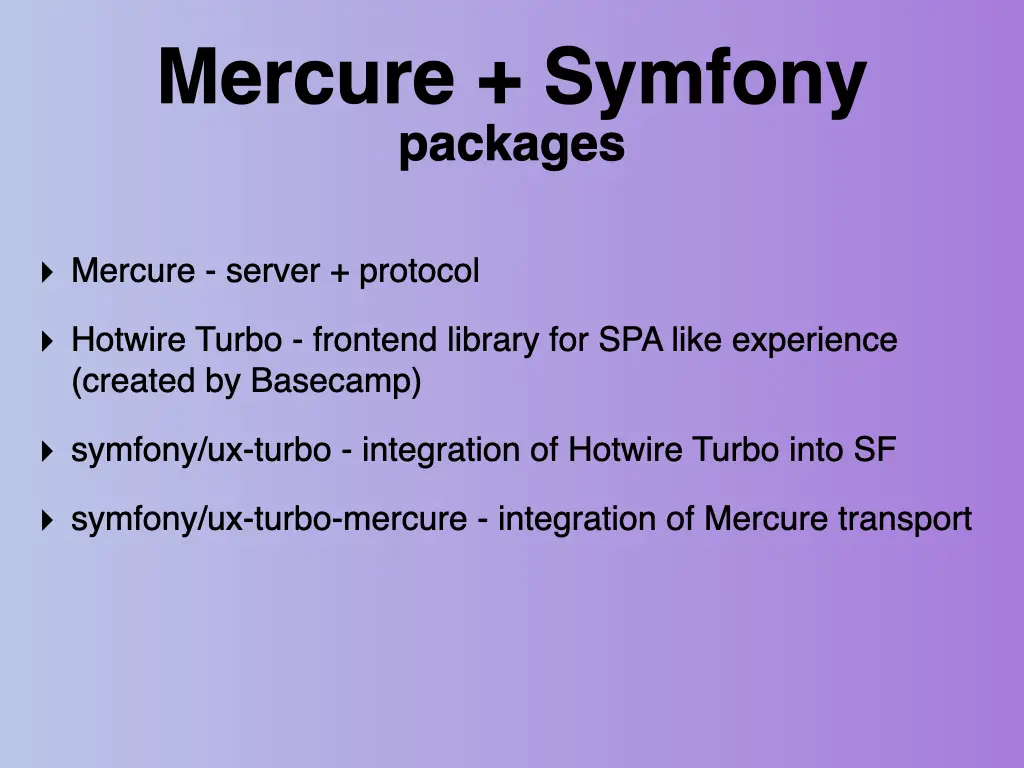
The Symfony pieces
- Mercure: the server and the protocol
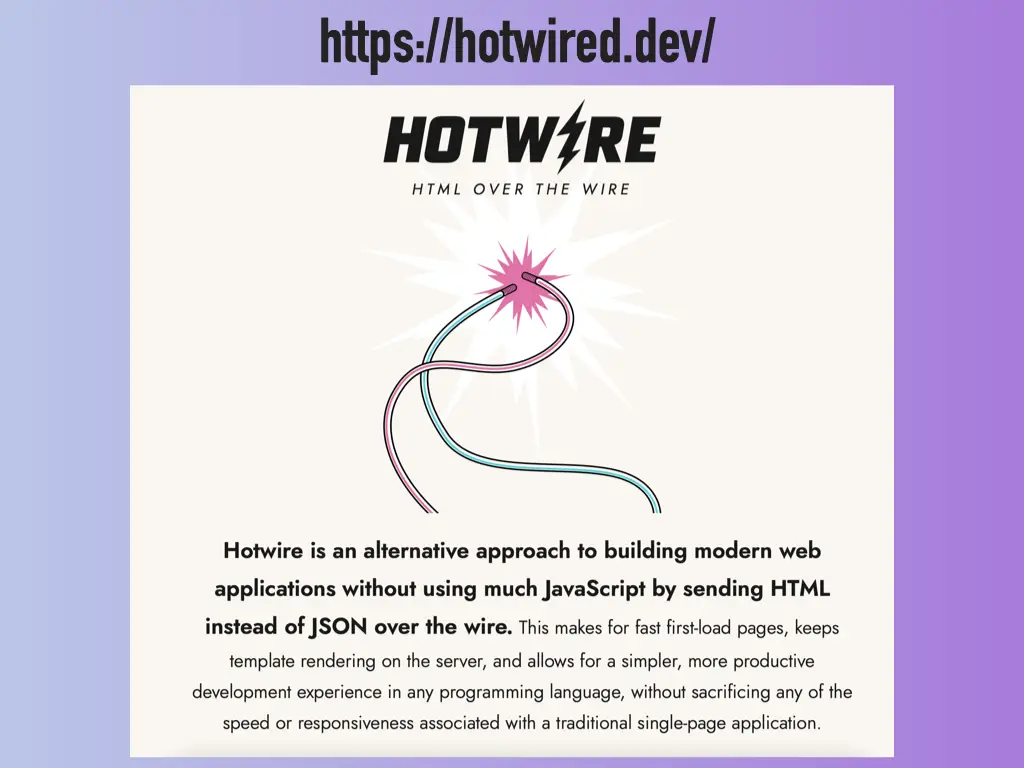
- Hotwire Turbo: a frontend library from Basecamp for an SPA-like experience by sending HTML over the wire instead of JSON
- symfony/ux-turbo: Hotwire Turbo integrated into Symfony
- symfony/ux-turbo-mercure: Mercure as the transport for Turbo
The use case in Peon
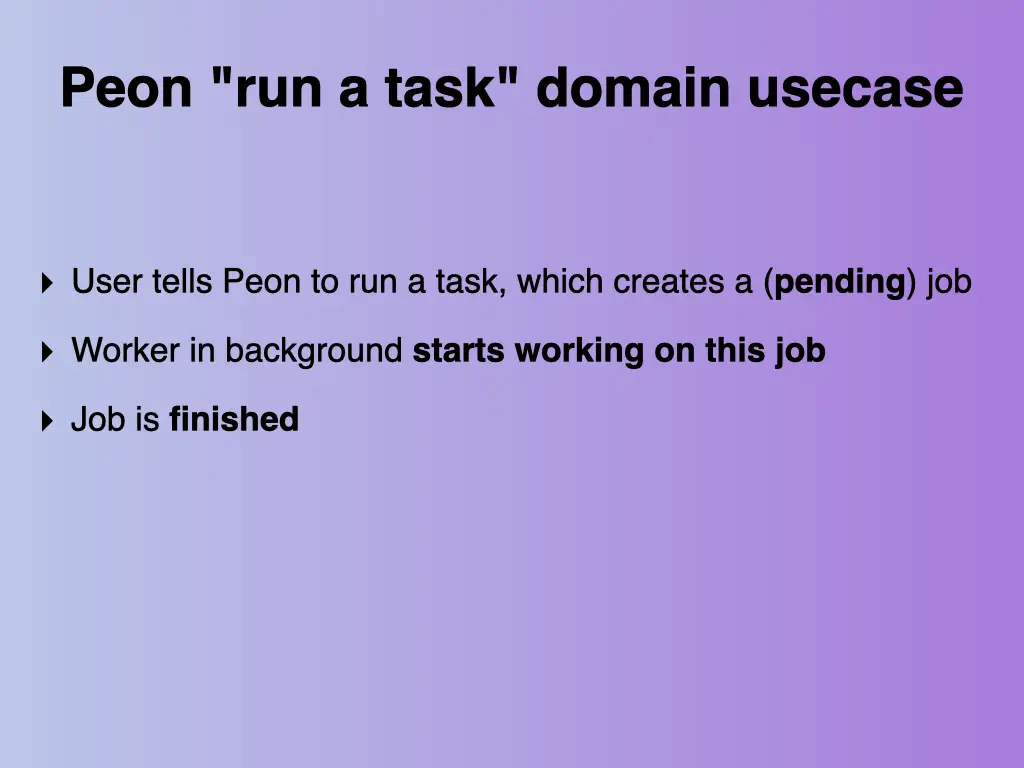
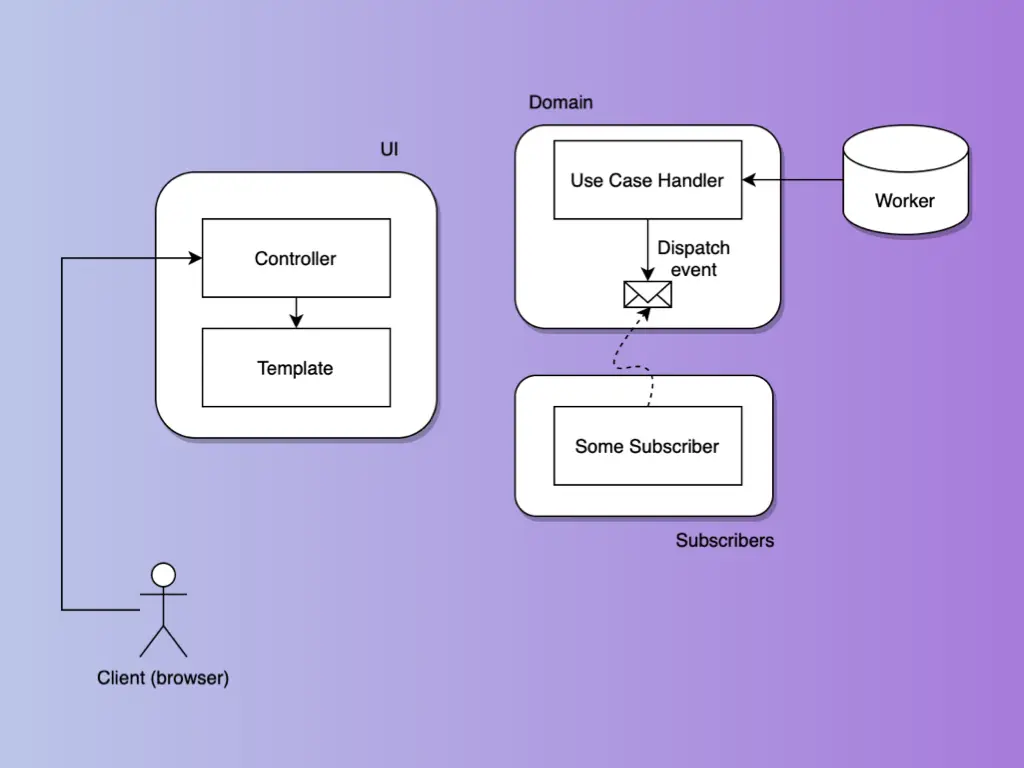
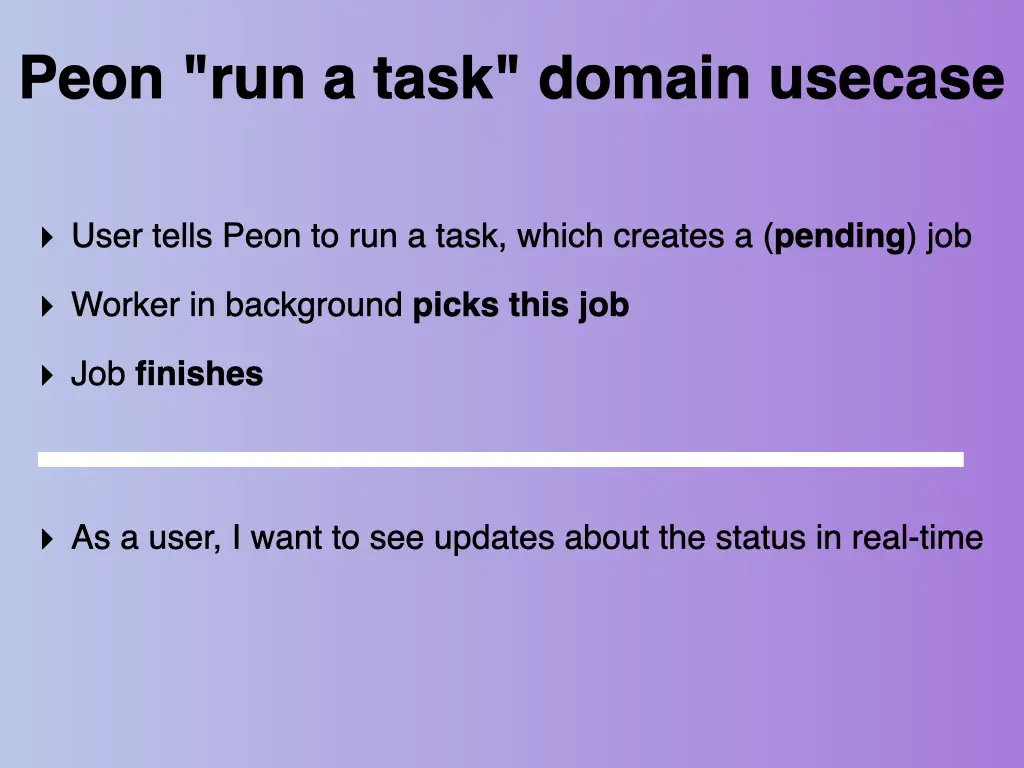
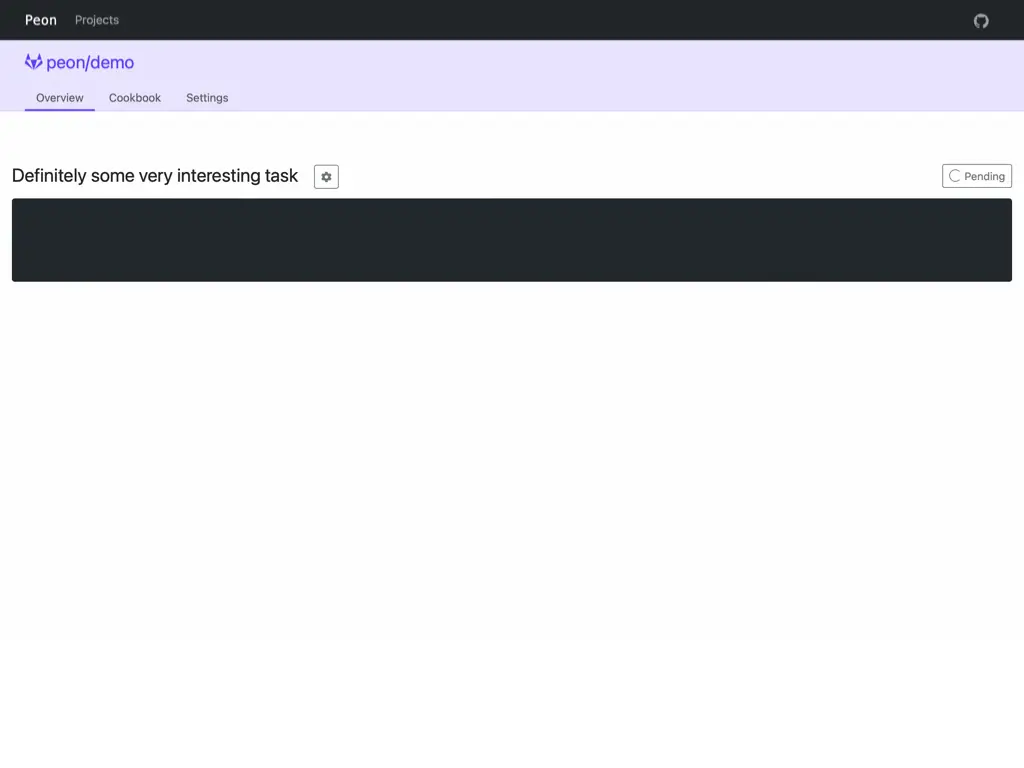
Peon runs tasks on your repositories. The domain use case: the user tells Peon to run a task, which creates a pending job. A worker in the background picks the job up and starts working on it. Then the job finishes.
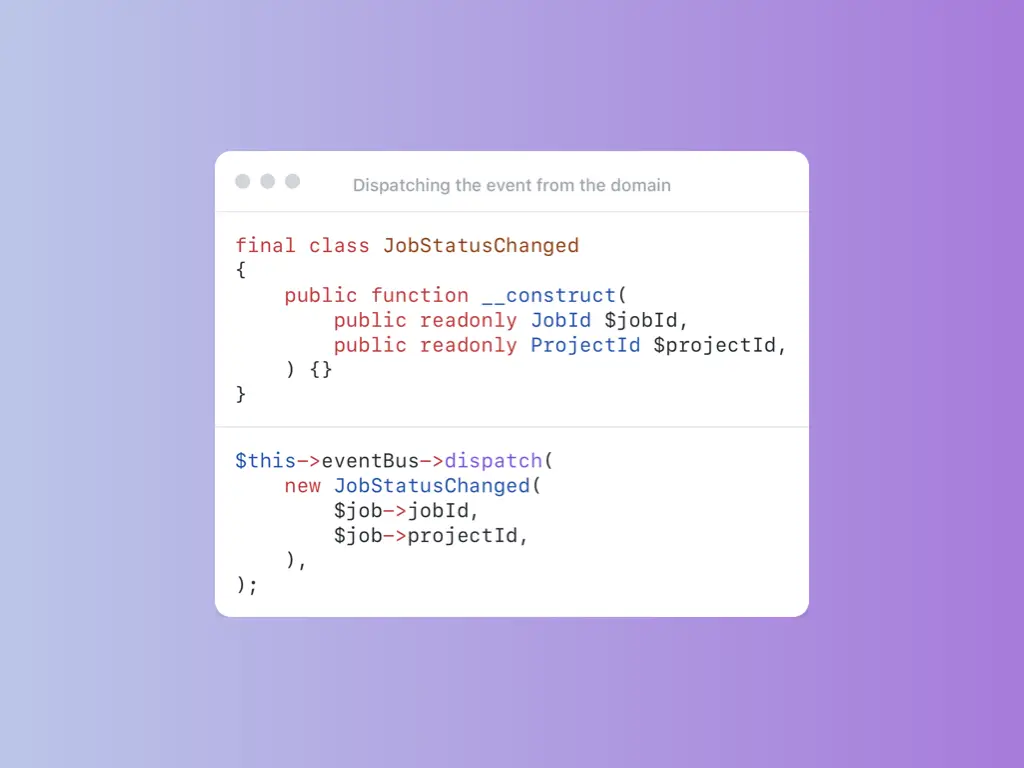
Whenever the status changes, the domain dispatches an event:
final class JobStatusChanged
{
    public function __construct(
        public readonly JobId $jobId,
        public readonly ProjectId $projectId,
    ) {}
}

$this->eventBus->dispatch(
    new JobStatusChanged(
        $job->jobId,
        $job->projectId,
    ),
);
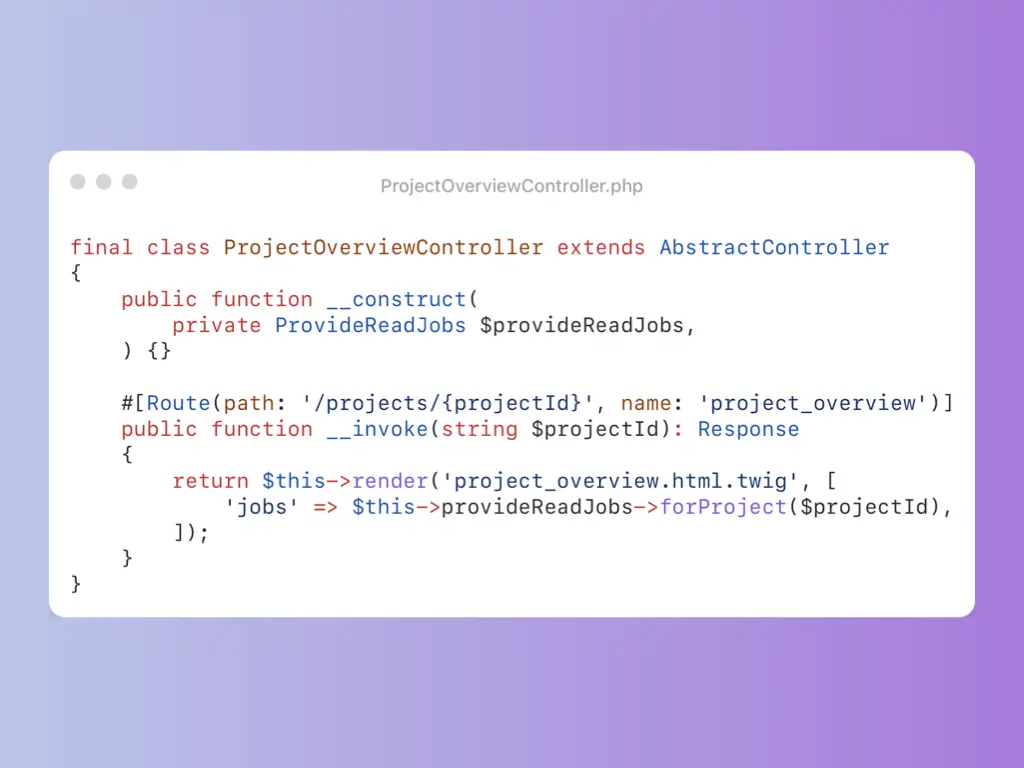
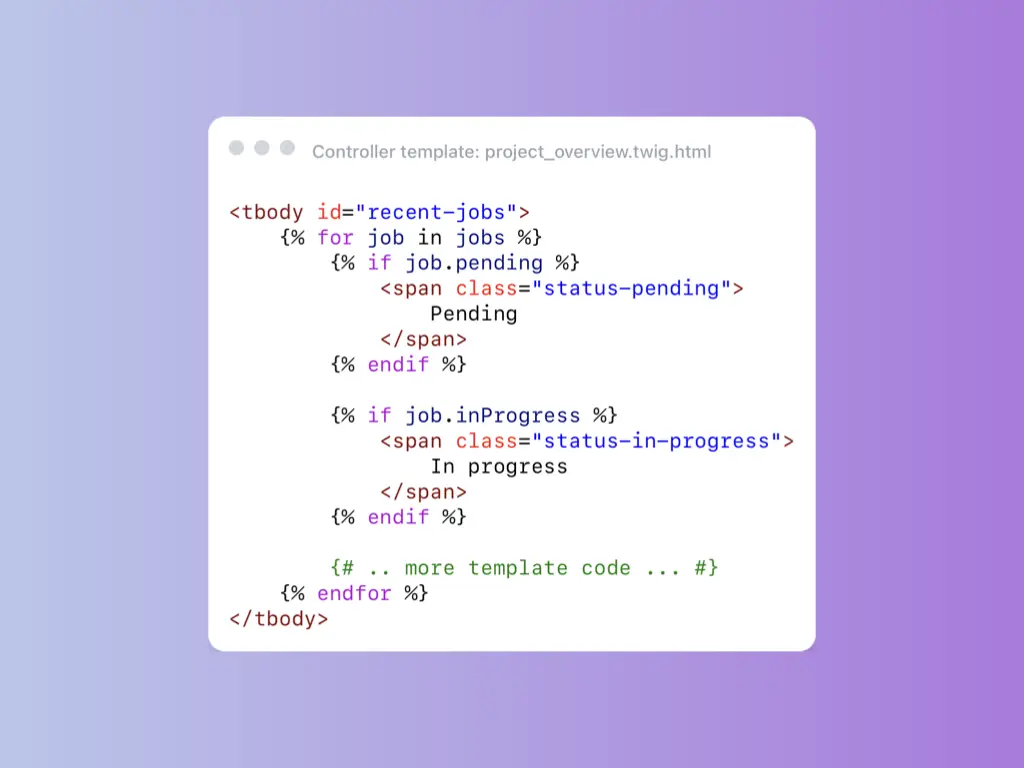
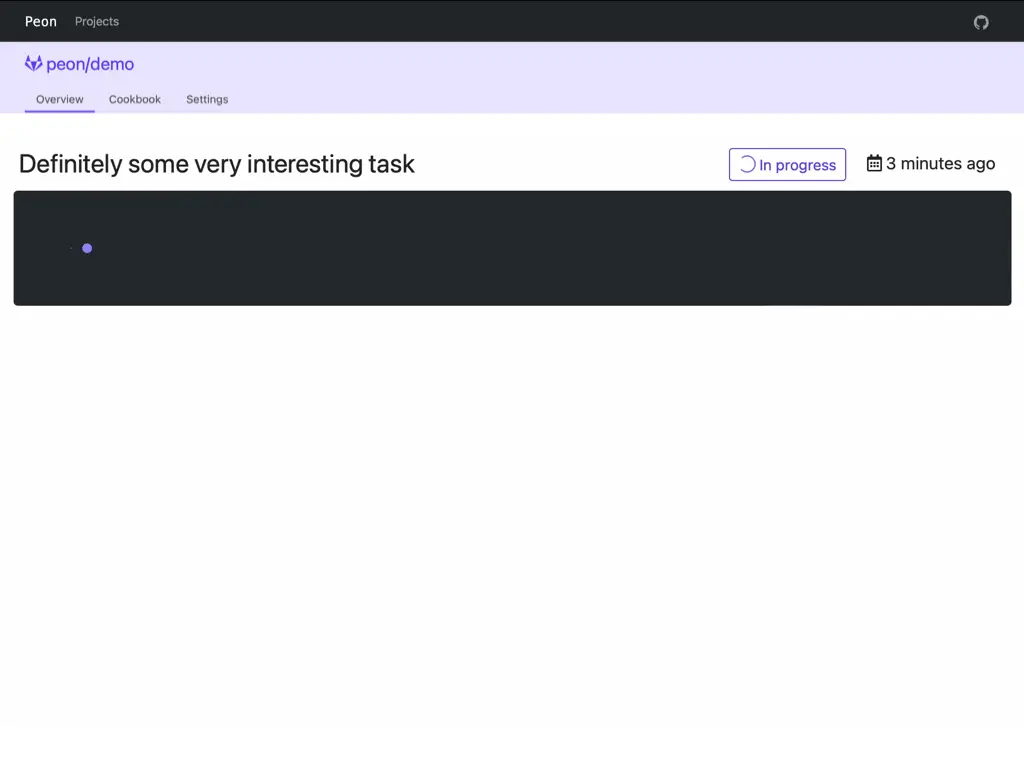
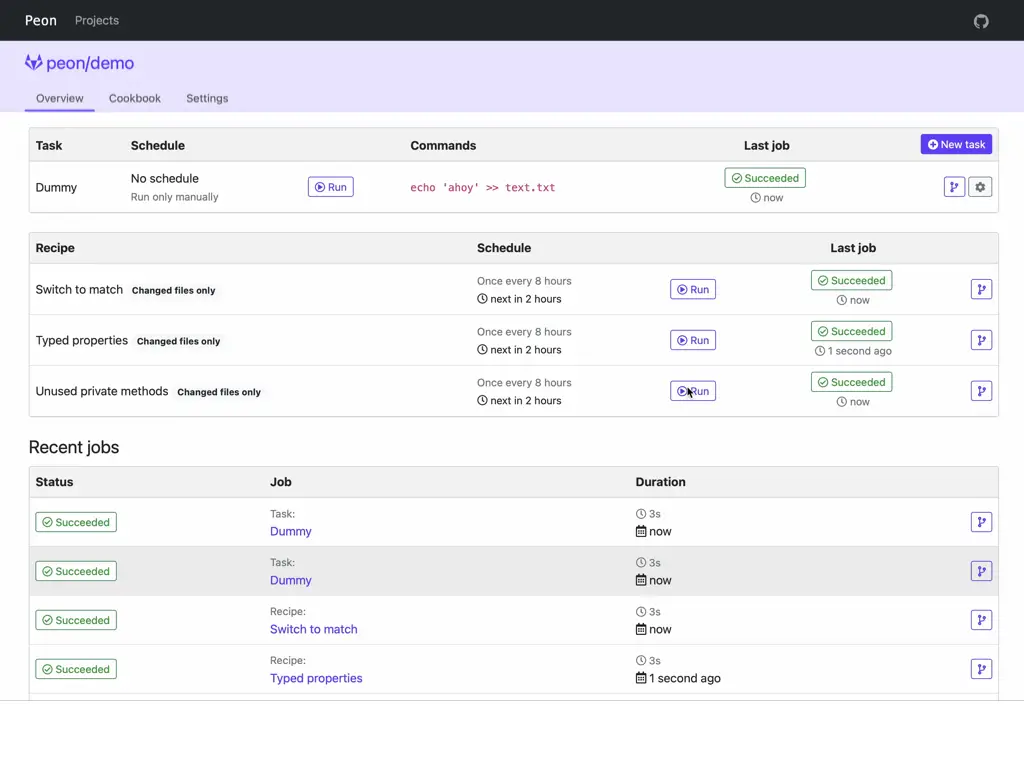
The page itself is ordinary: ProjectOverviewController loads the read jobs for the project and renders project_overview.html.twig, a table that shows “Pending” or “In progress” for each job.
That’s the standard, poor user experience. You open the page, the job says “In progress”, and it keeps saying so until you refresh. The new requirement: as a user, I want to see status updates in real time.
Adding Mercure without touching the domain
Before you start, you need basic knowledge of Mercure and Hotwire Turbo, a running Mercure hub, and symfony/ux-turbo-mercure installed and configured.
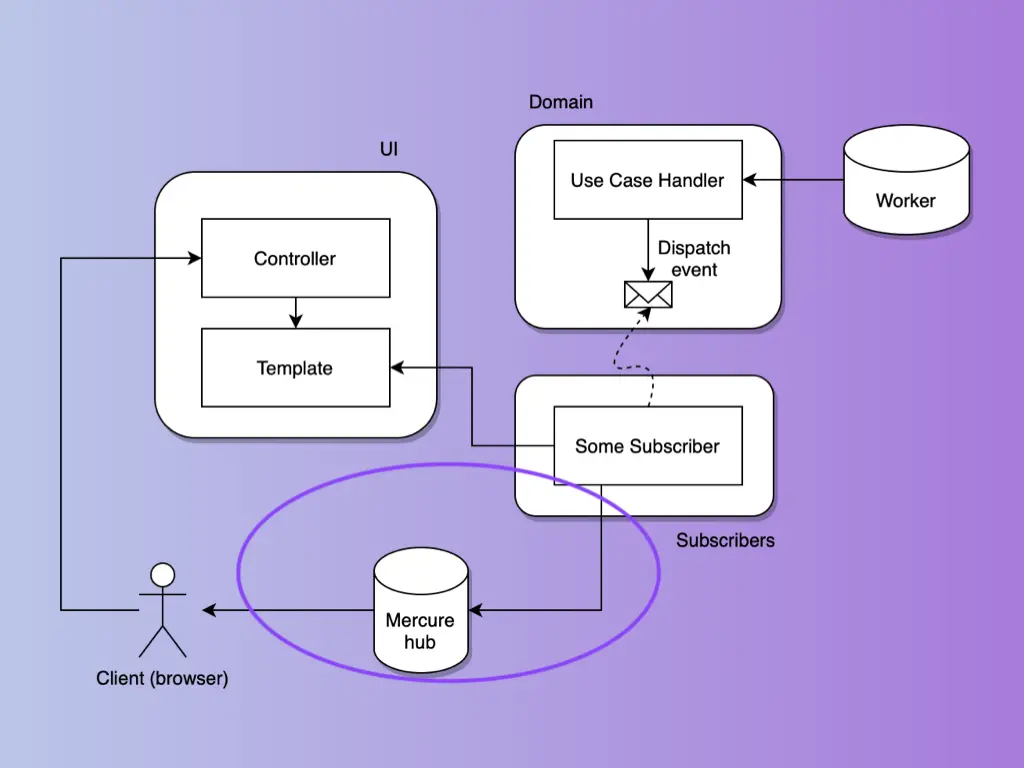
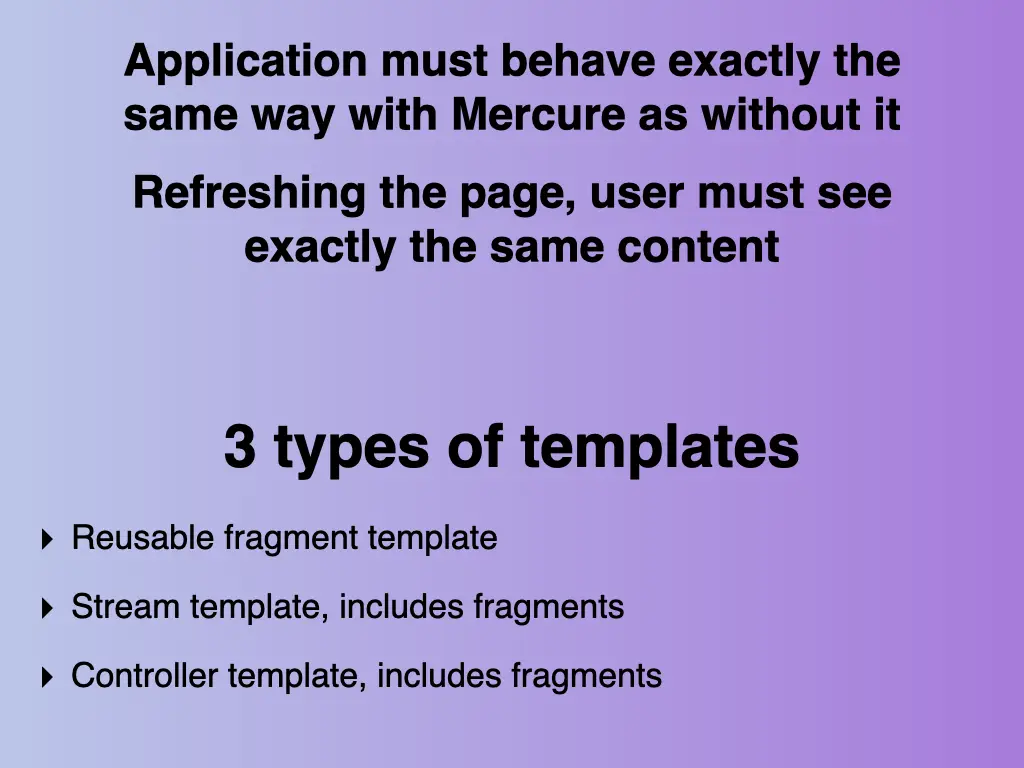
One rule I hold to: the application must behave exactly the same way with Mercure as without it. If the user refreshes the page, they must see exactly the same content. That leads to three types of templates:
- A reusable fragment template
- A stream template that includes the fragments
- The controller template that includes the fragments
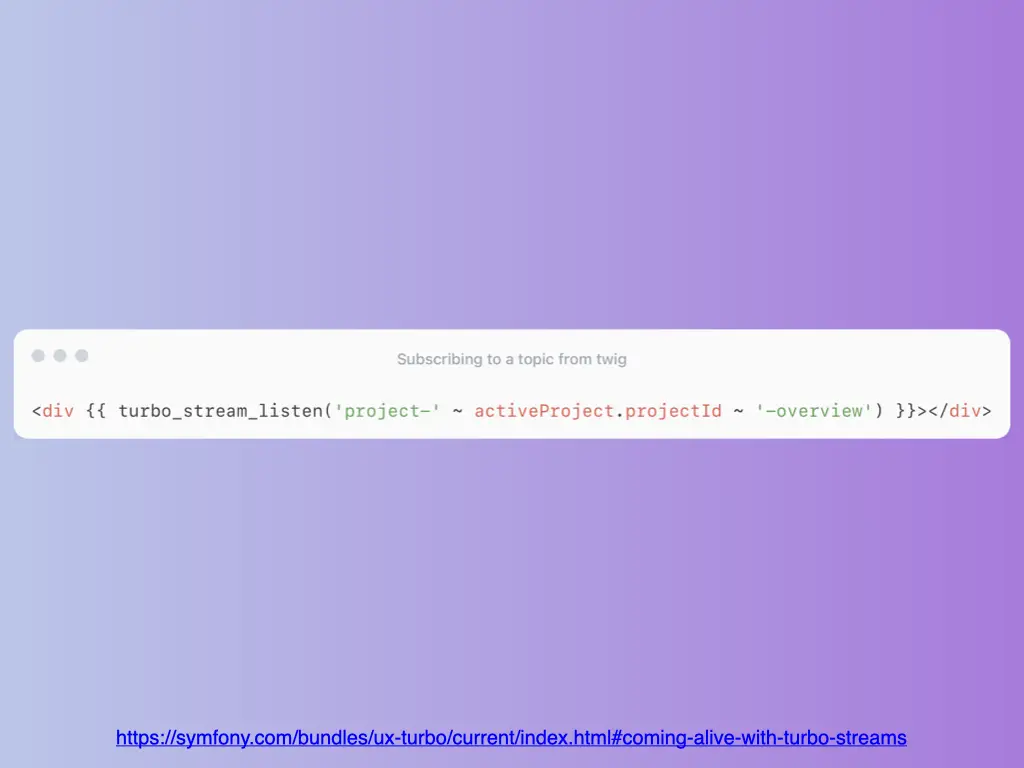
First, the page subscribes to a topic from Twig:
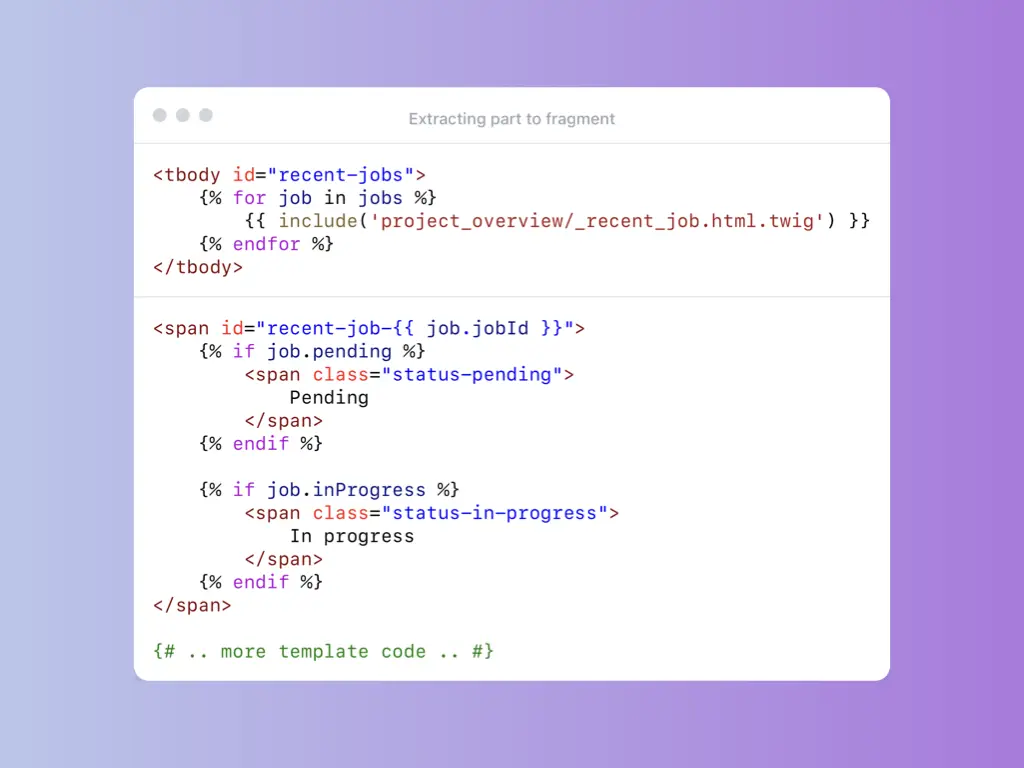
<div {{ turbo_stream_listen('project-' ~ activeProject.projectId ~ '-overview') }}></div>Then the row of the table moves into its own fragment, _recent_job.html.twig, with a stable id, and the controller template just includes it in the loop:
<tbody id="recent-jobs">
    {% for job in jobs %}
        {{ include('project_overview/_recent_job.html.twig') }}
    {% endfor %}
</tbody>

<span id="recent-job-{{ job.jobId }}">
    {% if job.pending %}
        <span class="status-pending">Pending</span>
    {% endif %}
    {# .. more template code .. #}
</span>
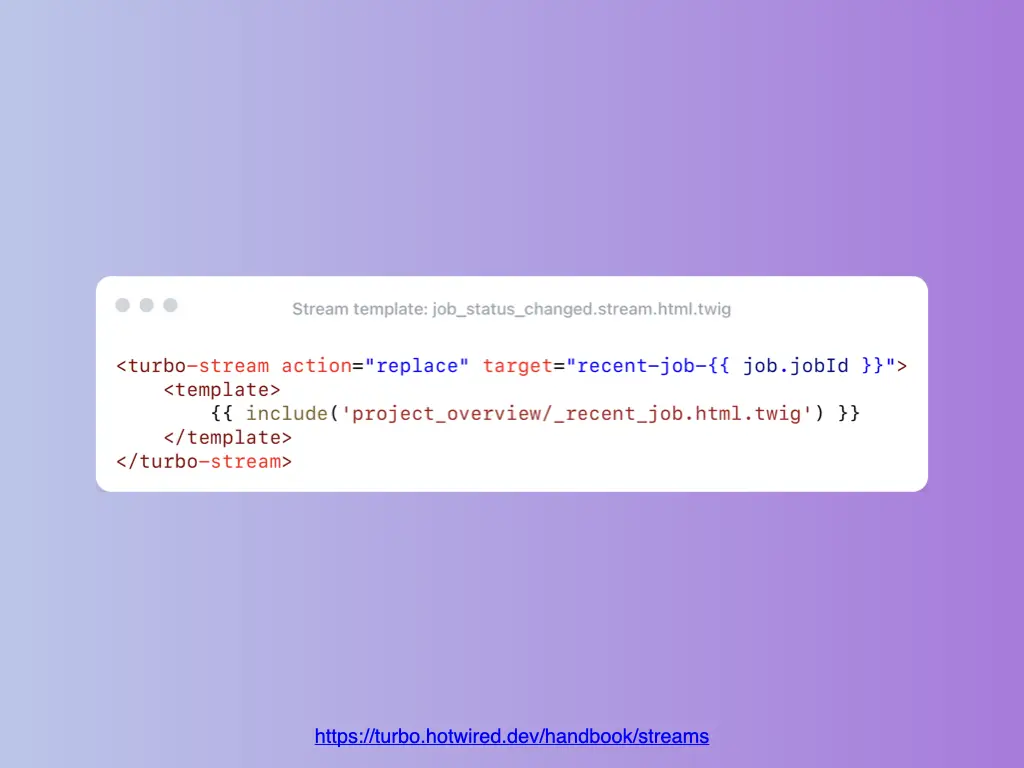
The stream template wraps the same fragment in a Turbo Stream that replaces the element with that id:
<turbo-stream action="replace" target="recent-job-{{ job.jobId }}">
    <template>
        {{ include('project_overview/_recent_job.html.twig') }}
    </template>
</turbo-stream>
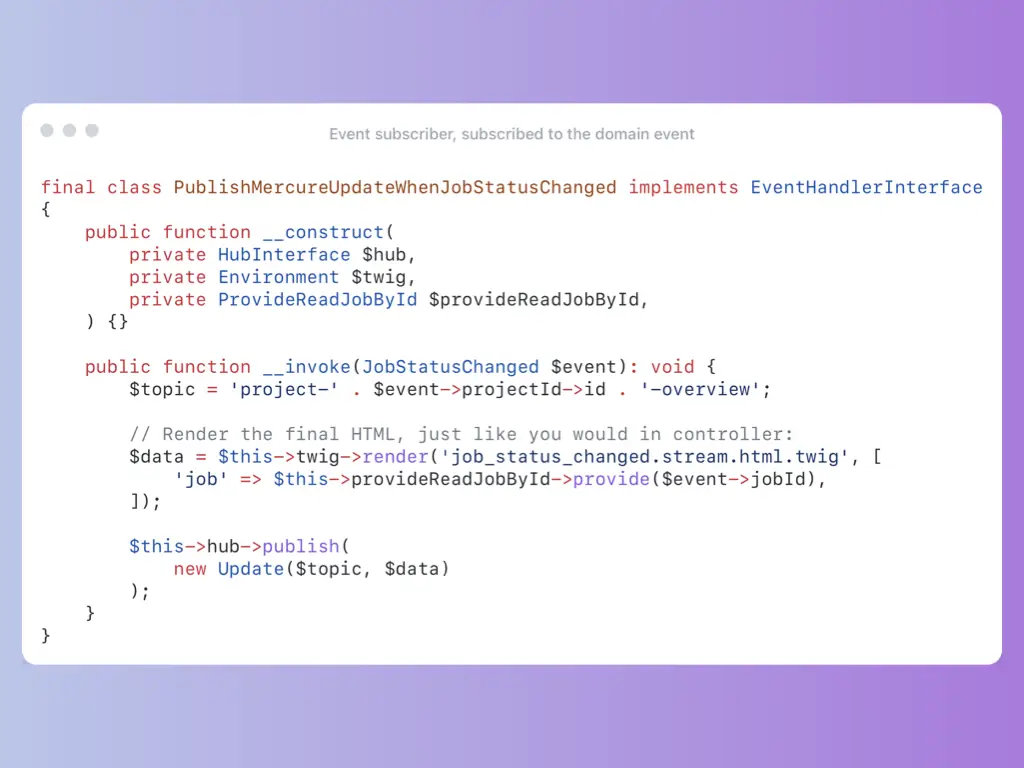
And the event subscriber renders the final HTML, just like a controller would, and publishes it to the hub:
final class PublishMercureUpdateWhenJobStatusChanged implements EventHandlerInterface
{
    public function __construct(
        private HubInterface $hub,
        private Environment $twig,
        private ProvideReadJobById $provideReadJobById,
    ) {}

    public function __invoke(JobStatusChanged $event): void {
        $topic = 'project-' . $event->projectId->id . '-overview';

        // Render the final HTML, just like you would in controller:
        $data = $this->twig->render('job_status_changed.stream.html.twig', [
            'job' => $this->provideReadJobById->provide($event->jobId),
        ]);

        $this->hub->publish(
            new Update($topic, $data)
        );
    }
}
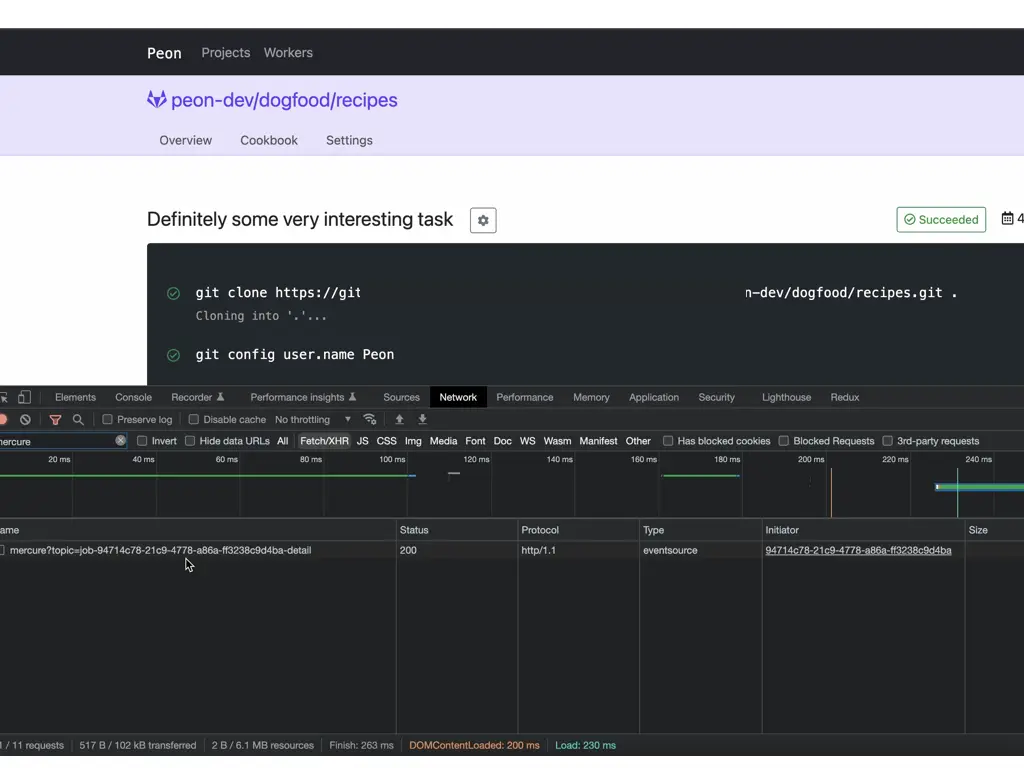
That’s it. The browser keeps one EventSource connection open, the stream arrives, Turbo swaps the row, and the status changes from “Pending” to “In progress” to “Succeeded” on its own. In the browser’s network tab you can see the single eventsource request, and the Mercure debug UI on /.well-known/mercure/ui/ shows the published Turbo Stream HTML.
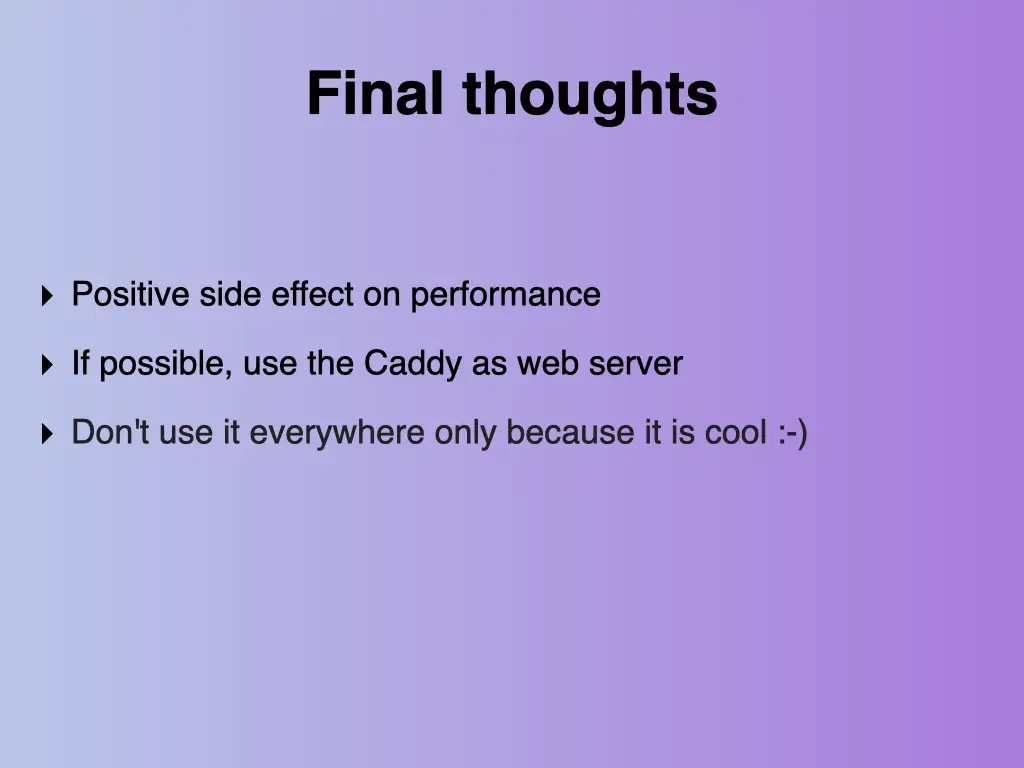
Final thoughts
- There’s a positive side effect on performance.
- If you can, use Caddy as the web server.
- Don’t use it everywhere just because it’s cool.
Kudos to Kévin Dunglas, the author of Mercure.
All 35 slides


Related talks
- PHP app architecture: Symfony + DDD + CQRS, no event sourcing needed · 2022
- Modern PHP web servers · 2024
Video Video in English (AmsterdamPHP) Mercure Symfony UX Turbo Peon on GitHub All talks