Application Performance Monitoring with OpenTelemetry
Application Performance Monitoring (APM) s OpenTelemetry. Why your app is slow, and how to find out before your users tell you. What observability means, how tracing works, and why OpenTelemetry is the way to instrument your code once and send the data anywhere.
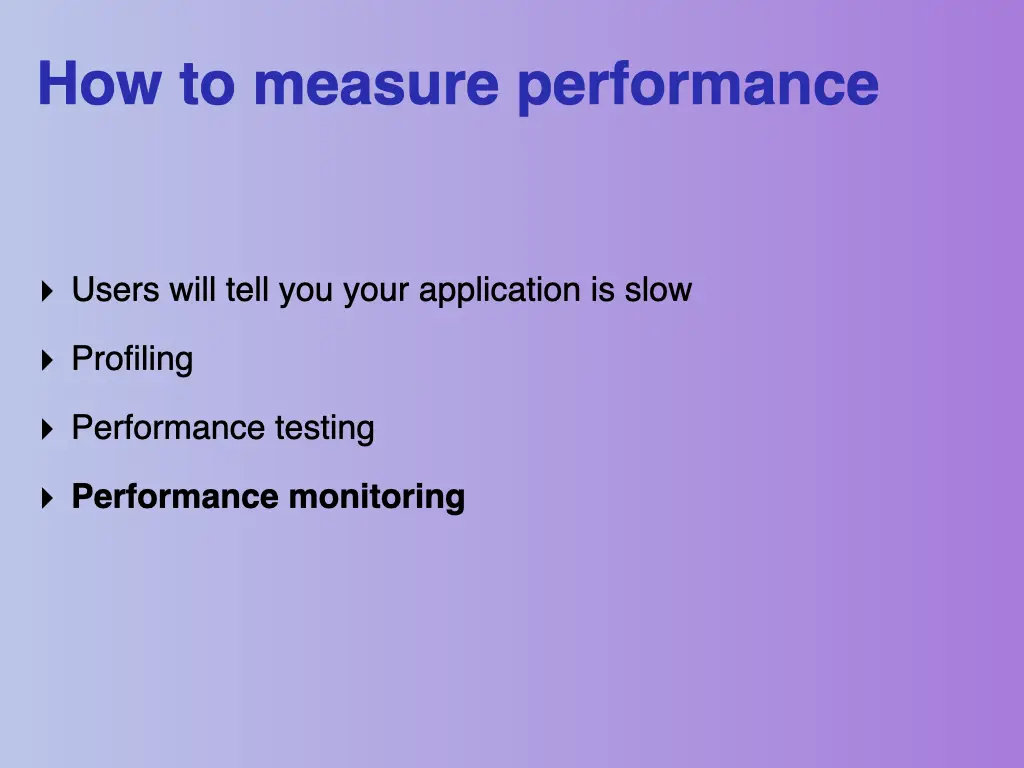
How to measure performance
There are a few ways to find out your app is slow:
- Your users will tell you
- Profiling
- Performance testing
- Performance monitoring
This talk is about the last one.
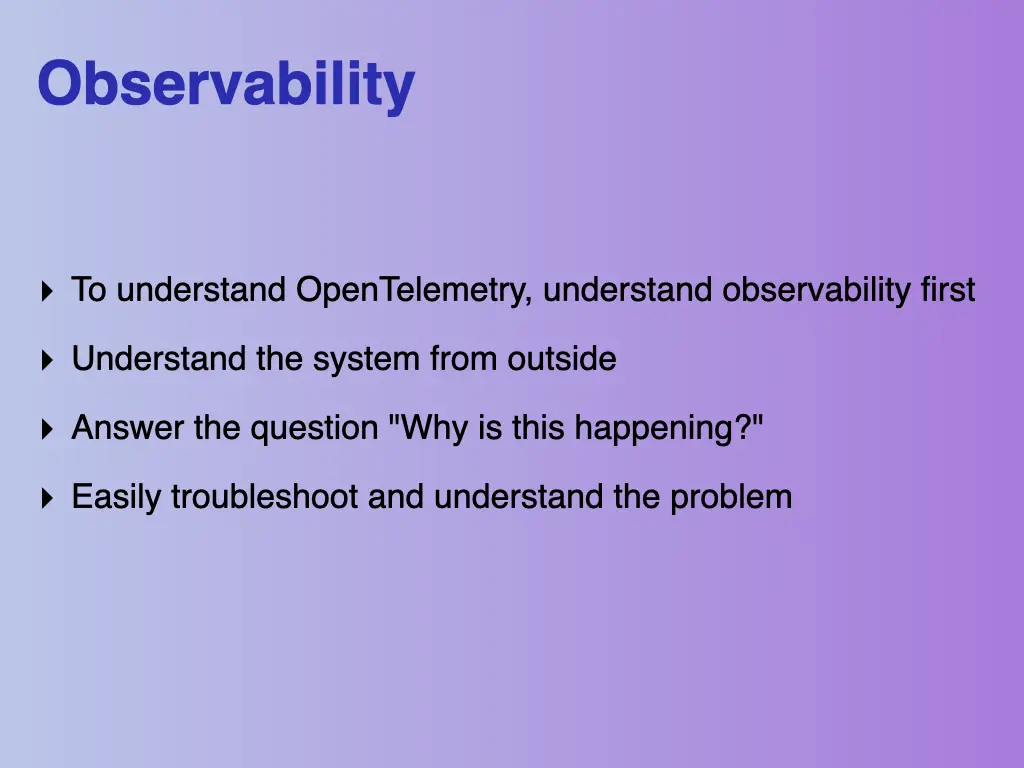
Observability first
To understand OpenTelemetry, you have to understand observability first. Observability means you can understand the system from the outside. You can answer the question “why is this happening?” and easily troubleshoot the problem.
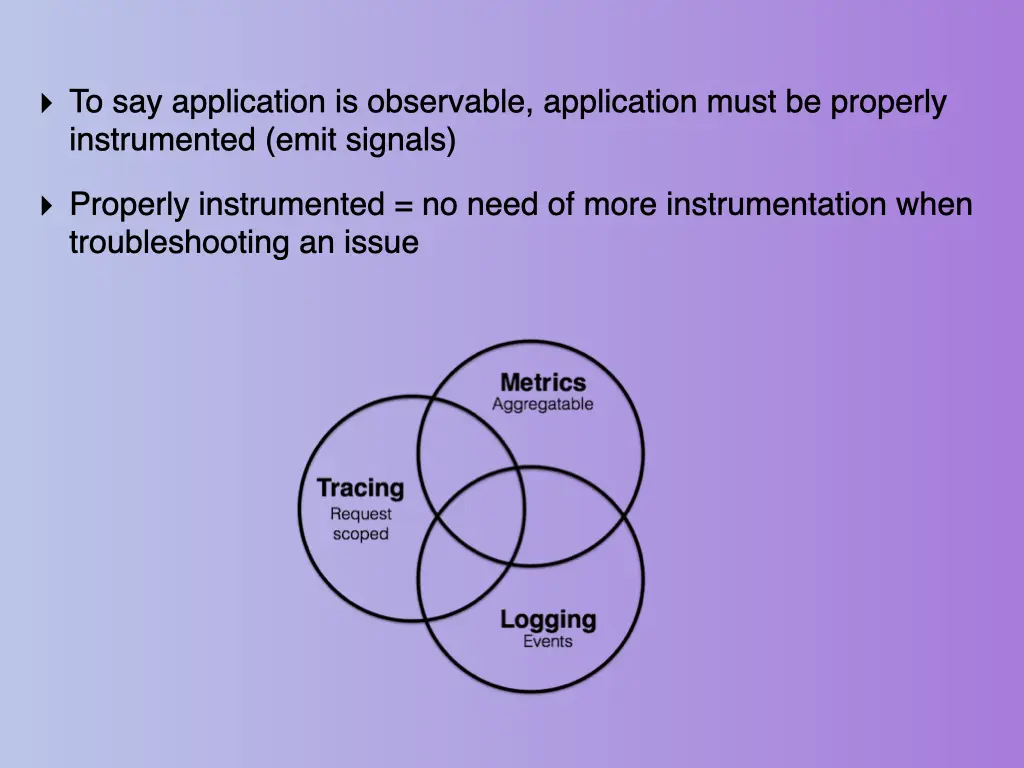
To call an application observable, it must be properly instrumented, which means it emits signals. Properly instrumented means you don’t need to add more instrumentation when you’re troubleshooting an issue. The signals come in three overlapping kinds: metrics, which you can aggregate, tracing, which is scoped to a request, and logging, which records events.
What APM gives you
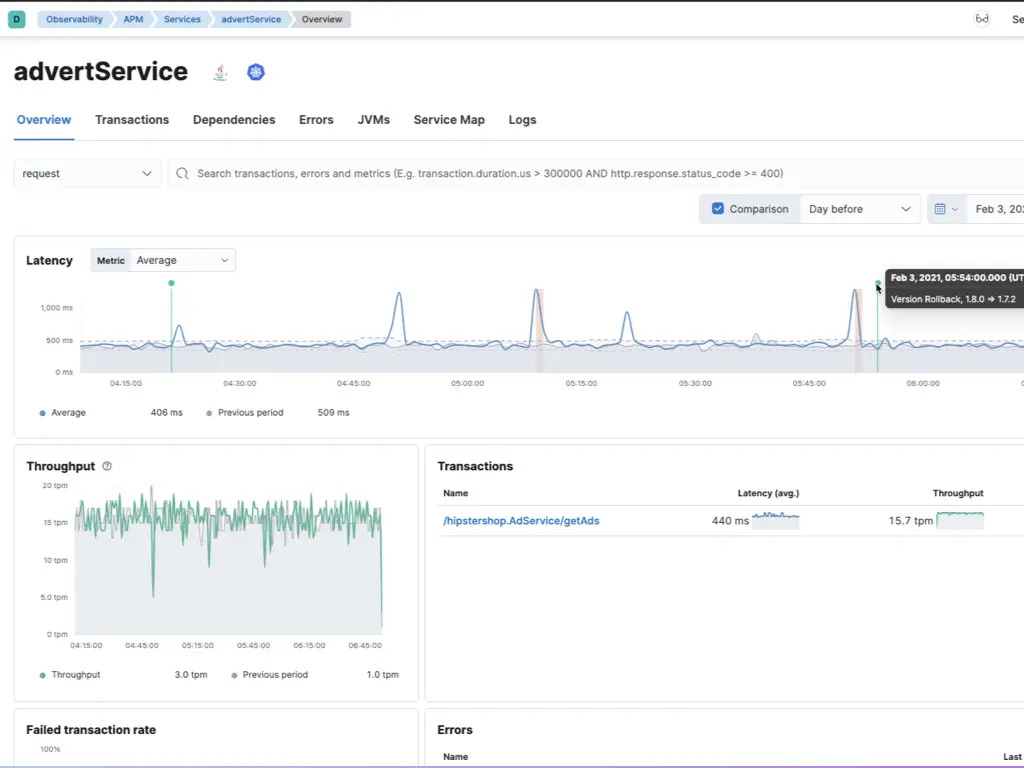
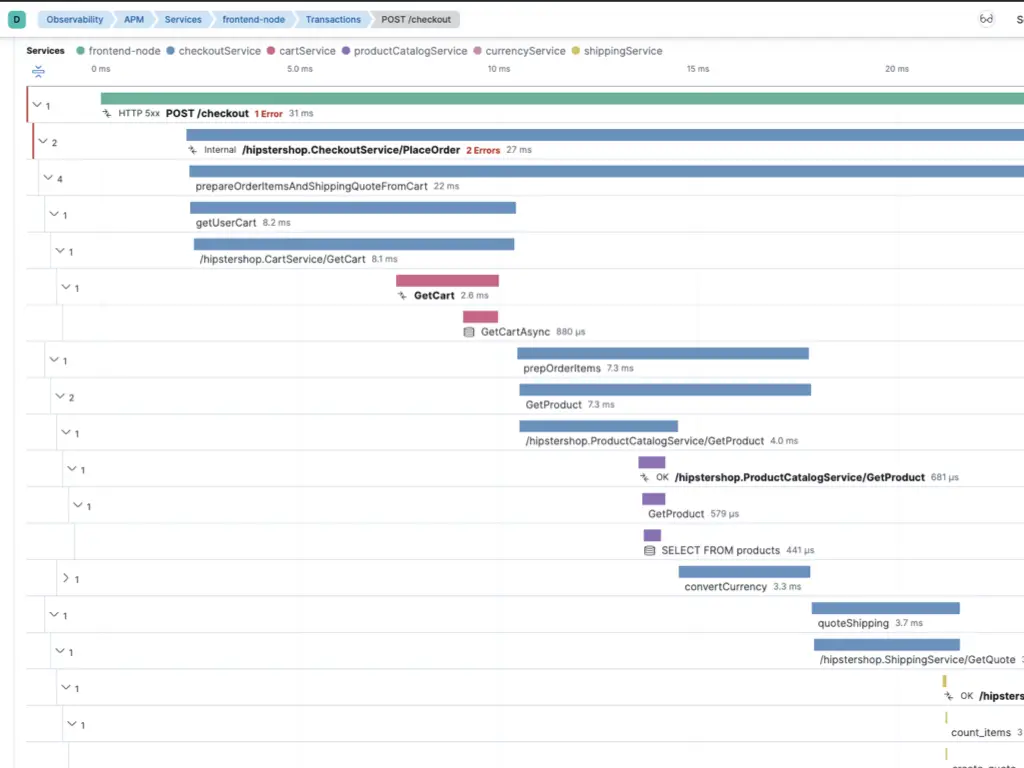
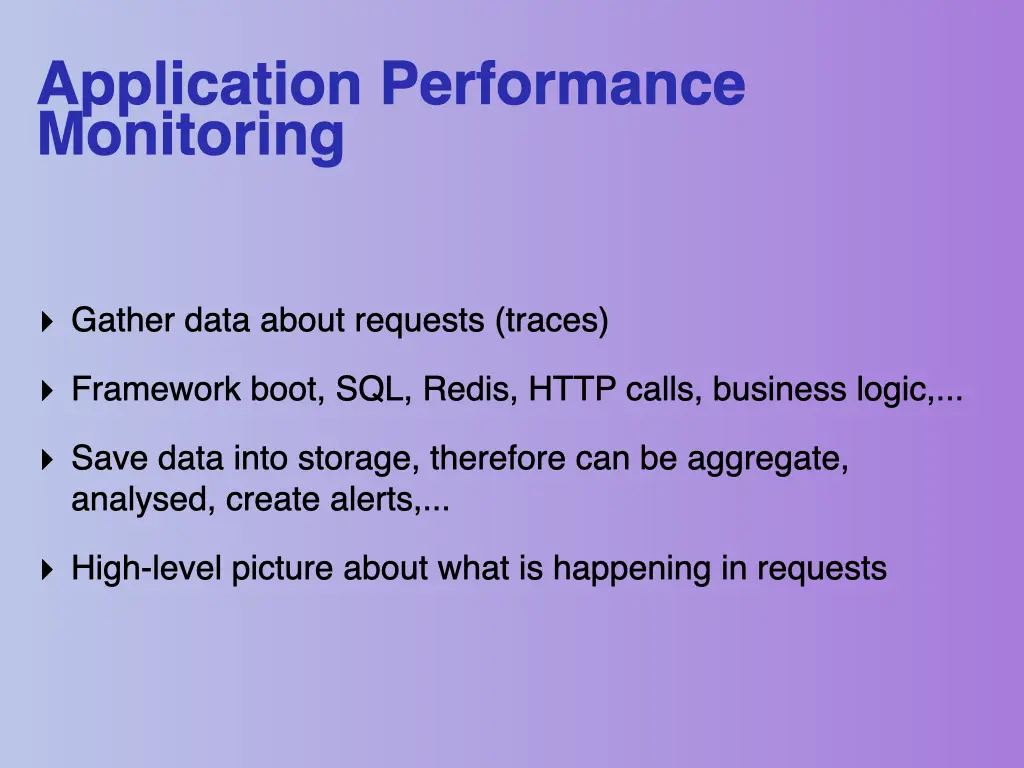
Application Performance Monitoring gathers data about requests, called traces: framework boot, SQL queries, Redis, HTTP calls, business logic and so on. It saves the data into storage, so you can aggregate and analyse it and set up alerts. The result is a high-level picture of what’s happening in your requests.
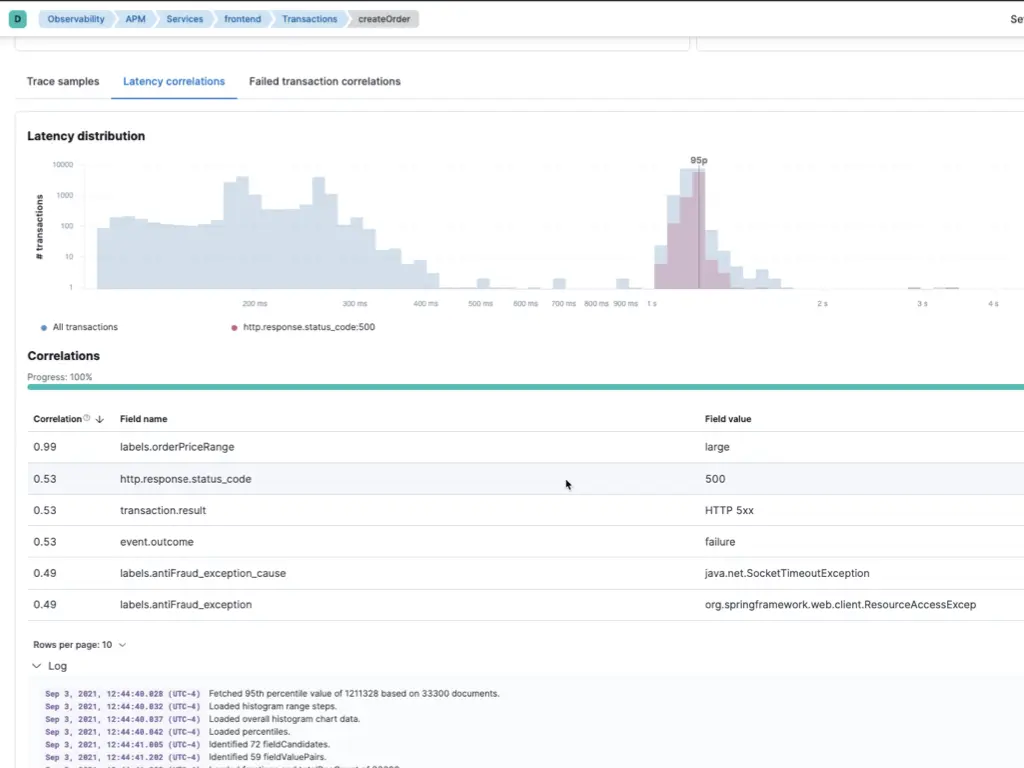
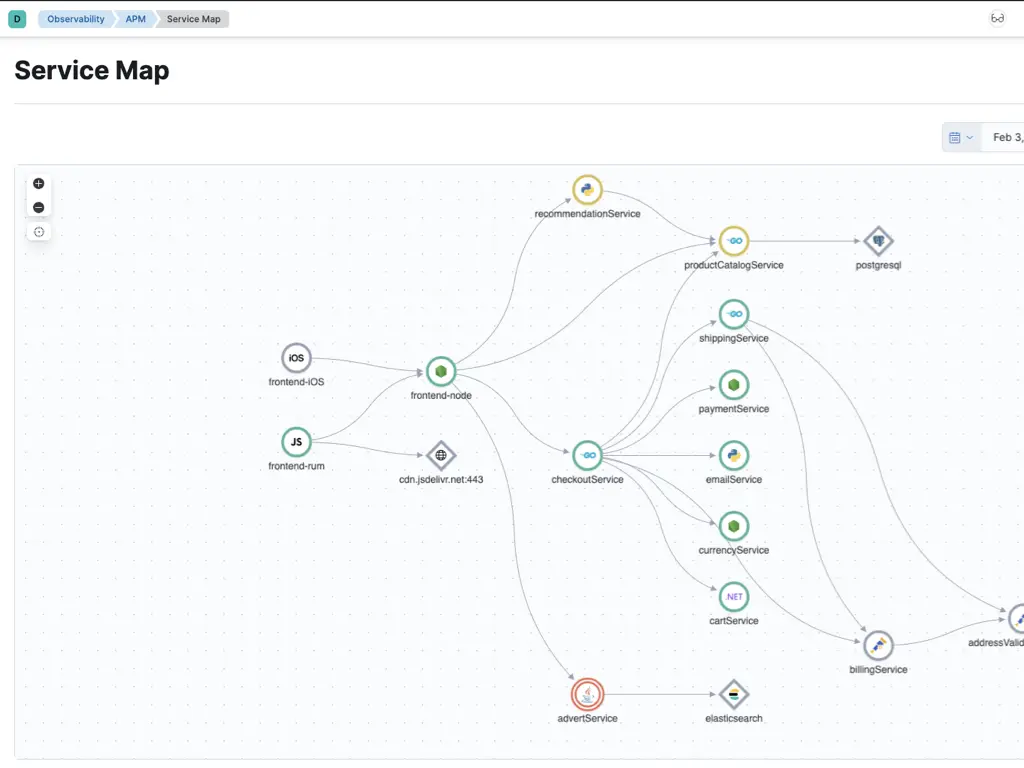
I showed what that looks like in Elastic APM: a service overview with latency, throughput and failed transaction rate compared with the day before, a waterfall of a single checkout request across services, latency distribution with automatic correlations (for example, slow requests correlating with large orders and HTTP 500 responses), and a service map of how all the services call each other.
Traces and spans
Two terms matter:
- Trace (some tools call it a transaction): the whole journey of one request.
- Span: one timed operation inside it. Spans nest: a span can have child spans.
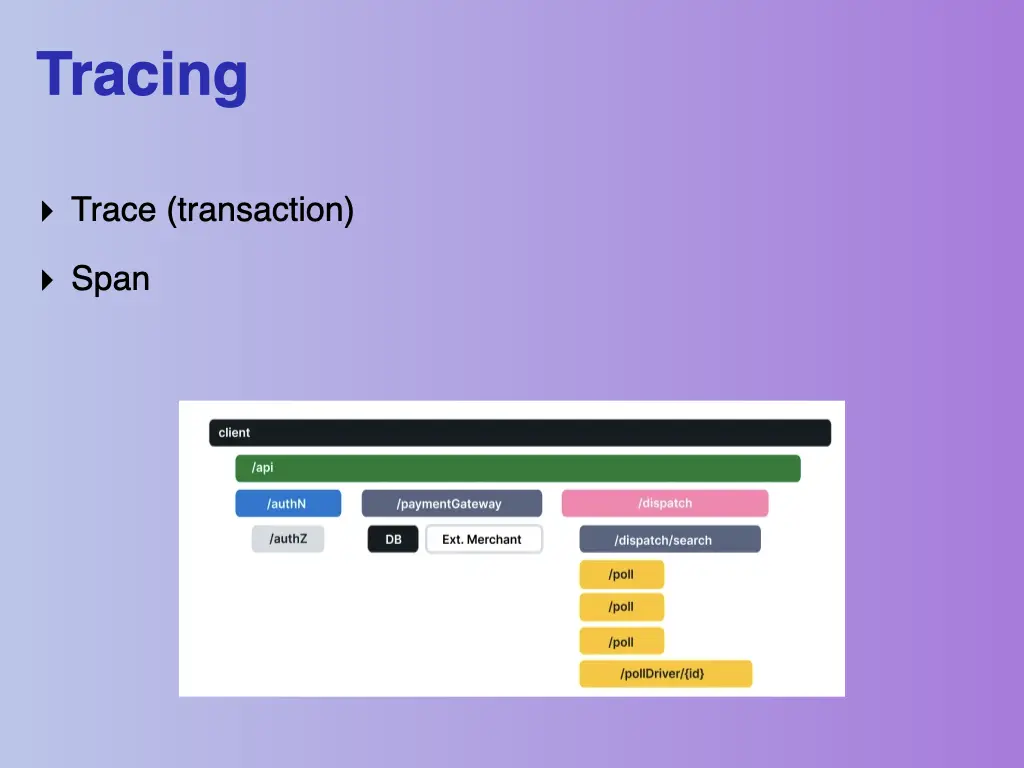
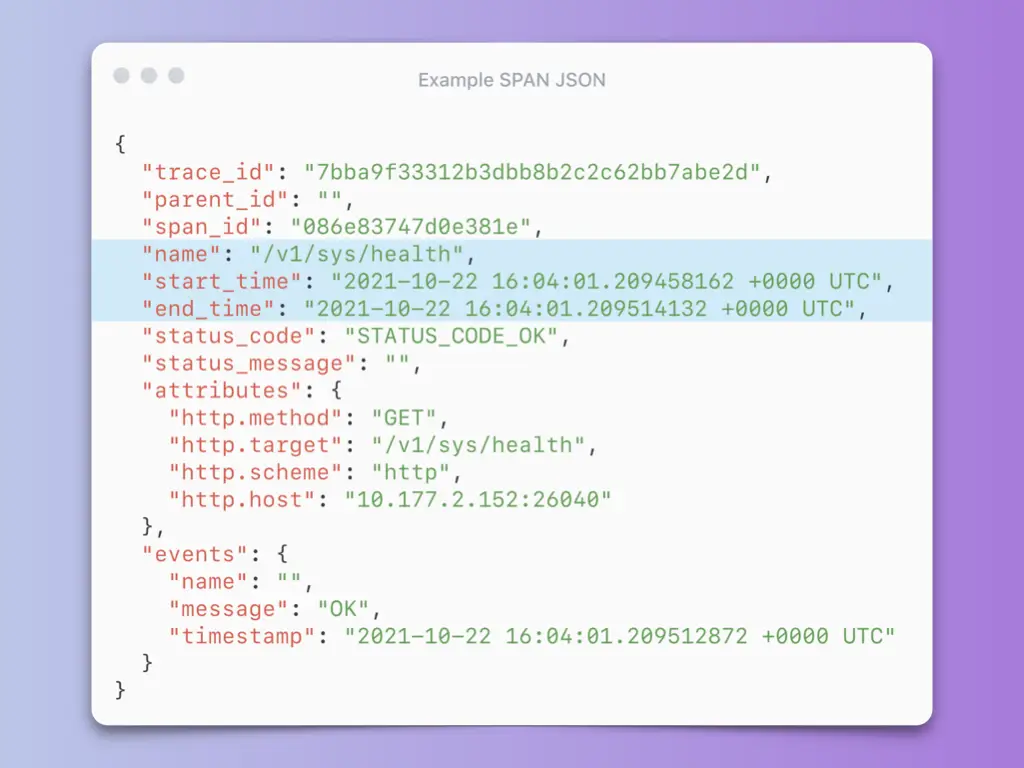
A span is just data. Here’s an example span as JSON:
{
  "trace_id": "7bba9f33312b3dbb8b2c2c62bb7abe2d",
  "parent_id": "",
  "span_id": "086e83747d0e381e",
  "name": "/v1/sys/health",
  "start_time": "2021-10-22 16:04:01.209458162 +0000 UTC",
  "end_time": "2021-10-22 16:04:01.209514132 +0000 UTC",
  "status_code": "STATUS_CODE_OK",
  "status_message": "",
  "attributes": {
    "http.method": "GET",
    "http.target": "/v1/sys/health",
    "http.scheme": "http",
    "http.host": "10.177.2.152:26040"
  },
  "events": {
    "name": "",
    "message": "OK",
    "timestamp": "2021-10-22 16:04:01.209512872 +0000 UTC"
  }
}
No silver bullet
There are many APM tools: Datadog, New Relic, SolarWinds, AppDynamics, Blackfire, Dynatrace, Sentry, Elastic APM. Choosing one used to mean committing to it:
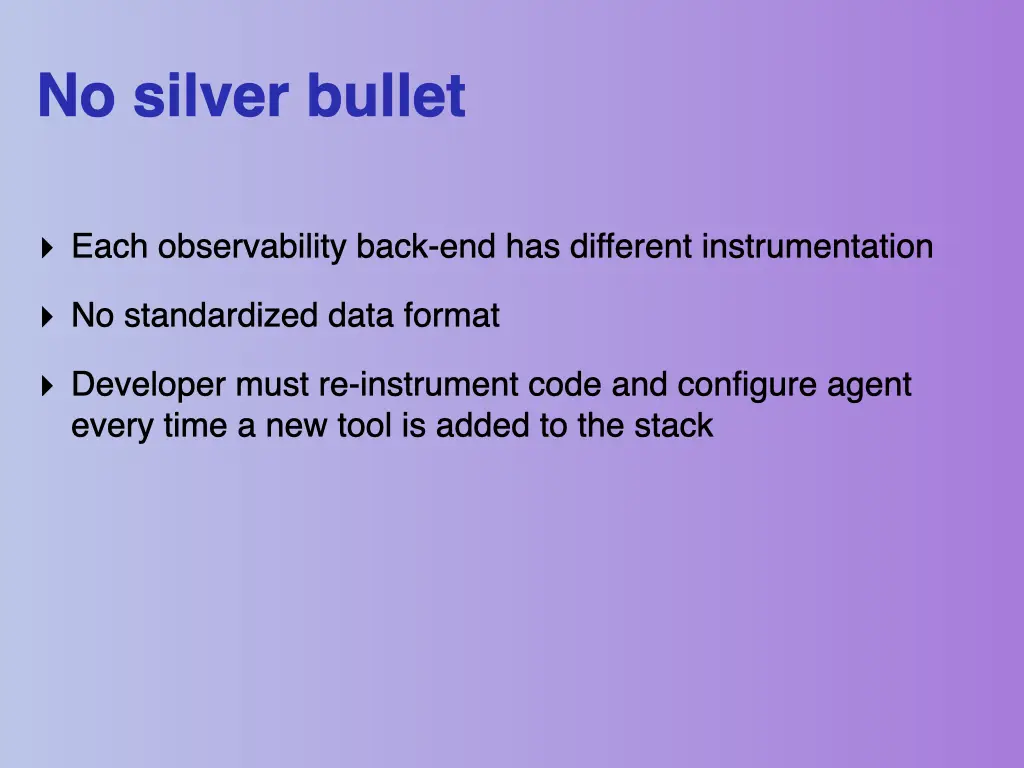
- Each observability backend has its own instrumentation.
- There’s no standardised data format.
- Every time you add a new tool to the stack, developers have to re-instrument the code and configure another agent.
OpenTelemetry to the rescue
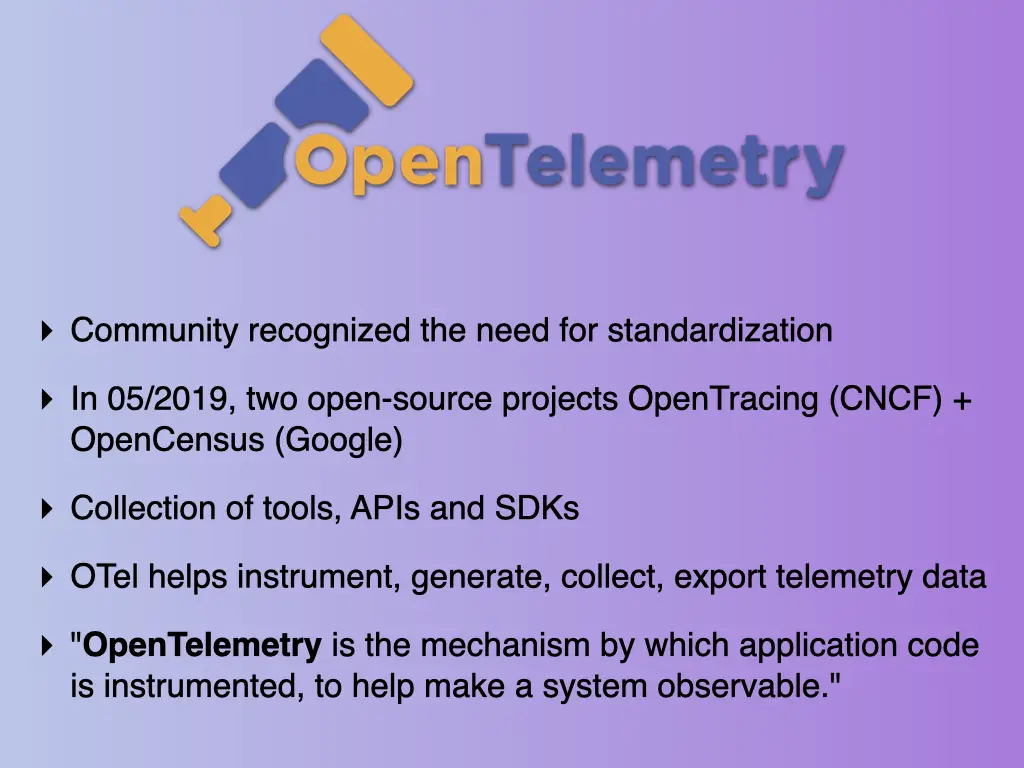
The community recognised the need for a standard. In May 2019 two open-source projects merged: OpenTracing (CNCF) and OpenCensus (Google). The result, OpenTelemetry (OTel), is a collection of tools, APIs and SDKs that help you instrument, generate, collect and export telemetry data. In its own words: “OpenTelemetry is the mechanism by which application code is instrumented, to help make a system observable.”
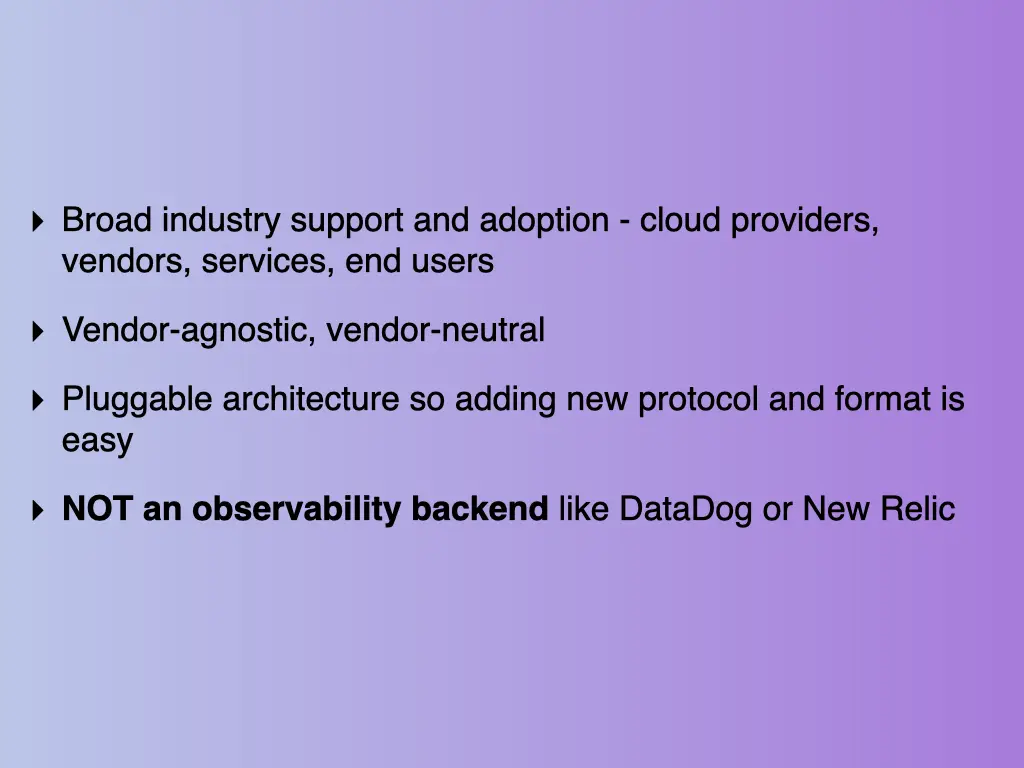
- Broad industry support and adoption: cloud providers, vendors, services, end users
- Vendor-agnostic and vendor-neutral
- A pluggable architecture, so adding a new protocol or format is easy
- It is not an observability backend like Datadog or New Relic. You still need one.
The architecture
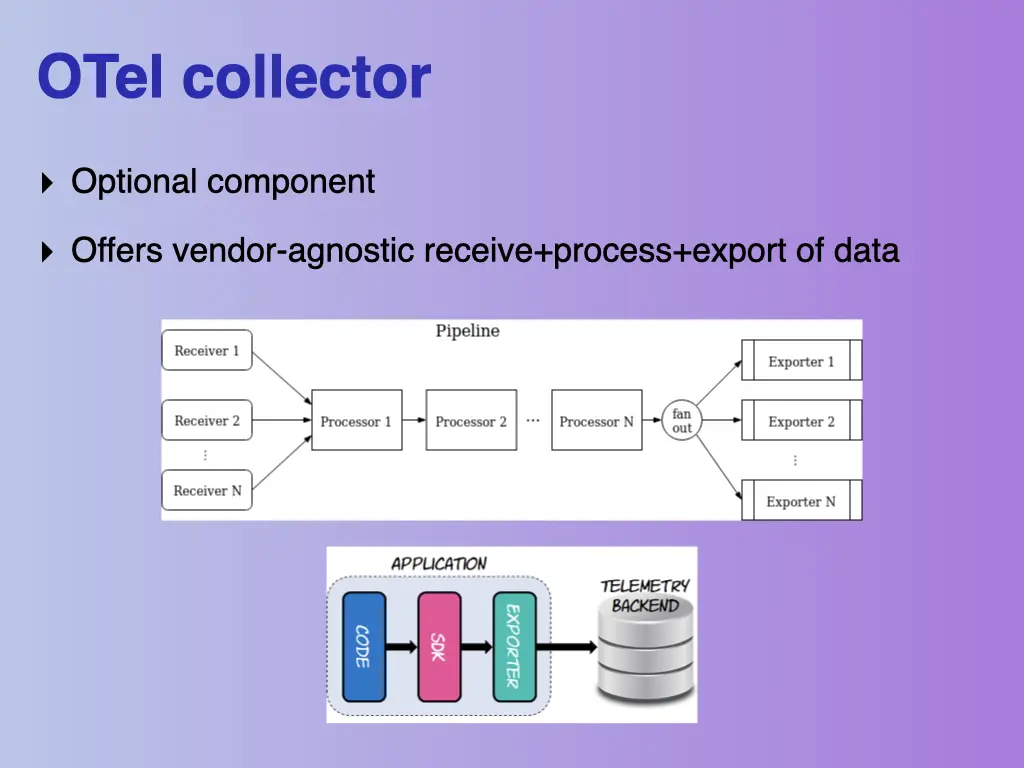
- Agent, part of the SDK, collects data inside your app.
- Exporter, part of the SDK, sends it out.
- Collector, a standalone component, receives, processes and exports data in a vendor-agnostic way. It’s optional.
- A telemetry backend of your choice, which isn’t part of OTel.
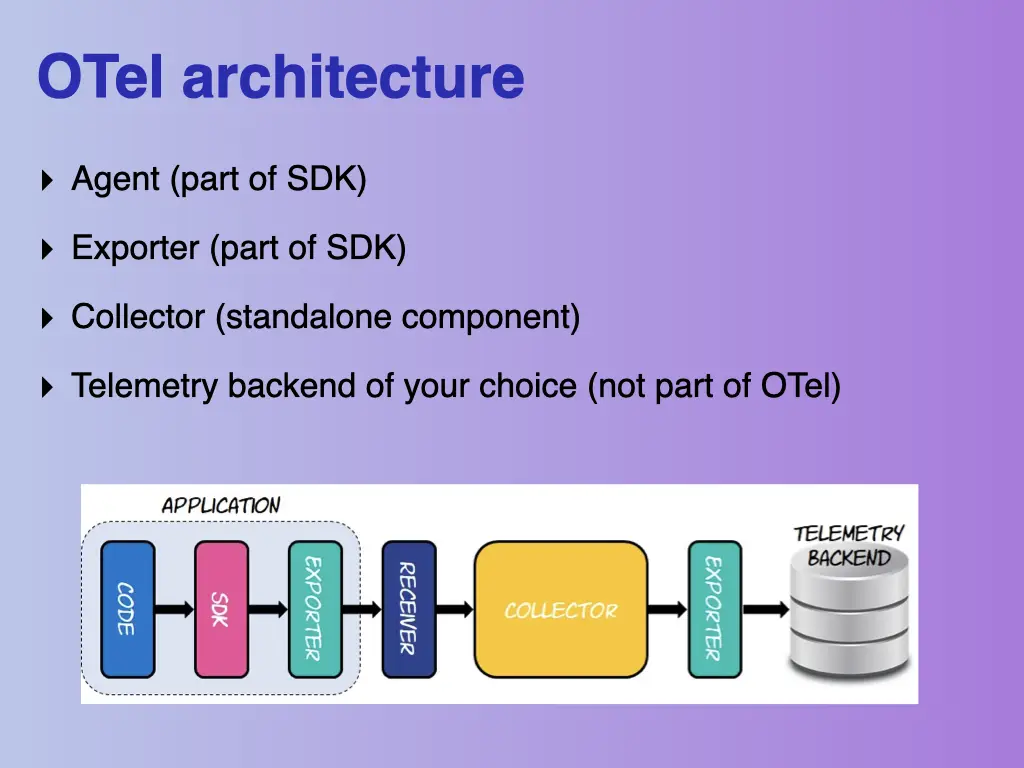
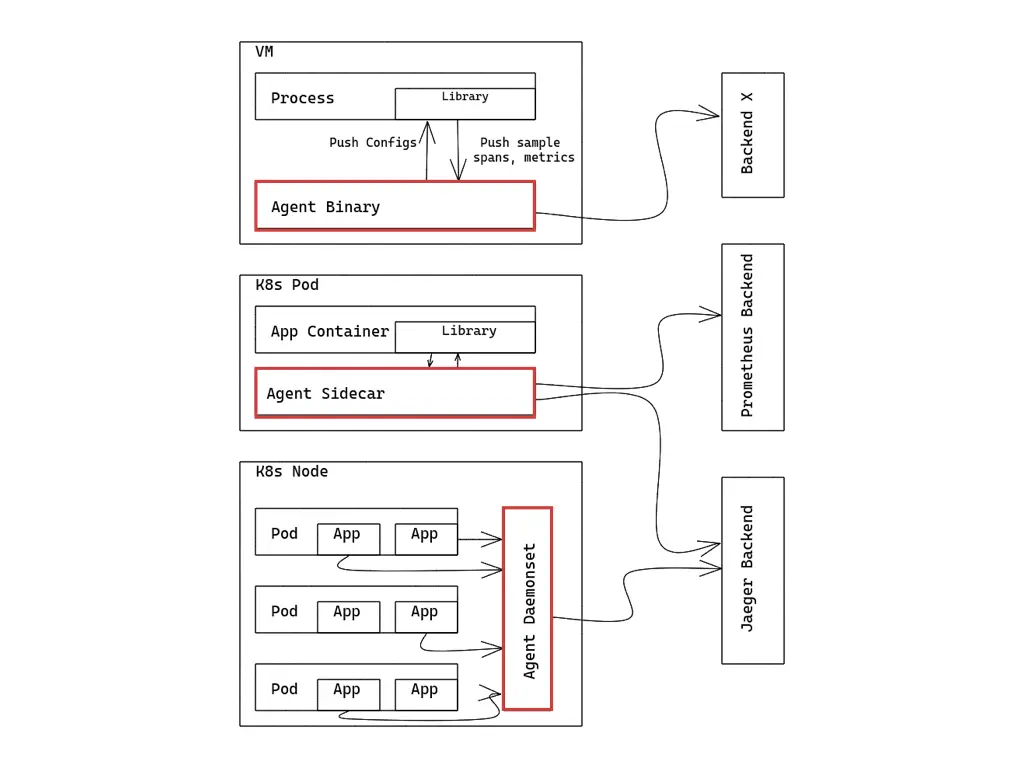
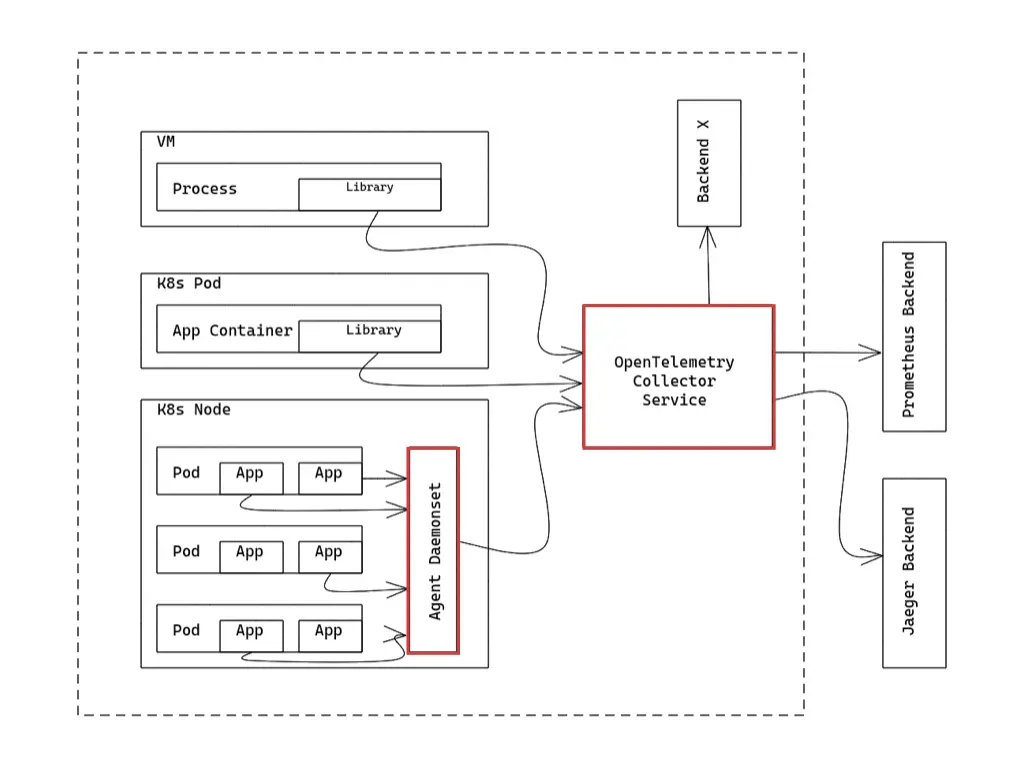
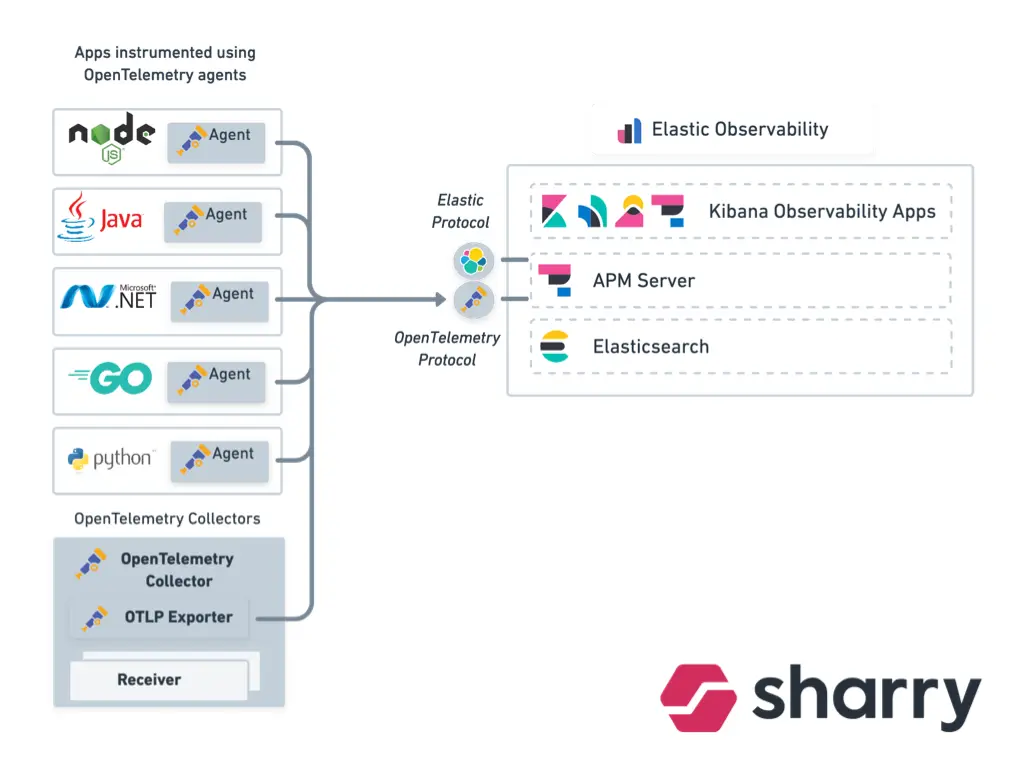
Inside the collector is a pipeline: several receivers, a chain of processors, and a fan-out to several exporters. Without a collector, every VM process, Kubernetes pod or node runs its own agent that pushes data to each backend separately. With a collector service in the middle, the apps only talk to the collector, and it talks to Jaeger, Prometheus or whatever else you use.
At Sharry we used exactly that: apps in Node, Java, .NET, Go and Python, instrumented with OpenTelemetry agents, send data to OpenTelemetry collectors, which export it over the OpenTelemetry protocol into Elastic Observability: APM Server, Elasticsearch and the Kibana observability apps.
Instrumenting a PHP app
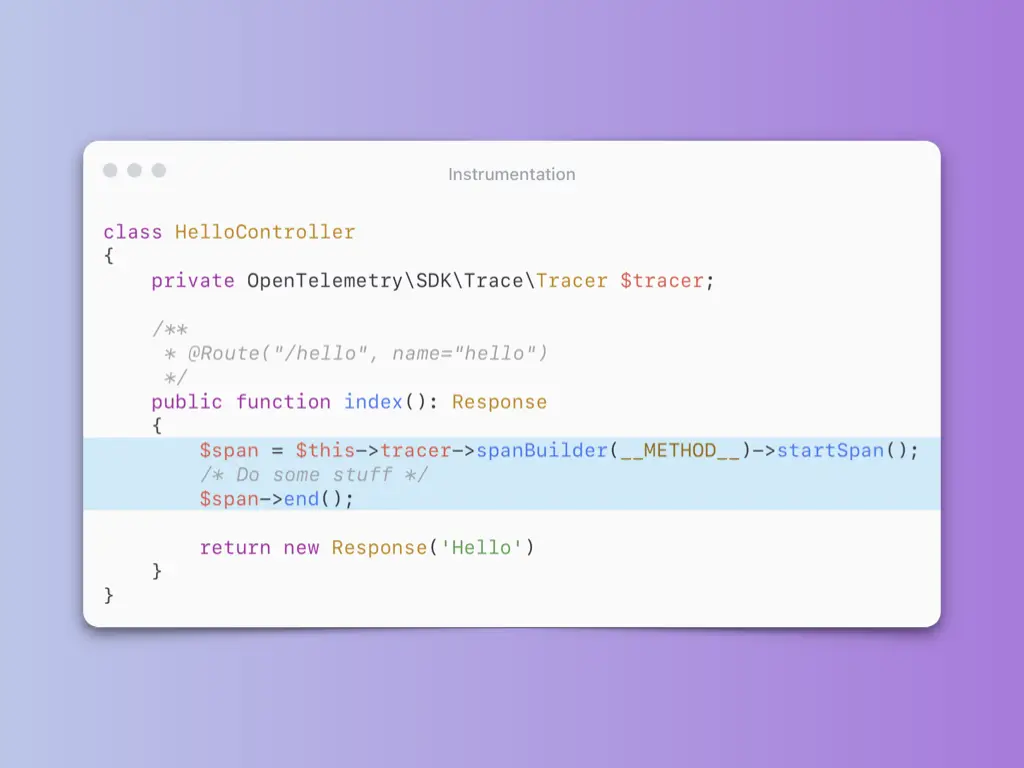
Instrumentation differs per language. There’s automatic instrumentation, and there’s manual. Manually, you create a span around the code you care about:
class HelloController
{
    private OpenTelemetry\SDK\Trace\Tracer $tracer;

    /**
     * @Route("/hello", name="hello")
     */
    public function index(): Response
    {
        $span = $this->tracer->spanBuilder(__METHOD__)->startSpan();
        /* Do some stuff */
        $span->end();

        return new Response('Hello')
    }
}
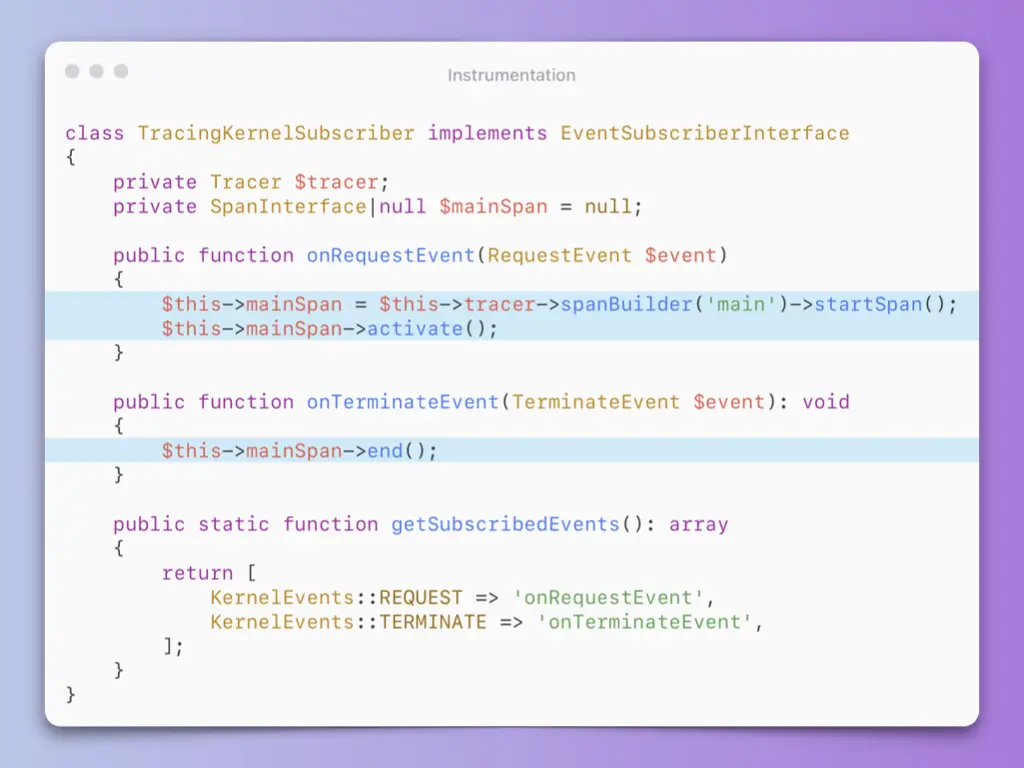
For a Symfony app you want one root span per request. A kernel event subscriber starts it on the request and ends it on terminate:
class TracingKernelSubscriber implements EventSubscriberInterface
{
    private Tracer $tracer;
    private SpanInterface|null $mainSpan = null;

    public function onRequestEvent(RequestEvent $event)
    {
        $this->mainSpan = $this->tracer->spanBuilder('main')->startSpan();
        $this->mainSpan->activate();
    }

    public function onTerminateEvent(TerminateEvent $event): void
    {
        $this->mainSpan->end();
    }

    public static function getSubscribedEvents(): array
    {
        return [
            KernelEvents::REQUEST => 'onRequestEvent',
            KernelEvents::TERMINATE => 'onTerminateEvent',
        ];
    }
}
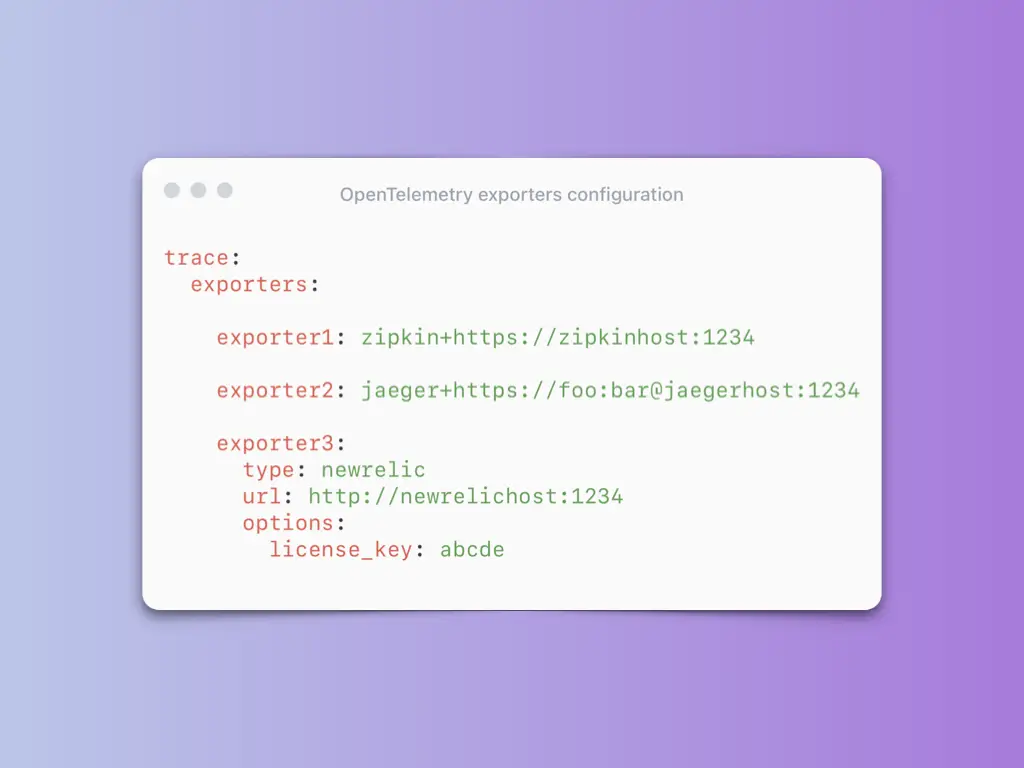
Where the data goes is just configuration. The same spans can go to several backends at once:
trace:
  exporters:

    exporter1: zipkin+https://zipkinhost:1234

    exporter2: jaeger+https://foo:bar@jaegerhost:1234

    exporter3:
      type: newrelic
      url: http://newrelichost:1234
      options:
        license_key: abcde
The talk ended with a live demo, which isn’t in the slides. The code for it is on GitHub in opentelemetry-apm-php-demo, and the demo itself is in the meetup stream linked below.
All 31 slides




Related talks
- How logging saved our butts · 2017
- Sentry 2.0 in Nette 3.0 · 2019
- Profiling and speeding up a PHP app with Blackfire.io · 2018
Meetup stream Demo code on GitHub OpenTelemetry Jaeger Elastic APM All talks