How logging saved our butts
Jak nám logování zachránilo prdel. A true story. After a late-night database migration I deleted the old production database, and only then noticed that two orders had landed in it during the migration. This is how request logs got them back.
The product
At the time we were rebranding Odbav.to to Entrydo. It was a SaaS for events: ticket sales, invoicing and accounting, and checking guests in on site. So the database held orders, payments and tickets people would show at the door.
What happened
I was migrating the SaaS MariaDB database to another one, because of speed. I was tired and wanted it off my plate as fast as possible. After the “successful” migration, I deleted the original database.
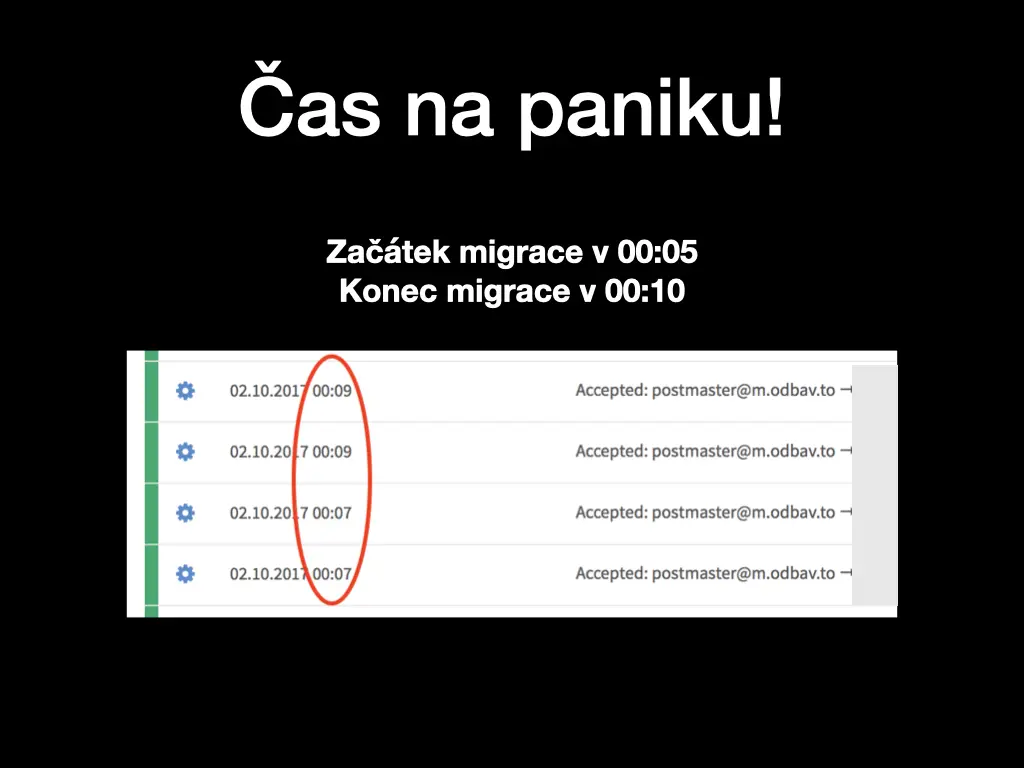
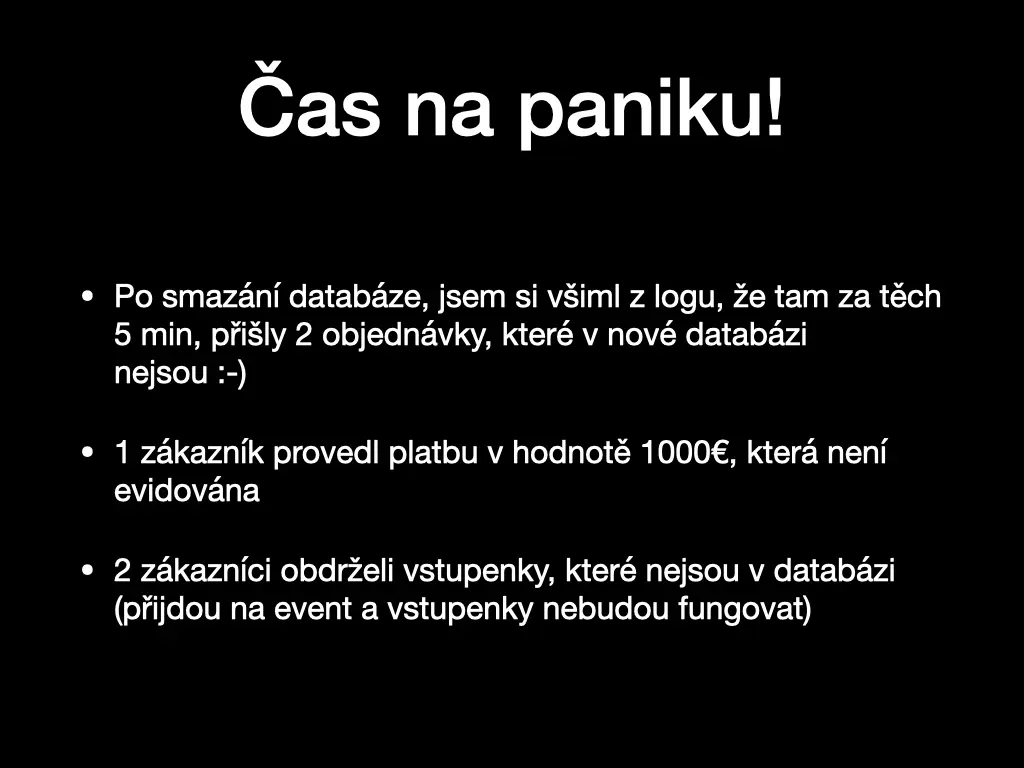
The migration started at 00:05 and ended at 00:10. Then I looked at the logs of Mailgun, the service that sent our e-mails, and saw ticket e-mails going out at 00:07 and 00:09. In those five minutes, two orders had come in. They were written to the old database, the one I had just deleted, and they weren’t in the new one.
What that meant:
- One customer had paid €1,000, and we had no record of the payment.
- Two customers had received tickets that didn’t exist in the database. They would come to the event and their tickets wouldn’t work.
Time to panic.
What I did next (not great)
First, I immediately sent the customers an e-mail with an apology, asking them to place the order again but not to pay, because we would mark it as paid by hand.
Then I spent two hours rolling around in bed, wondering how I could have screwed up something like this.
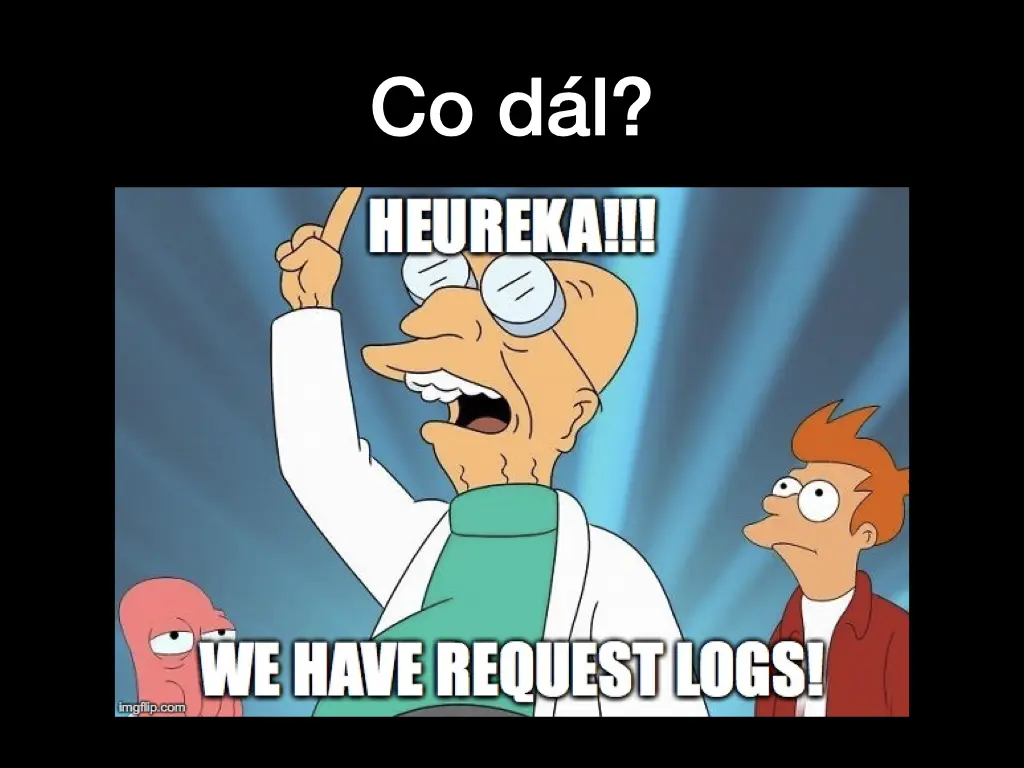
And then it clicked: we have logs.
Step 1: the access log
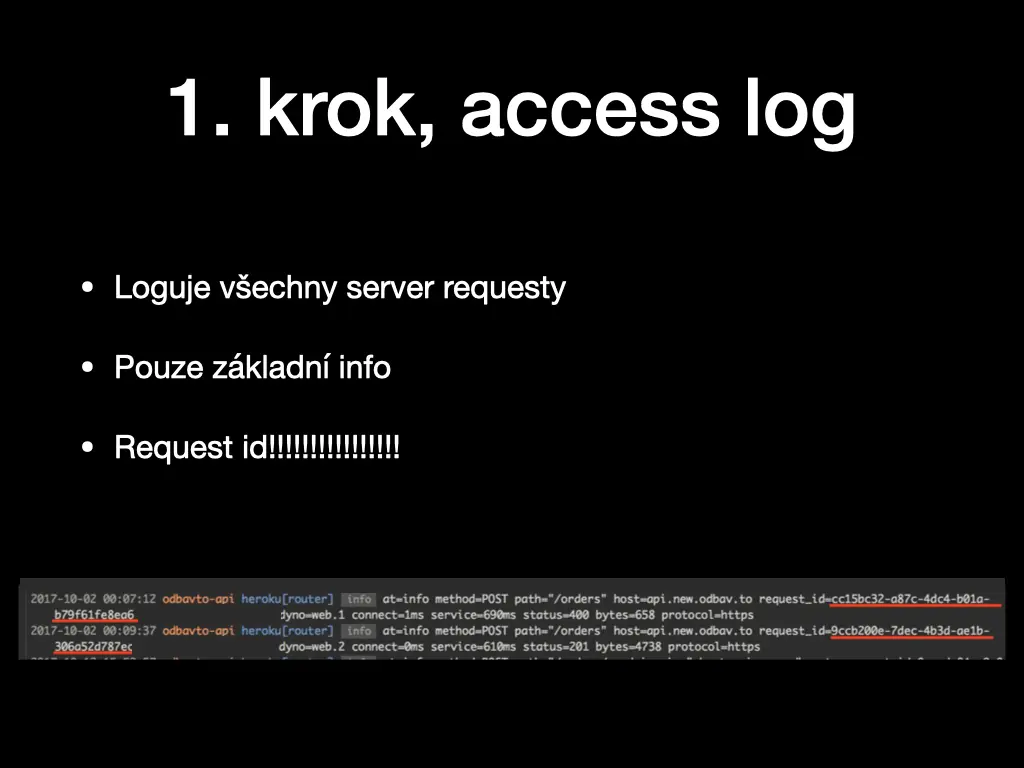
The app ran on Heroku, and Heroku’s router logs every request that reaches the server. It’s only basic information: time, method, path, host, status code, response time. But it also includes a request ID, and that turned out to be the most important thing on the whole slide. In the access log I could find the two POST /orders requests from the migration window, each with its request ID.
Step 2: get the request body
Besides the access log, our app stored every incoming request in MongoDB: the request ID, method, URI, headers, query and the full request body. With the request ID from the access log, finding the original order was a single query:
db.getCollection('requests').find({'request_id': '…'})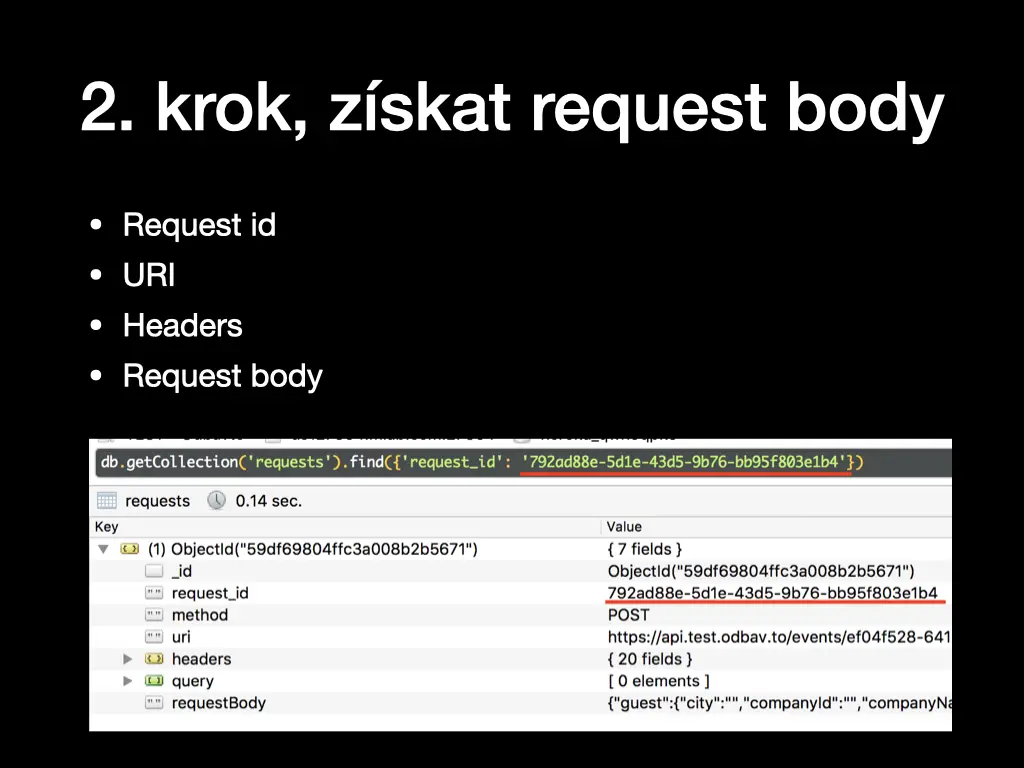
Step 3: “replicate” the order
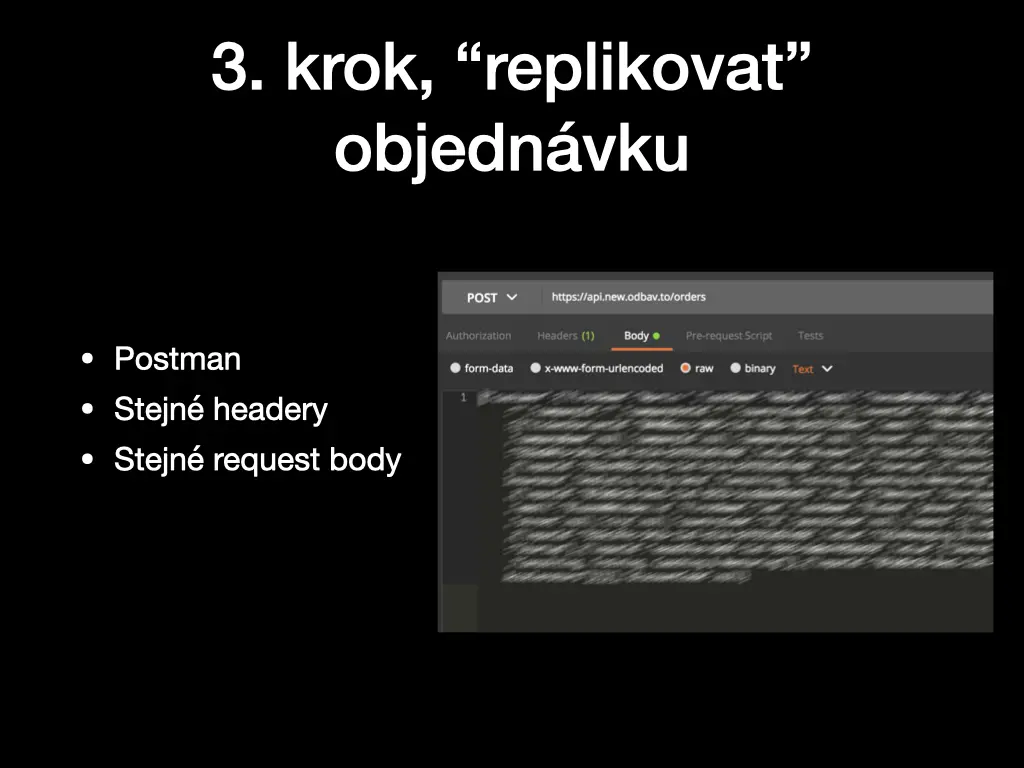
With the method, URI, headers and body in hand, I opened Postman and sent the same POST to the orders endpoint again, with the same headers and the same request body. The order was back in the database.
Step 4: cover the tracks
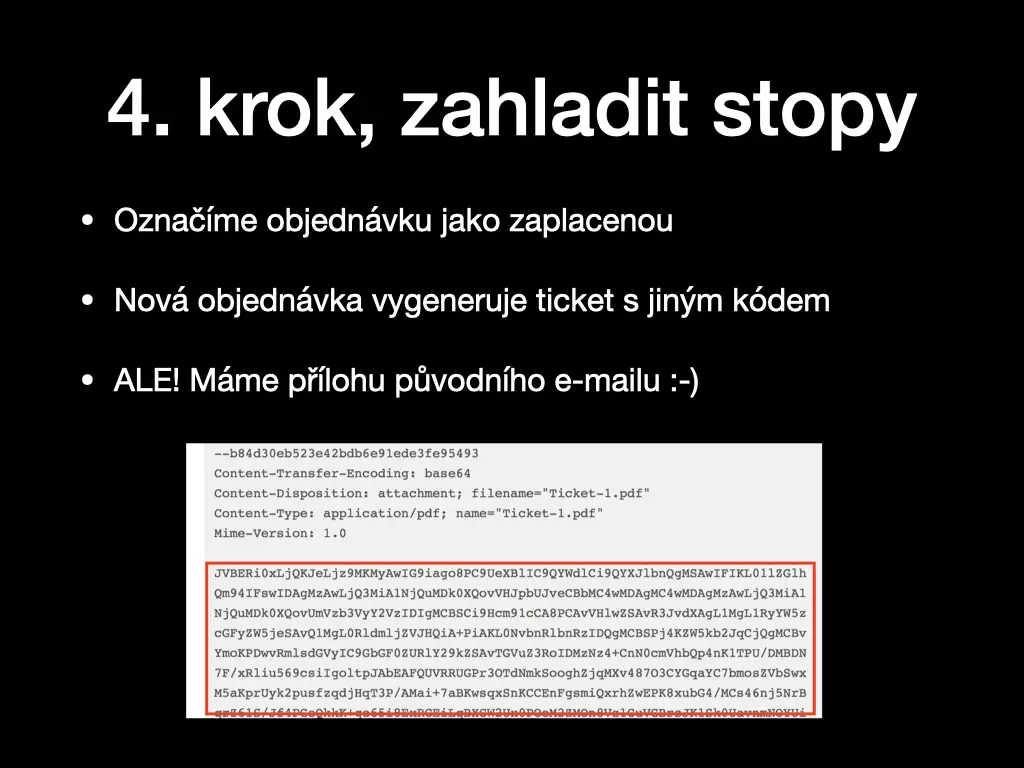
Two things were still wrong. The recreated order wasn’t paid, so we marked it as paid. And the new order generated a ticket with a different code from the one the customer already had in their inbox.
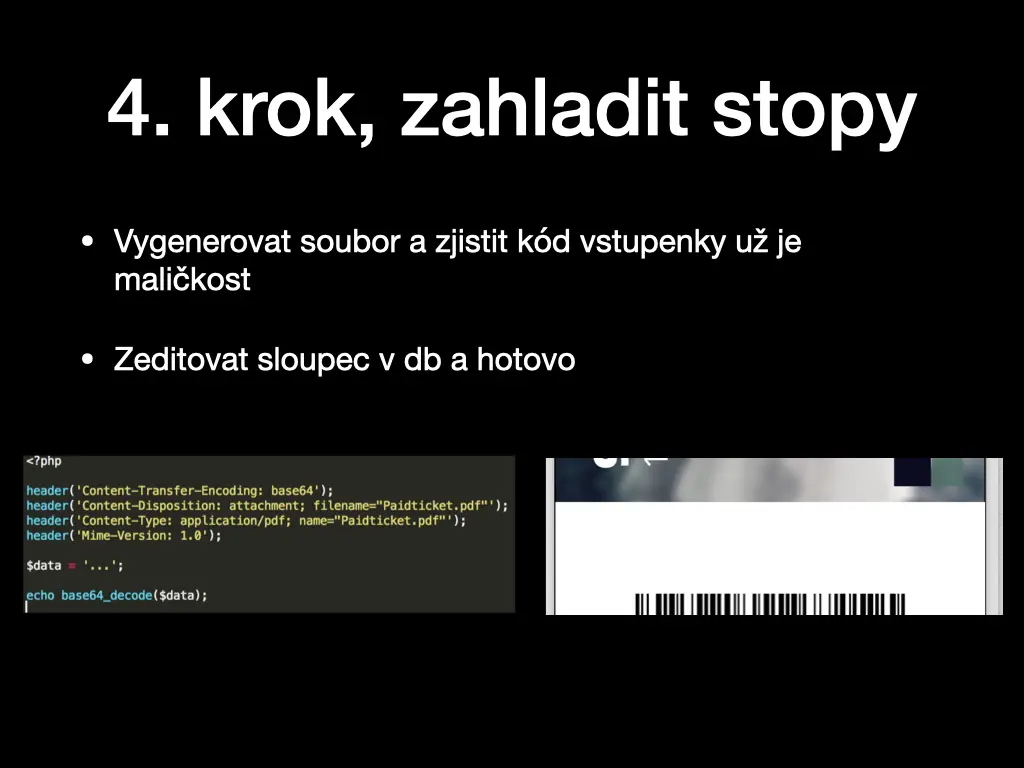
But we still had the original e-mail, including its attachment: the ticket PDF, base64-encoded in the raw message. Turning that back into a file takes a few lines of PHP:
<?php

header('Content-Transfer-Encoding: base64');
header('Content-Disposition: attachment; filename="Paidticket.pdf"');
header('Content-Type: application/pdf; name="Paidticket.pdf"');
header('Mime-Version: 1.0');

$data = '...';

echo base64_decode($data);
Open the PDF, read the ticket code printed above the barcode, edit the column in the database, and the ticket the customer already had works again.
Step 5: talk to the customer
The last step was to tell the customers that I was an idiot and they should ignore my previous e-mail.
The mistakes
- Deleting the original database.
- No proper maintenance window and no testing. The app kept taking orders while the migration ran.
- E-mailing the customer immediately, instead of stopping, thinking about the problem and looking for a solution first. That e-mail is the reason step 5 exists.
What saved us was boring: a request ID in the access log, and the full request stored somewhere else than the database I deleted.
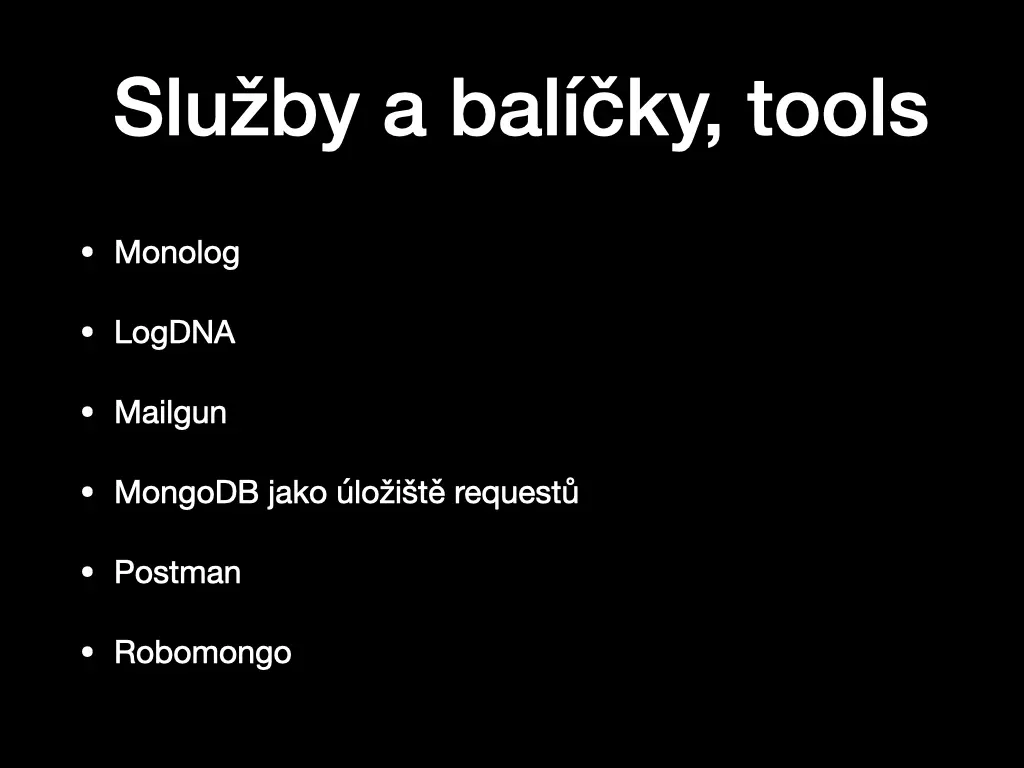
Services and tools
- Monolog for logging in PHP
- LogDNA for the log stream
- Mailgun for sending e-mails, and its logs
- MongoDB as the storage for requests, browsed with Robomongo
- Postman to replay the requests