Build your own GitHub bot
Jak si udělat vlastního GitHub otroka. A bot that watches your pushes, fixes what it can, and sends you a pull request. The fix is the easy part. Cloning, committing and pushing as a bot is where it gets interesting.
The boring loop
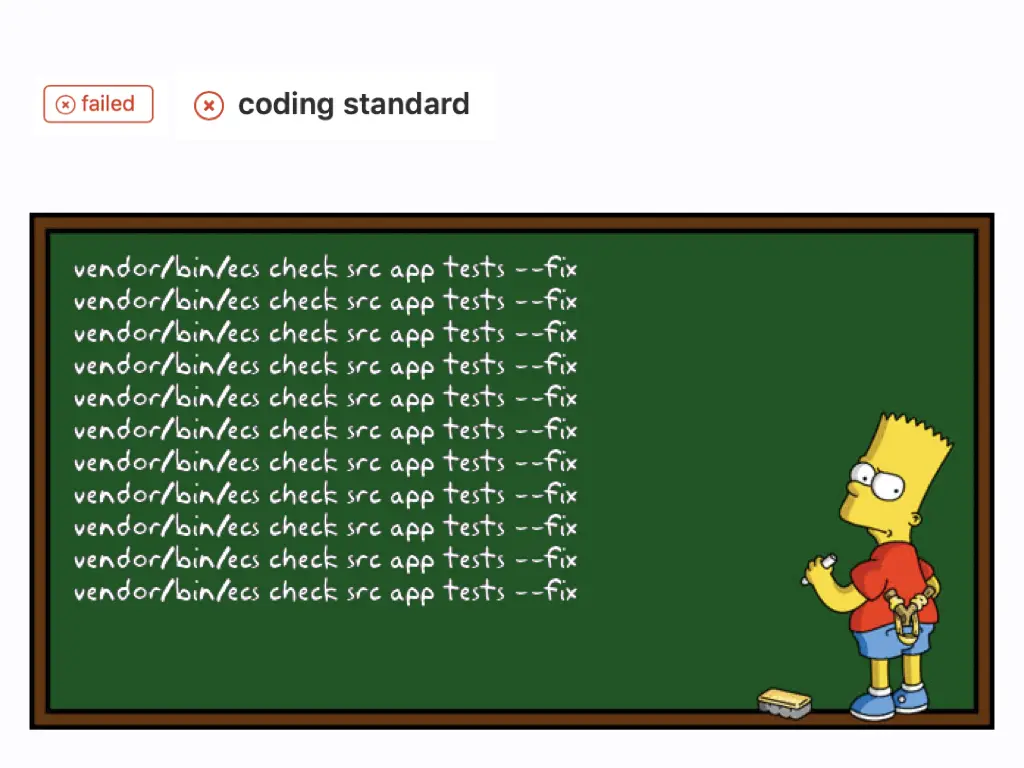
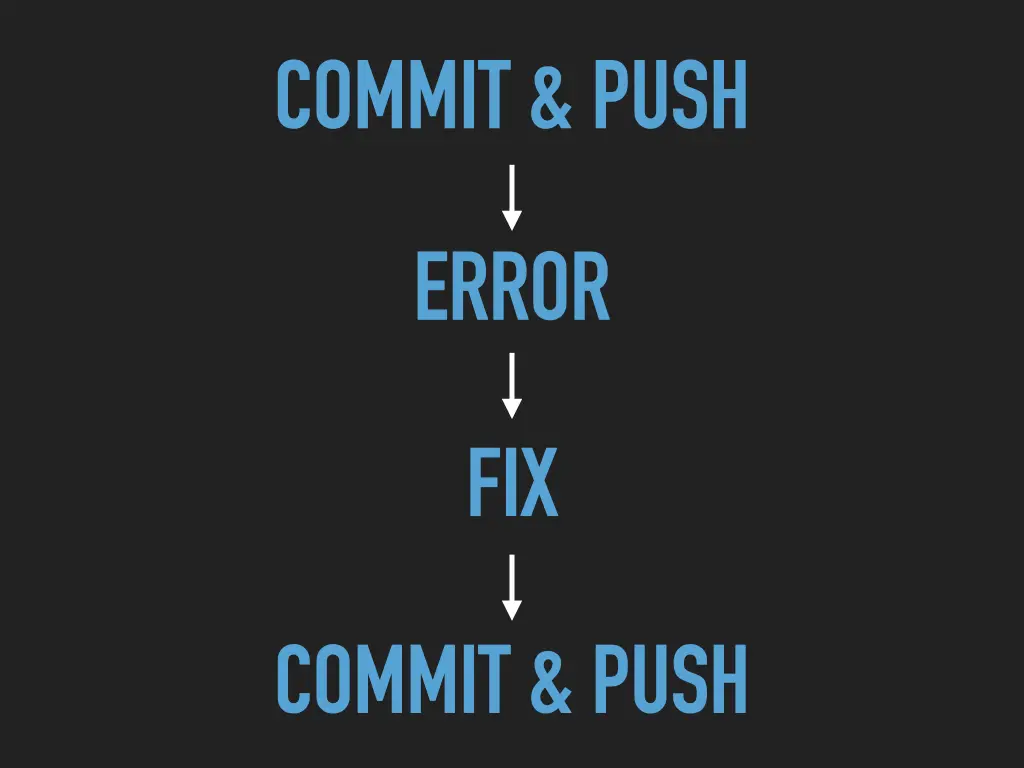
You push, CI fails on the coding standard, you run the fixer, you push again:
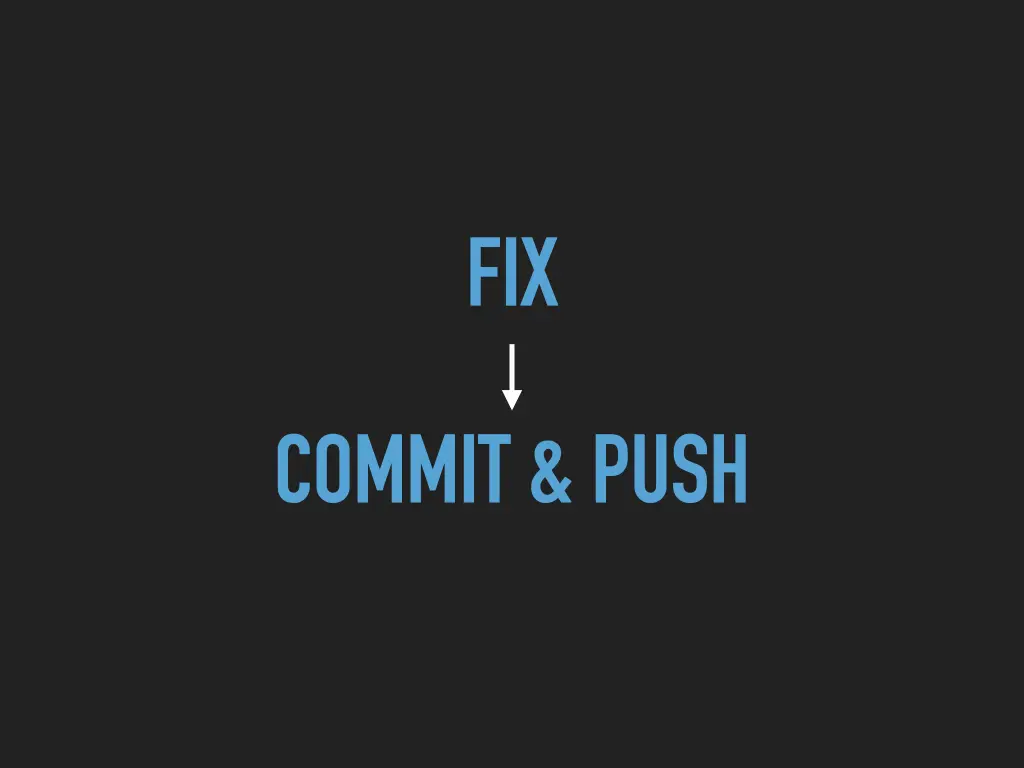
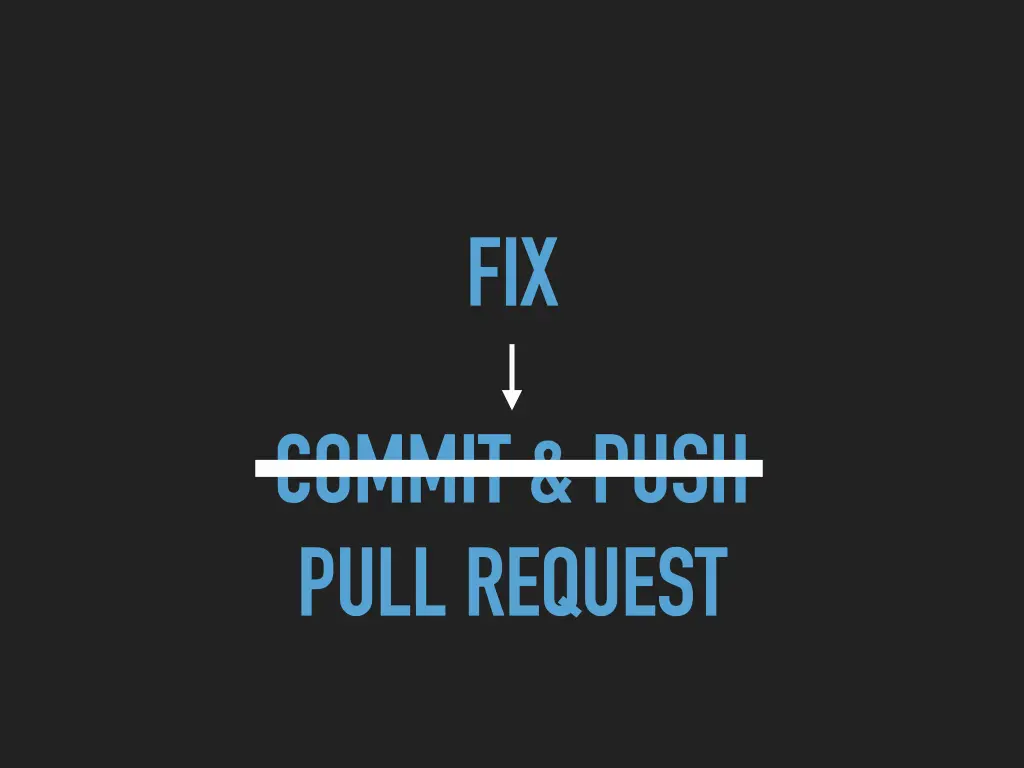
vendor/bin/ecs check src app tests --fixThe slide shows that line written over and over on a school chalkboard, which is how it feels. Commit and push, error, fix, commit and push. The fix is a single command that a machine can run perfectly well, so why should a person do it?
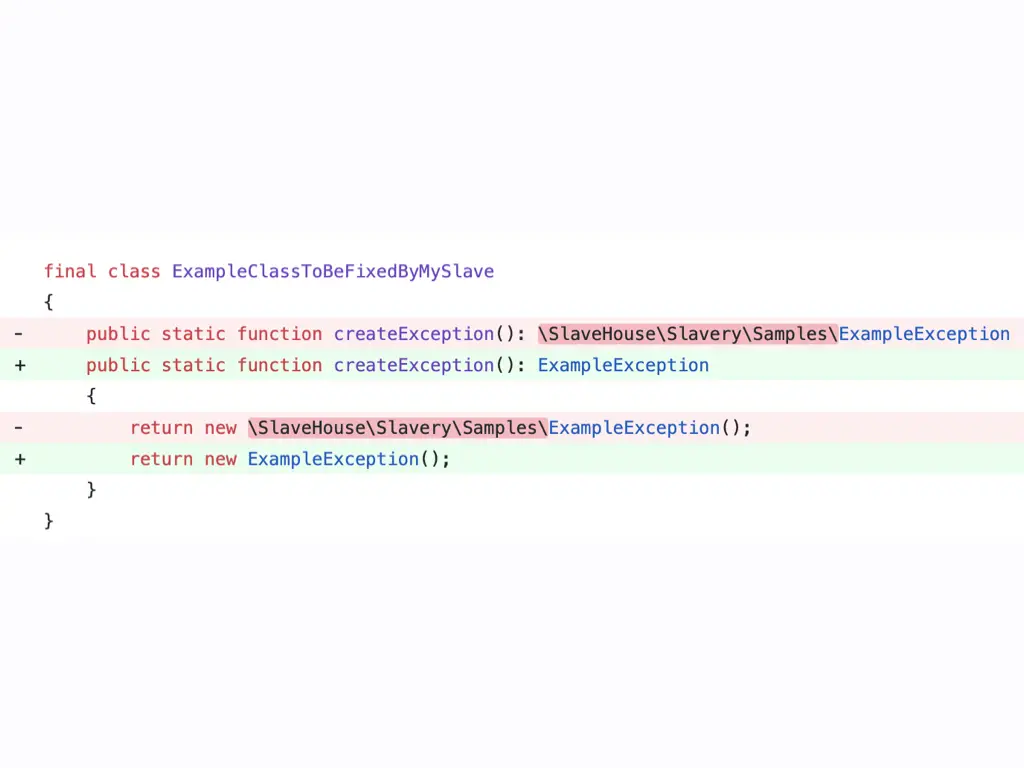
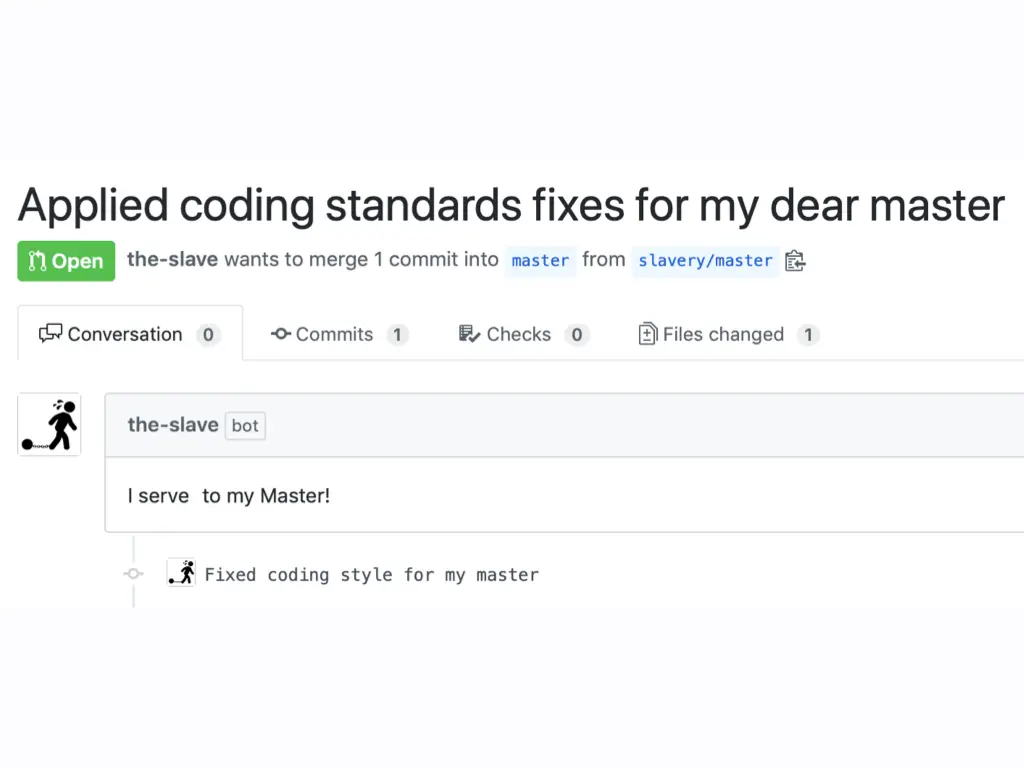
My demo bot did exactly that. After a push it ran the fixers, for example replacing a fully qualified class name with the short imported one, and opened a pull request with the changes against master, with an overly devoted title along the lines of “Applied coding standards fixes for my dear master”.
Note that the bot doesn’t commit and push to your branch. It sends a pull request instead, and you decide whether to merge it.
What the bot has to do
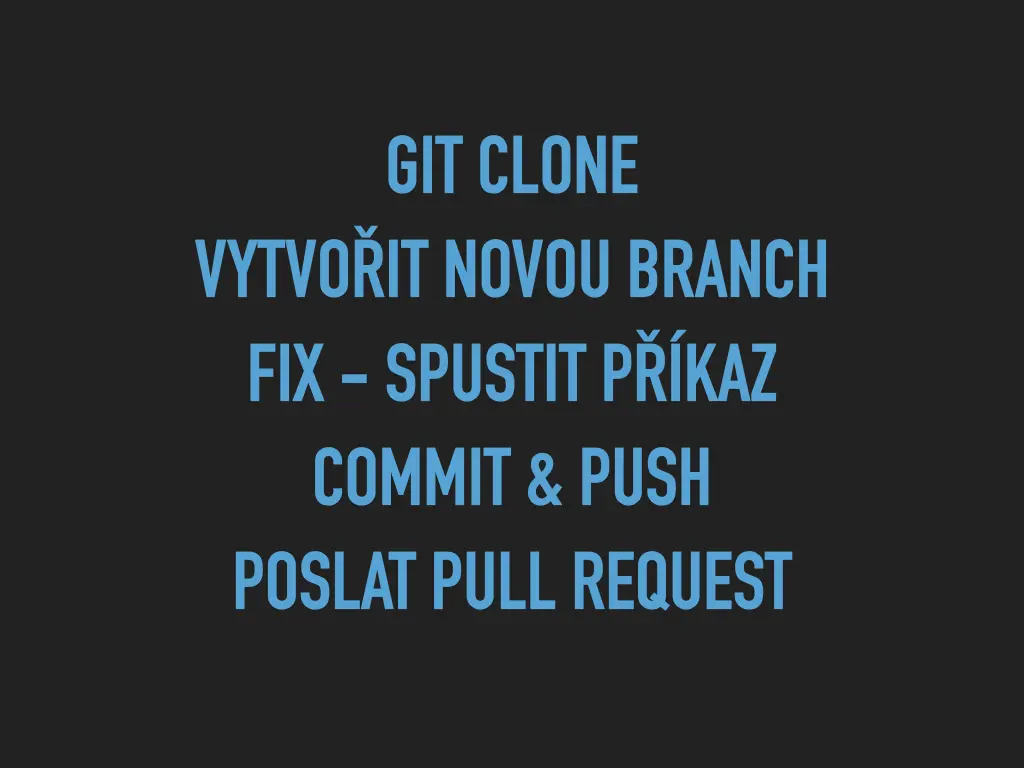
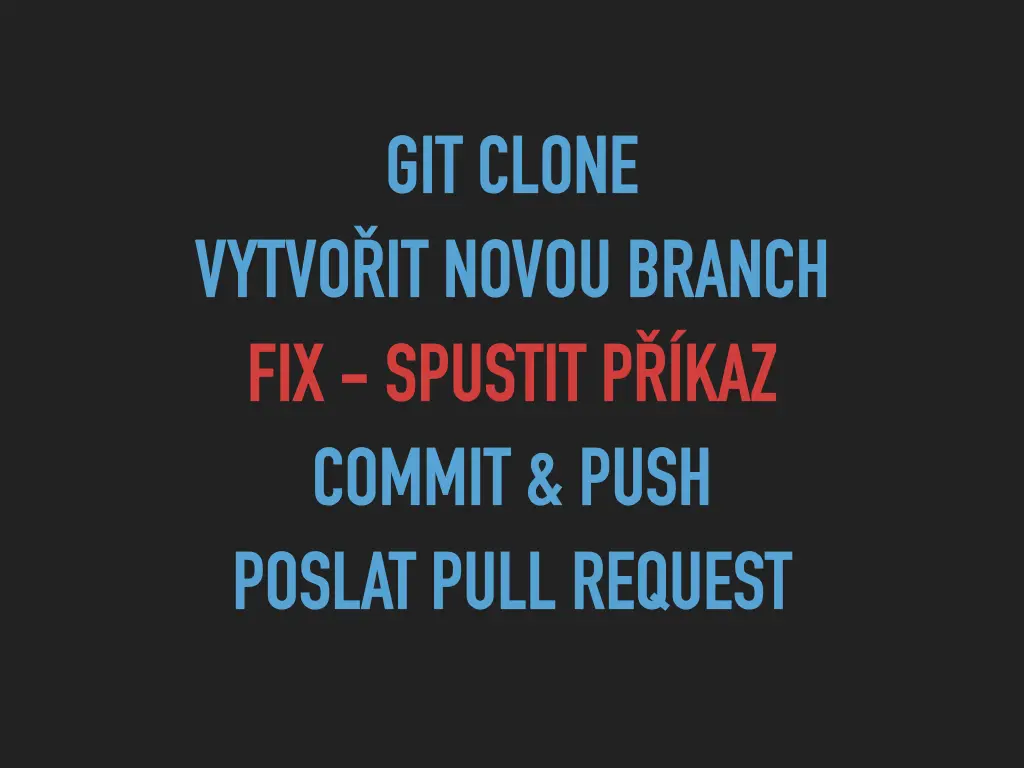
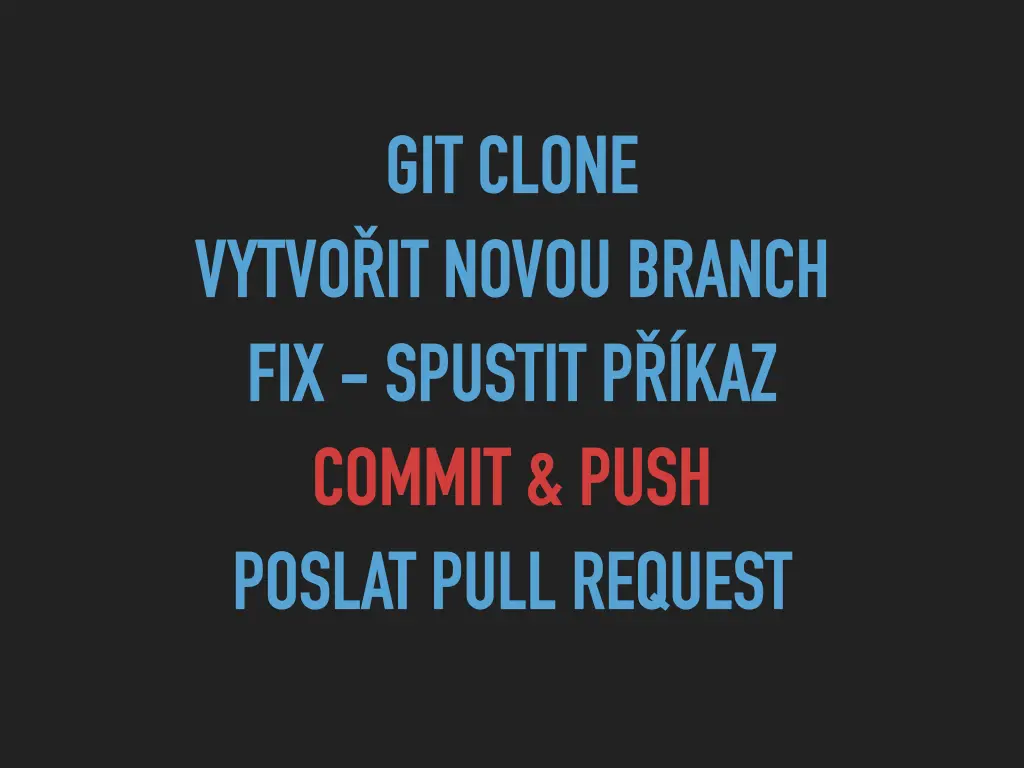
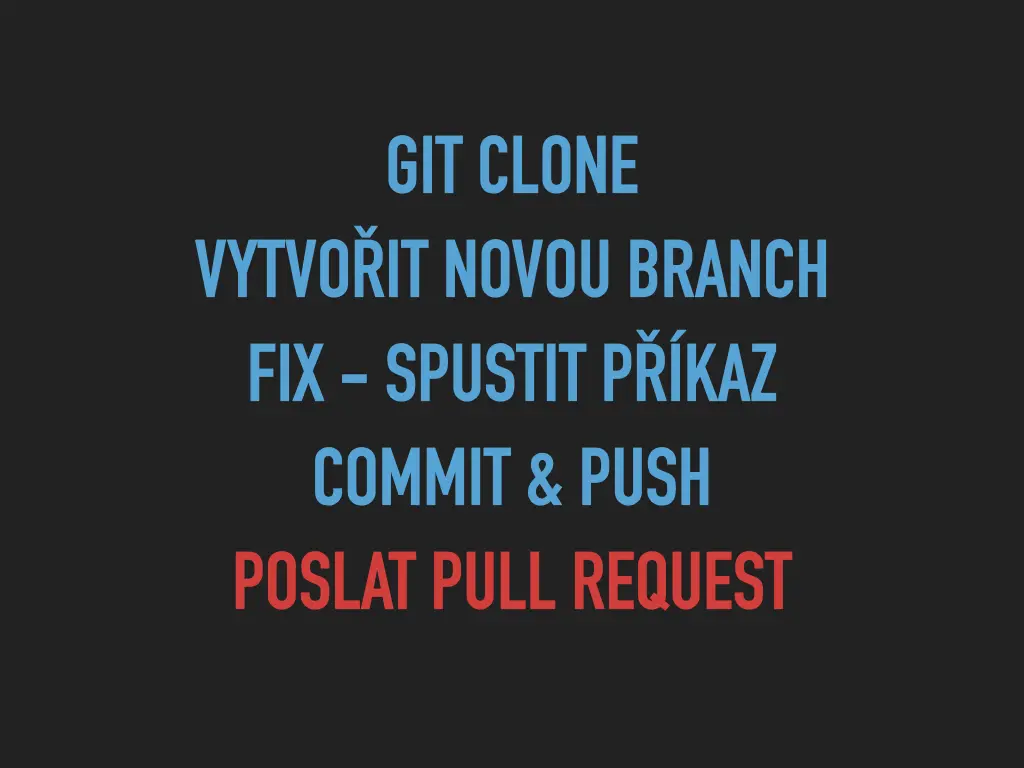
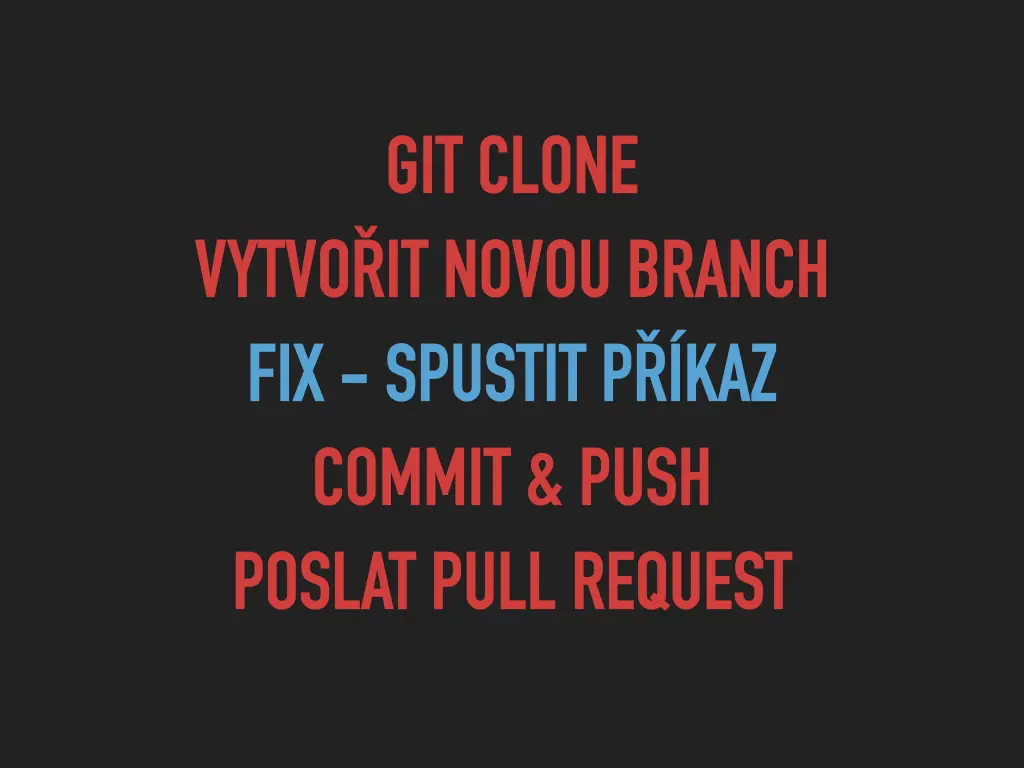
- git clone
- create a new branch
- fix: run the command
- commit and push
- open a pull request
Running the command is the only step that’s the same as on your laptop. Everything else needs the bot to have an identity on GitHub and permission to act on someone else’s repository.
GitHub App, not OAuth App
GitHub has two kinds of integrations. An OAuth App acts on behalf of a user. A GitHub App is its own actor: it gets installed on an organization or repositories, asks for specific permissions, and shows up with a bot badge next to its name. For a bot, a GitHub App is the right choice.
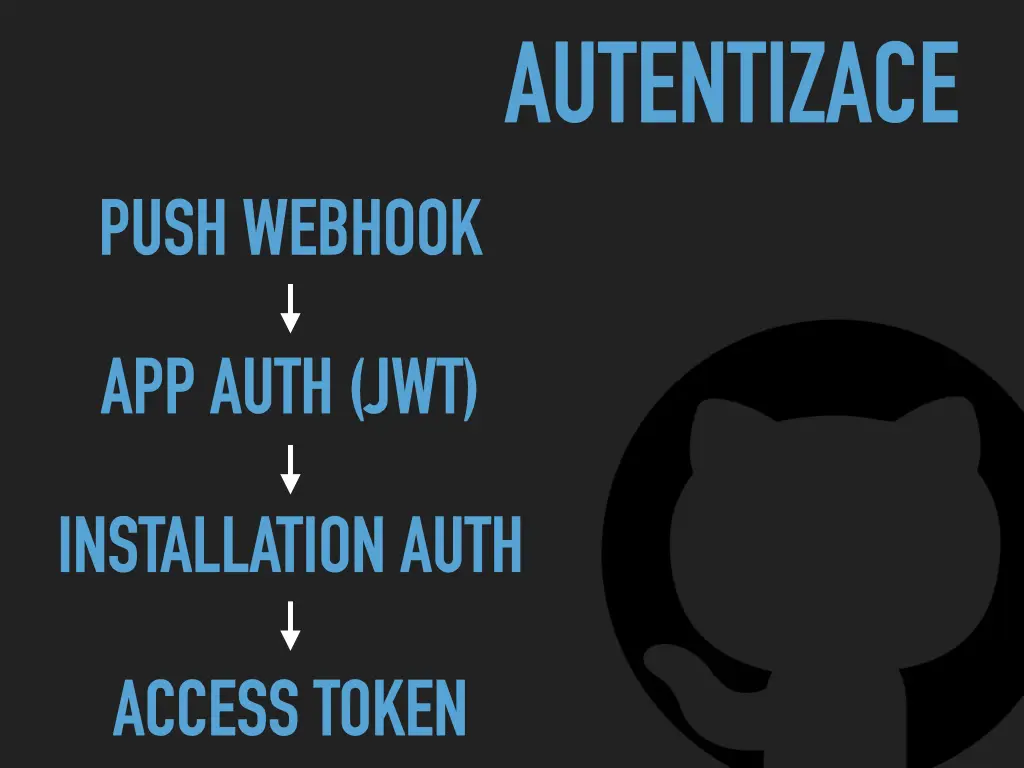
Authentication has a few steps:
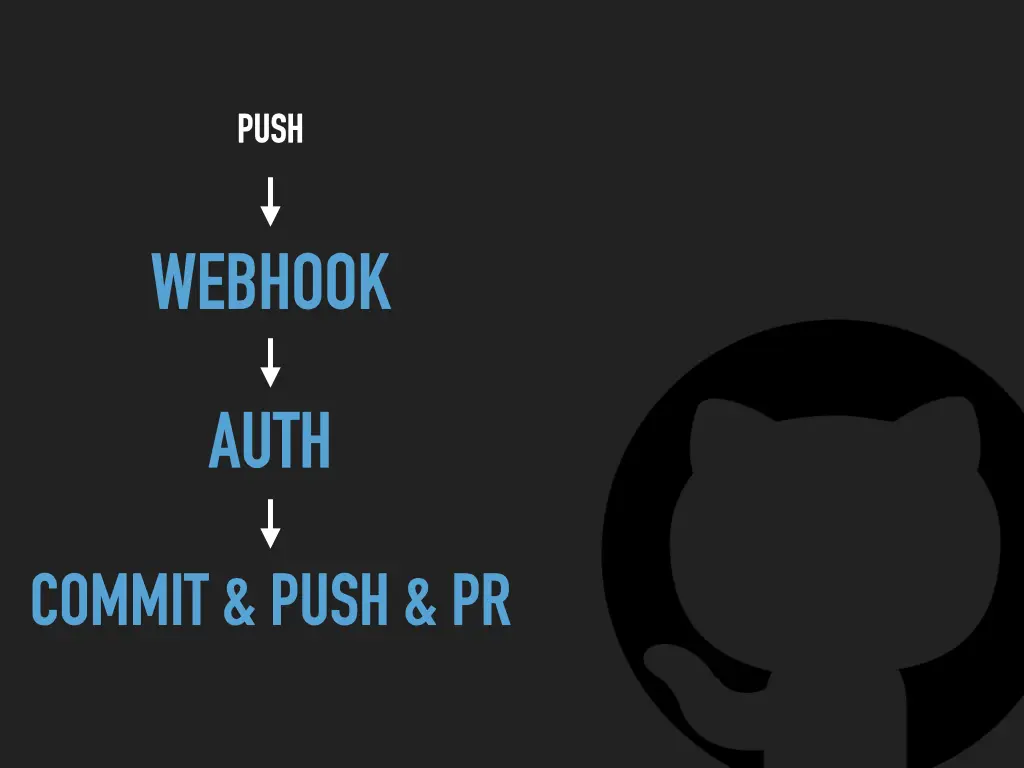
- A push webhook arrives. Its payload says which installation it came from.
- App auth: the app signs a JWT with its private key to prove it is the app.
- Installation auth: with that JWT it asks GitHub for a token for this one installation.
- It gets back an access token, limited to the repositories and permissions of that installation.
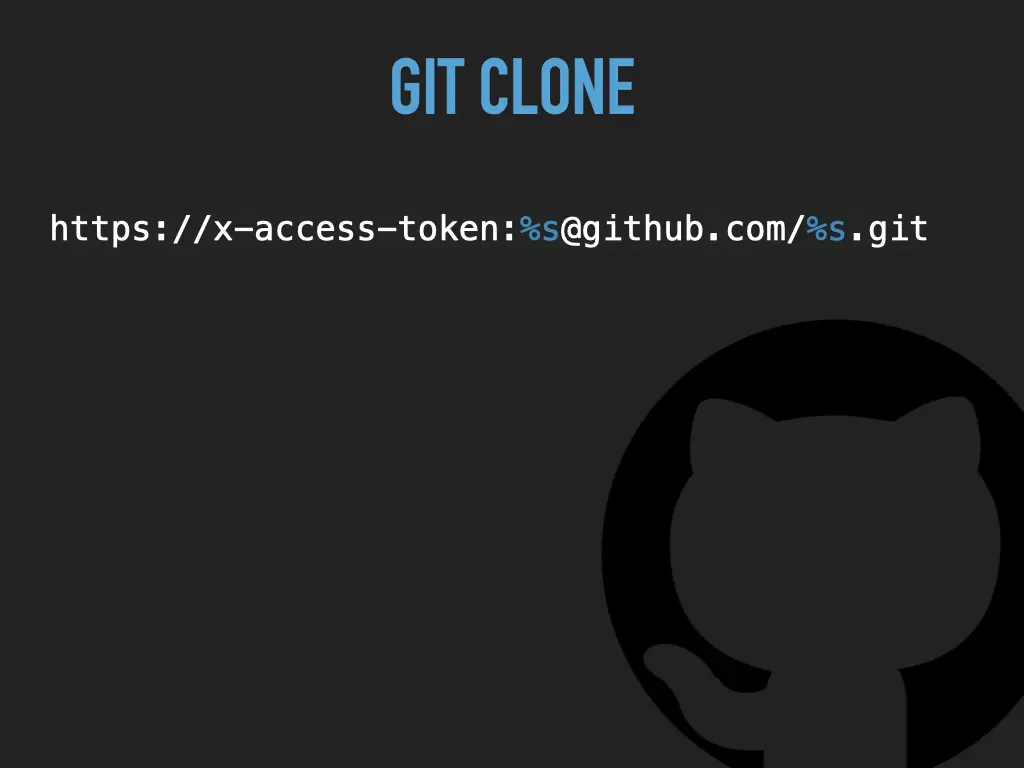
With the token, cloning is ordinary git over HTTPS:
https://x-access-token:%s@github.com/%s.gitThe first %s is the installation token, the second is the repository name, like owner/repo.
Committing and pushing as a bot
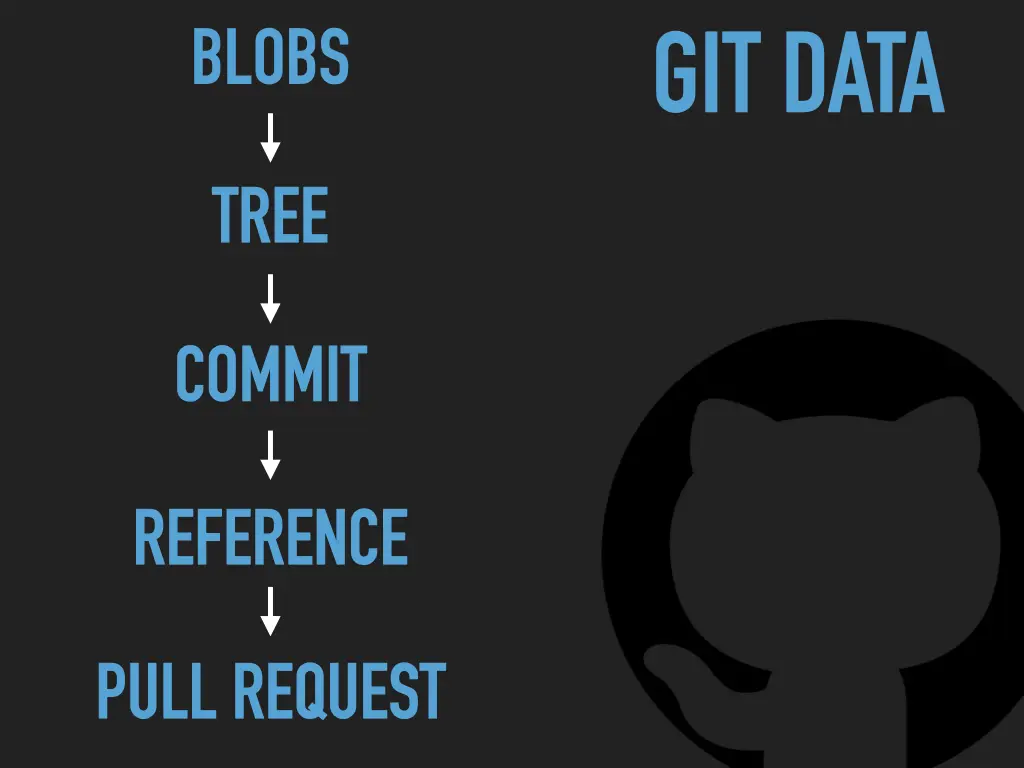
So how do you commit and push as the bot? My answer was GitHub’s Git Data API, the low-level API that creates git objects directly on GitHub. To use it, you need to know how git stores things:
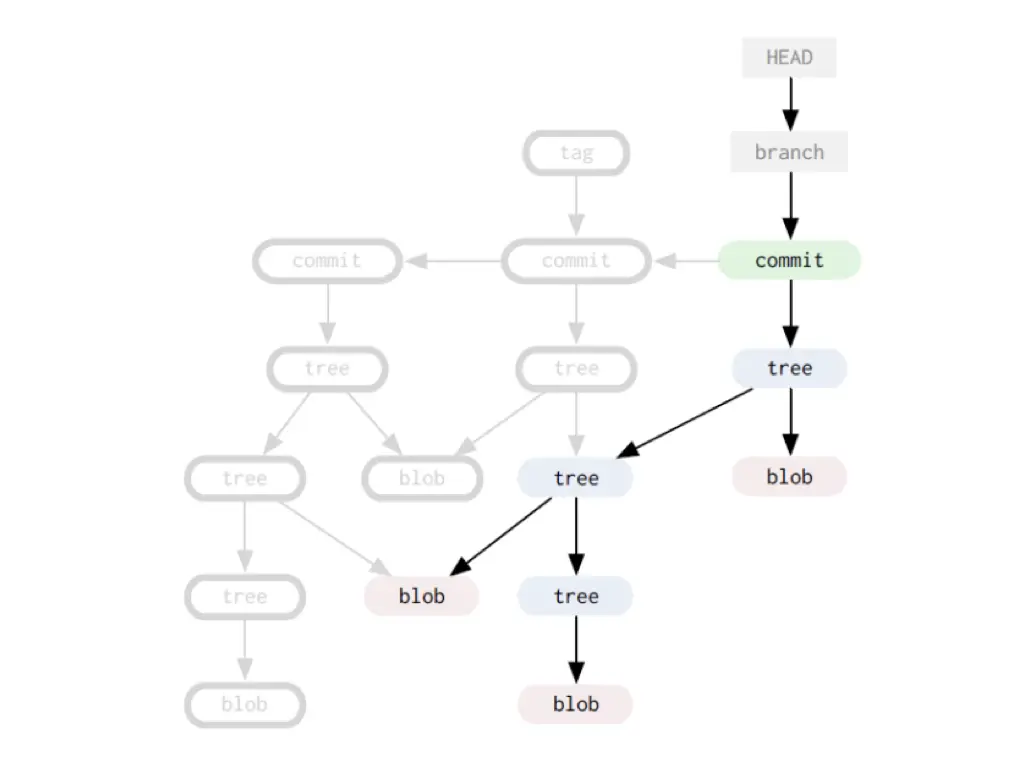
So a commit through the API is built bottom up:
- Blobs: upload the content of each changed file.
- Tree: create a tree that uses the new blobs, based on the existing tree.
- Commit: create a commit pointing to the new tree, with the current commit as its parent.
- Reference: create the new branch pointing to that commit.
- Pull request: open it from the new branch.
That way both the commit and the pull request come from the bot.
The whole flow, and a trap
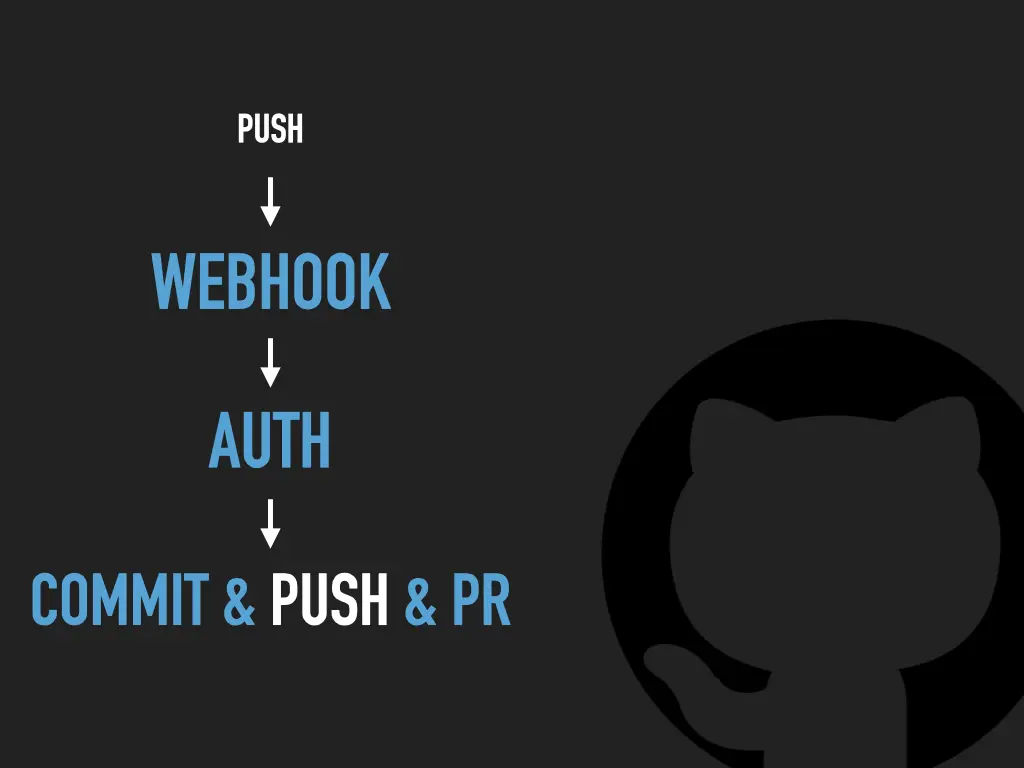
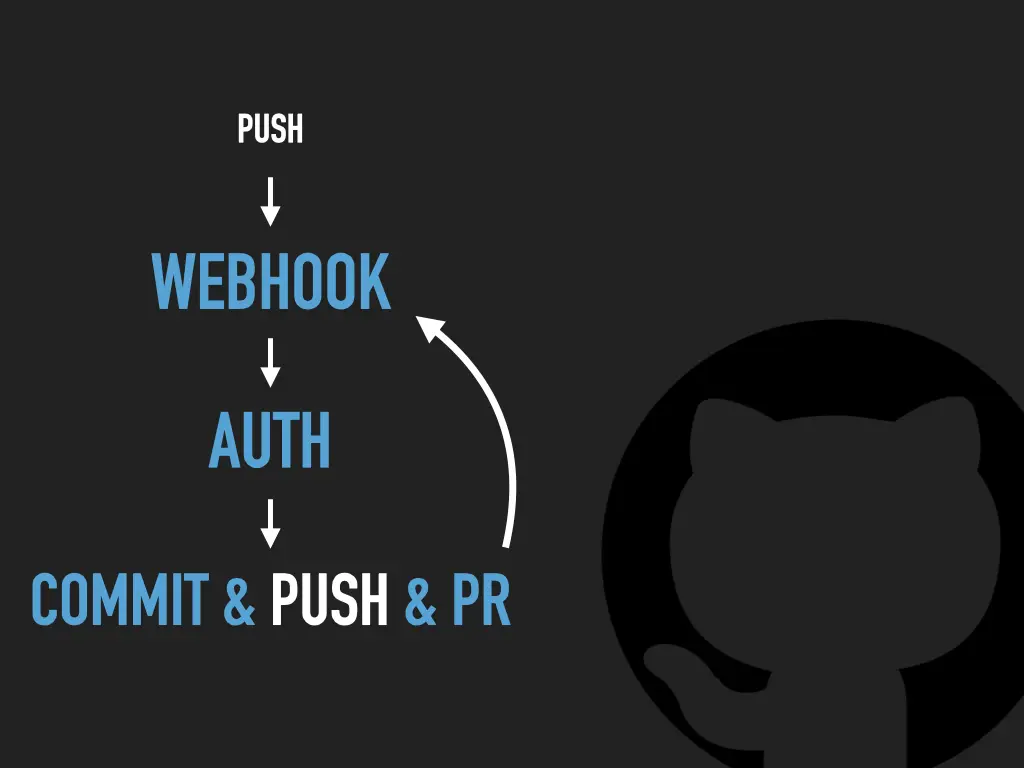
Put together: push, webhook, auth, then commit, push and pull request. The last slide of the flow adds an arrow from the bot’s own push back to the webhook. The bot’s push is a push too, and it triggers the webhook again. Make sure the bot recognises its own work, or it will keep going round.
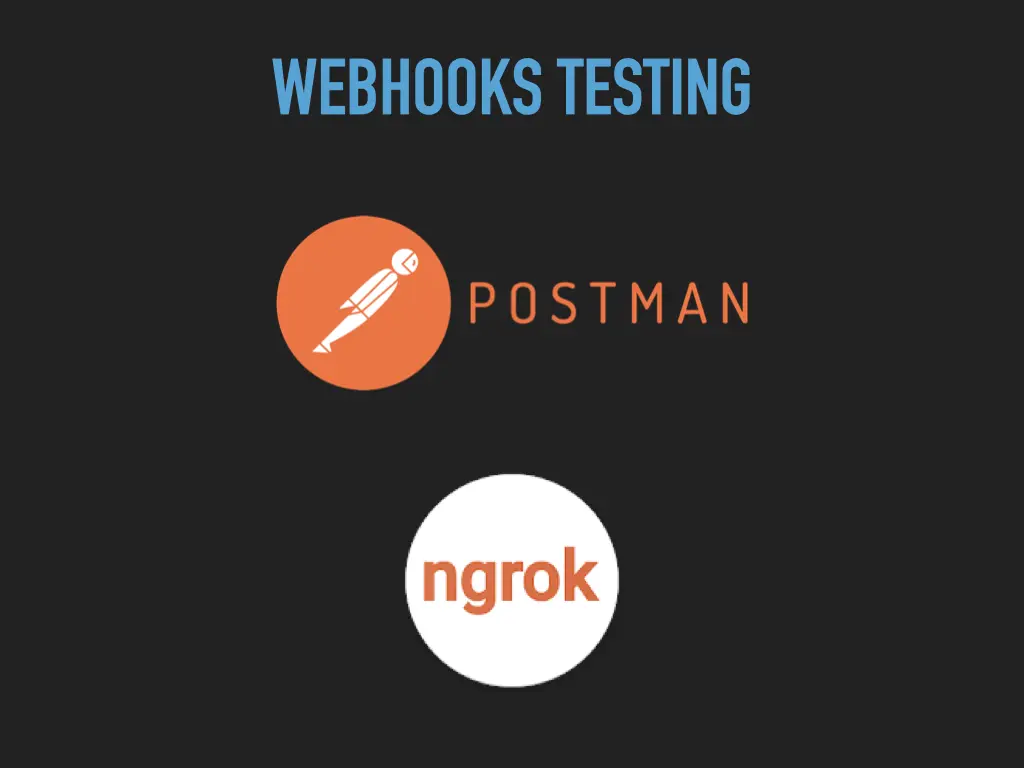
For testing webhooks I used Postman and ngrok, which gives your local server a public URL that GitHub can send webhooks to.
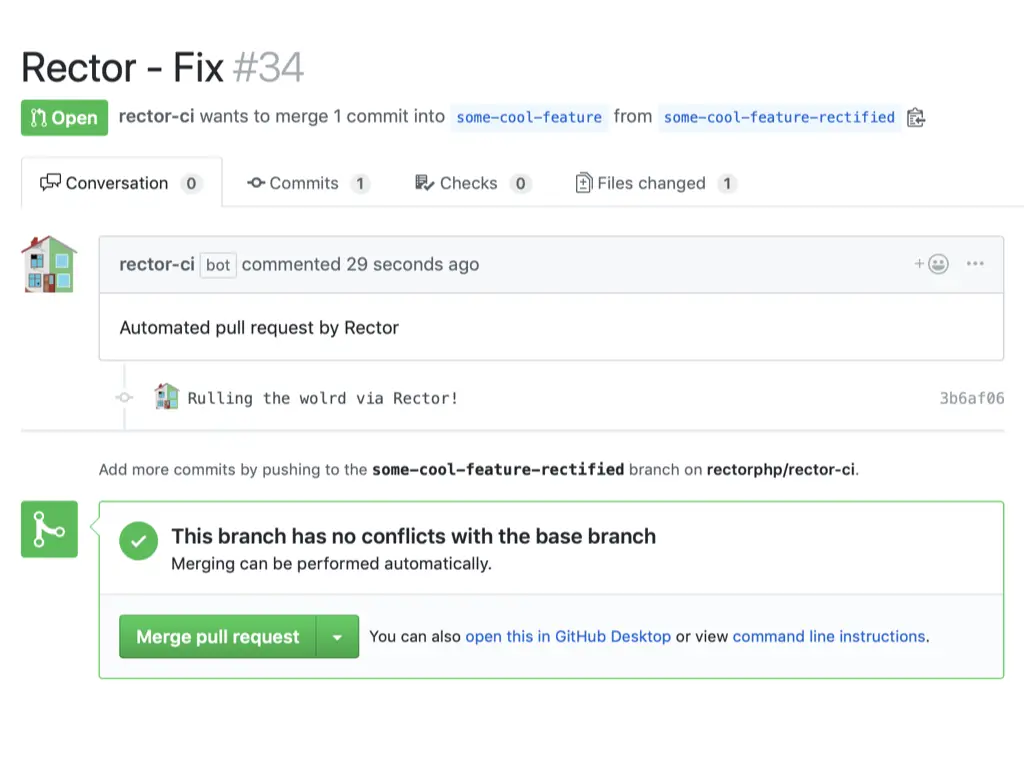
The surprise: Rector CI
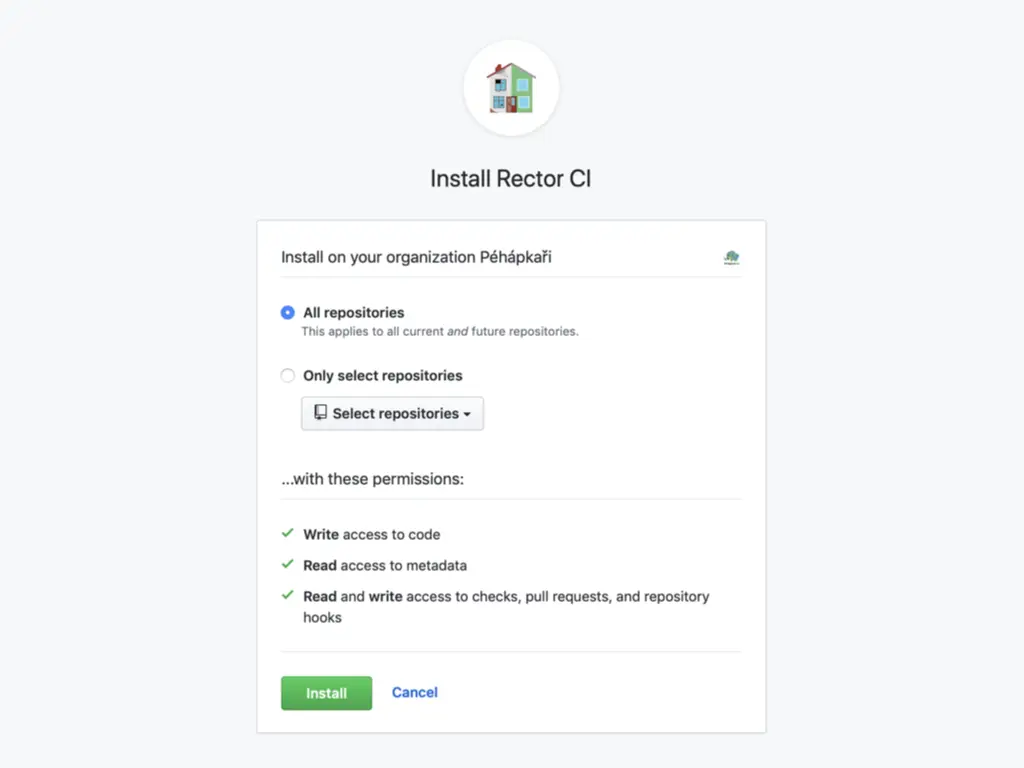
The demo wasn’t just a toy. I was building the same thing for Rector, the tool that upgrades and refactors PHP code automatically, under the name Rector CI. You installed it as a GitHub App on your organization, with write access to code, read access to metadata, and read and write access to checks, pull requests and repository hooks. Then, on a push to a feature branch, it ran Rector and opened a pull request with the changes: