Your own GitHub Action: a quick start
Vlastní GitHub Action: Quick start. Any command-line tool can become a GitHub Action. Wrap it in a Docker image, describe it in one YAML file, and every repository can use it with a single line.
actions/checkout@v2, which ran on Node 12, a runtime GitHub has since deprecated. Use the current major version of checkout instead.What actions are and why you want them
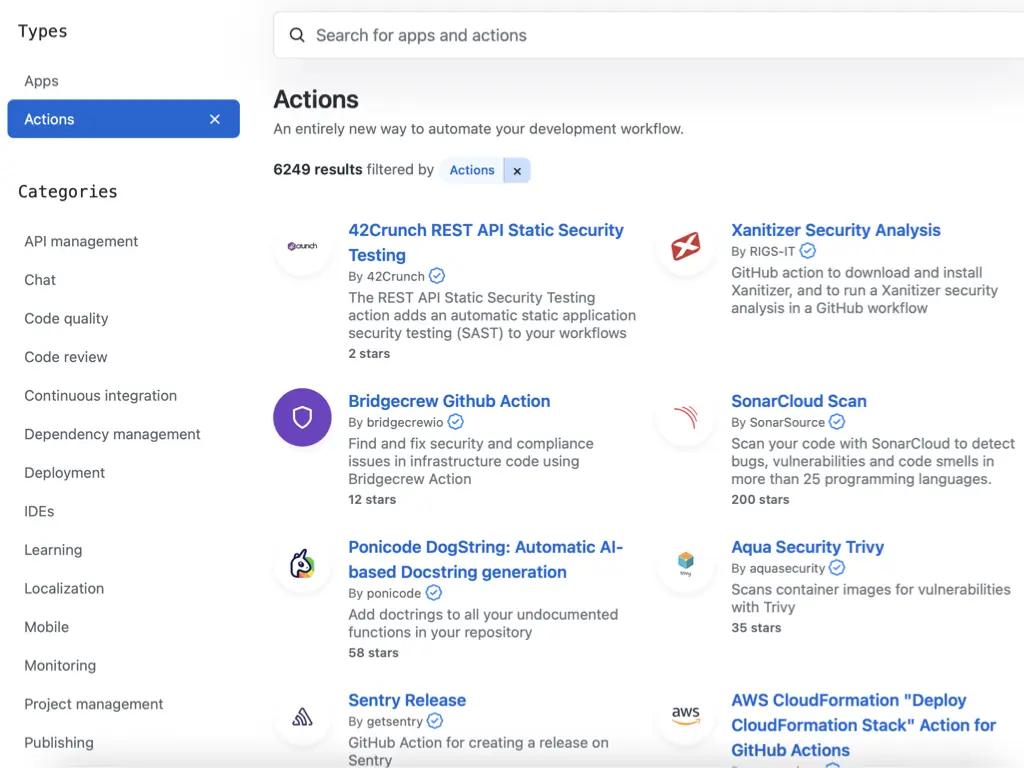
GitHub Actions is GitHub’s CI. A workflow is a list of steps, and a step can either run a shell command or use an action: a reusable piece that someone packaged for others. At the time of the talk the GitHub Marketplace listed 6,249 actions, from security scanners to Sentry releases and AWS deployments.
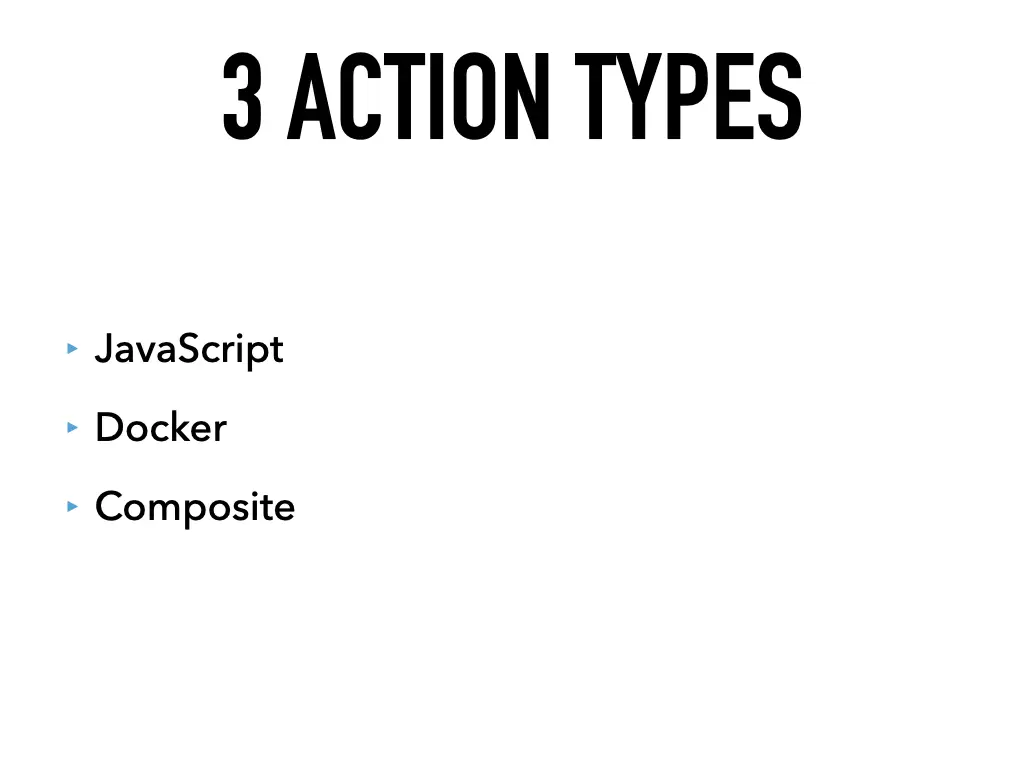
There are three types of actions:
- JavaScript: runs directly on the runner with Node.js
- Docker: runs your code inside a container
- Composite: combines several steps into one action
This talk is about the Docker type. You don’t need to write JavaScript, and the tool inside can be written in anything, PHP included.
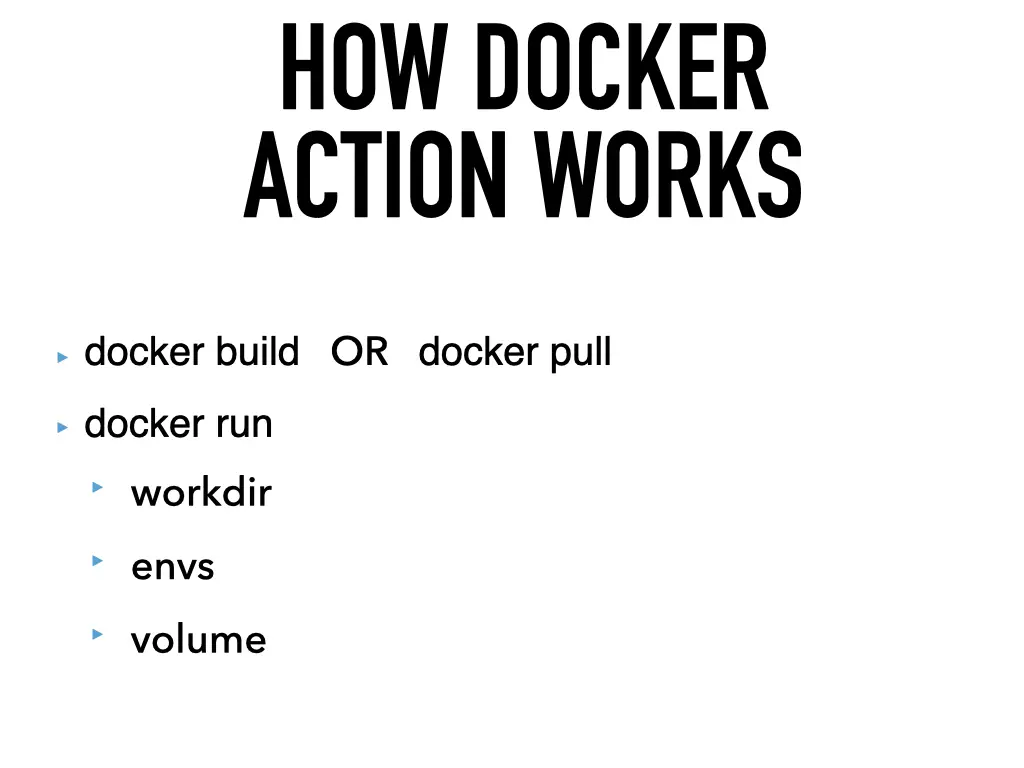
How a Docker action works
There’s no magic. When a job uses a Docker action, GitHub:
- runs
docker buildon the action’s Dockerfile, ordocker pullif the action points to a ready image, - runs
docker runwith the right working directory, a long list of environment variables (GITHUB_REPOSITORY,GITHUB_RUN_IDand friends) and the checked-out repository mounted as a volume.
So if your tool works in docker run on your laptop, it will work as an action.
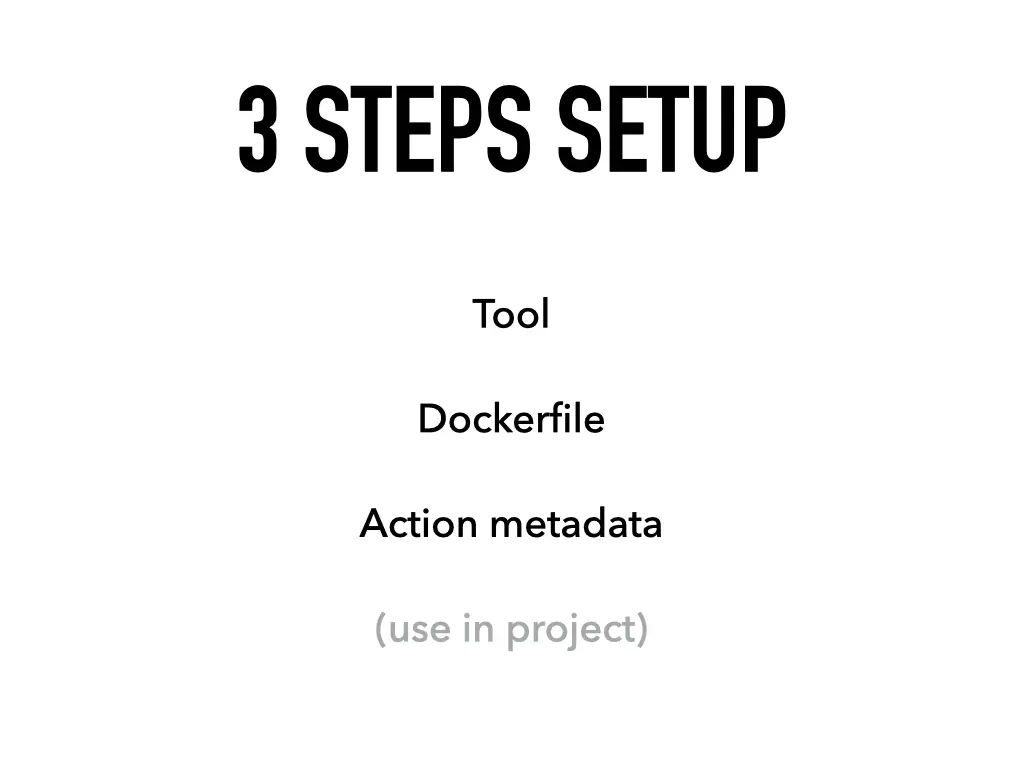
The setup has three steps: the tool, the Dockerfile, the action metadata. Then you use it in a project.
Step 1: the tool
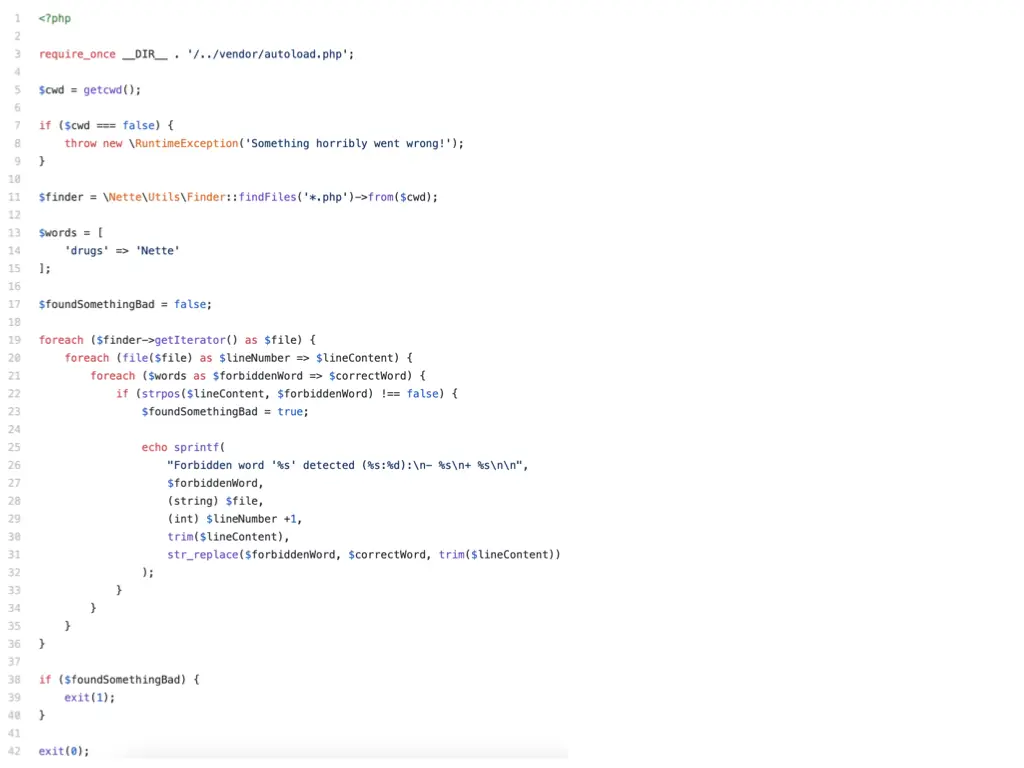
For the demo I wrote a very important linter: “Don’t do drugs”. It finds every PHP file in the current directory and fails if it finds a forbidden word, suggesting a better one. It uses the Nette Finder:
<?php

require_once __DIR__ . '/../vendor/autoload.php';

$cwd = getcwd();

if ($cwd === false) {
    throw new \RuntimeException('Something horribly went wrong!');
}

$finder = \Nette\Utils\Finder::findFiles('*.php')->from($cwd);

$words = [
    'drugs' => 'Nette'
];

$foundSomethingBad = false;

foreach ($finder->getIterator() as $file) {
    foreach (file($file) as $lineNumber => $lineContent) {
        foreach ($words as $forbiddenWord => $correctWord) {
            if (strpos($lineContent, $forbiddenWord) !== false) {
                $foundSomethingBad = true;

                echo sprintf(
                    "Forbidden word '%s' detected (%s:%d):\n- %s\n+ %s\n\n",
                    $forbiddenWord,
                    (string) $file,
                    (int) $lineNumber +1,
                    trim($lineContent),
                    str_replace($forbiddenWord, $correctWord, trim($lineContent))
                );
            }
        }
    }
}

if ($foundSomethingBad) {
    exit(1);
}

exit(0);
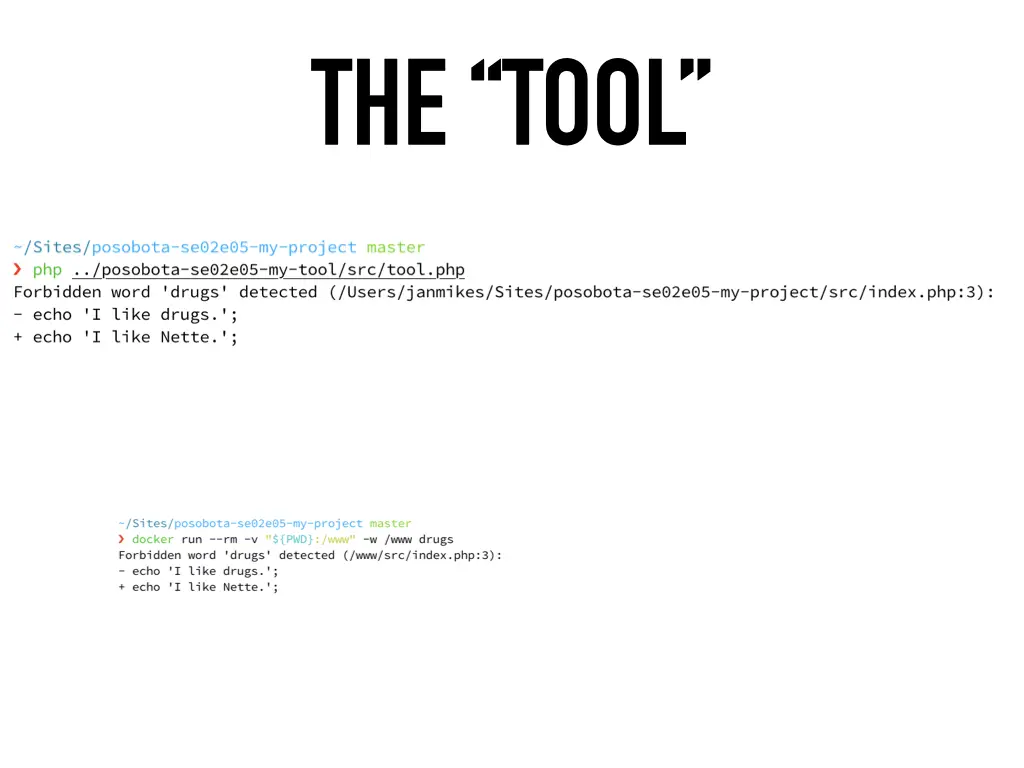
The exit code is what matters: non-zero fails the CI step. Run against a sample project, it does its job:
$ php ../posobota-se02e05-my-tool/src/tool.php
Forbidden word 'drugs' detected (/Users/janmikes/Sites/posobota-se02e05-my-project/src/index.php:3):
- echo 'I like drugs.';
+ echo 'I like Nette.';
Step 2: the Dockerfile
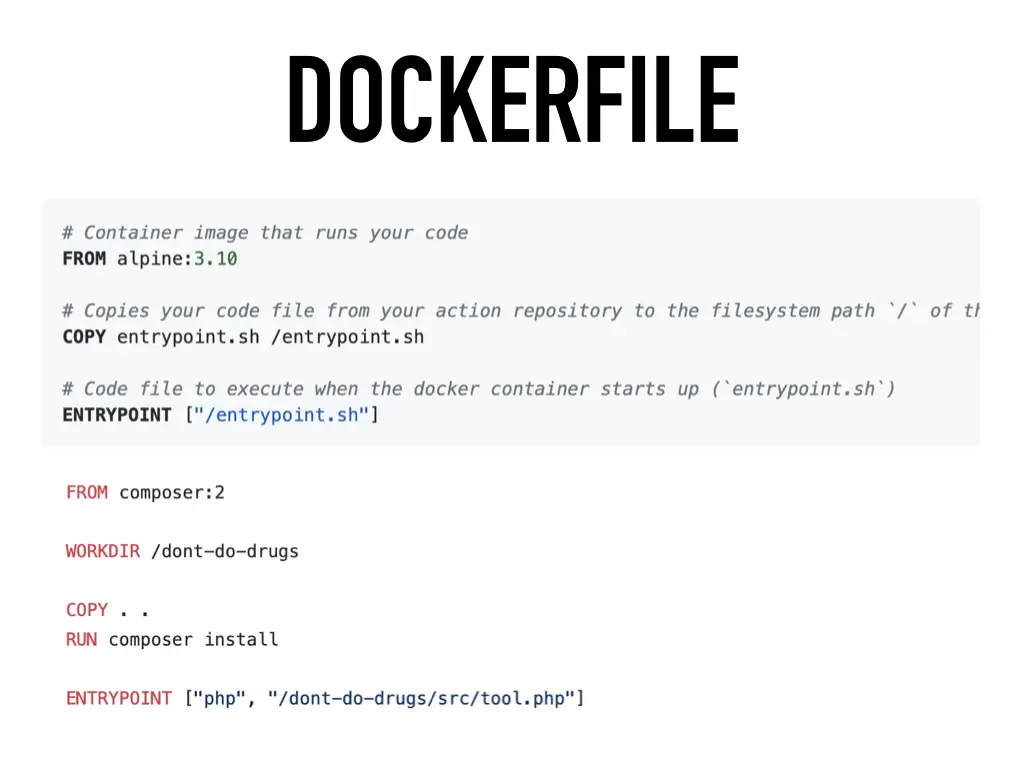
The example from the GitHub docs is a tiny Alpine image that copies an entrypoint.sh and runs it. For a PHP tool, the official Composer image already has PHP and Composer in it:
FROM composer:2

WORKDIR /dont-do-drugs

COPY . .
RUN composer install

ENTRYPOINT ["php", "/dont-do-drugs/src/tool.php"]
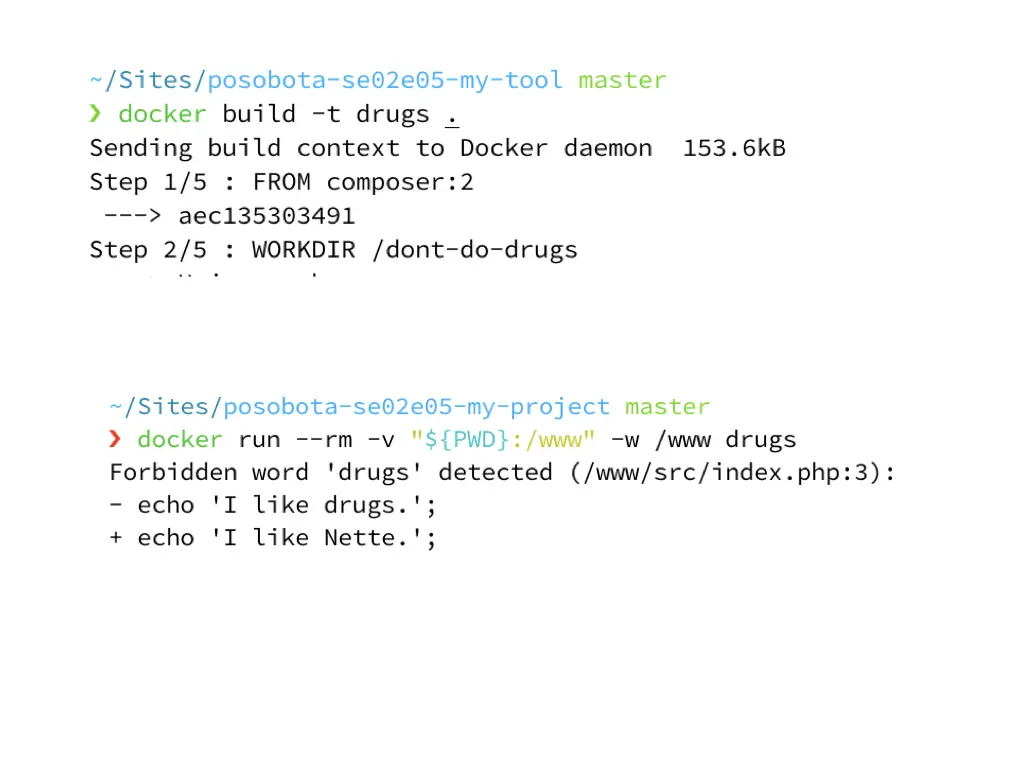
Before going anywhere near GitHub, build the image and run it locally against the project, with the project mounted as a volume and set as the working directory. That’s exactly what GitHub will do later:
$ docker build -t drugs .
$ docker run --rm -v "${PWD}:/www" -w /www drugs
Forbidden word 'drugs' detected (/www/src/index.php:3):
- echo 'I like drugs.';
+ echo 'I like Nette.';
Step 3: the action metadata
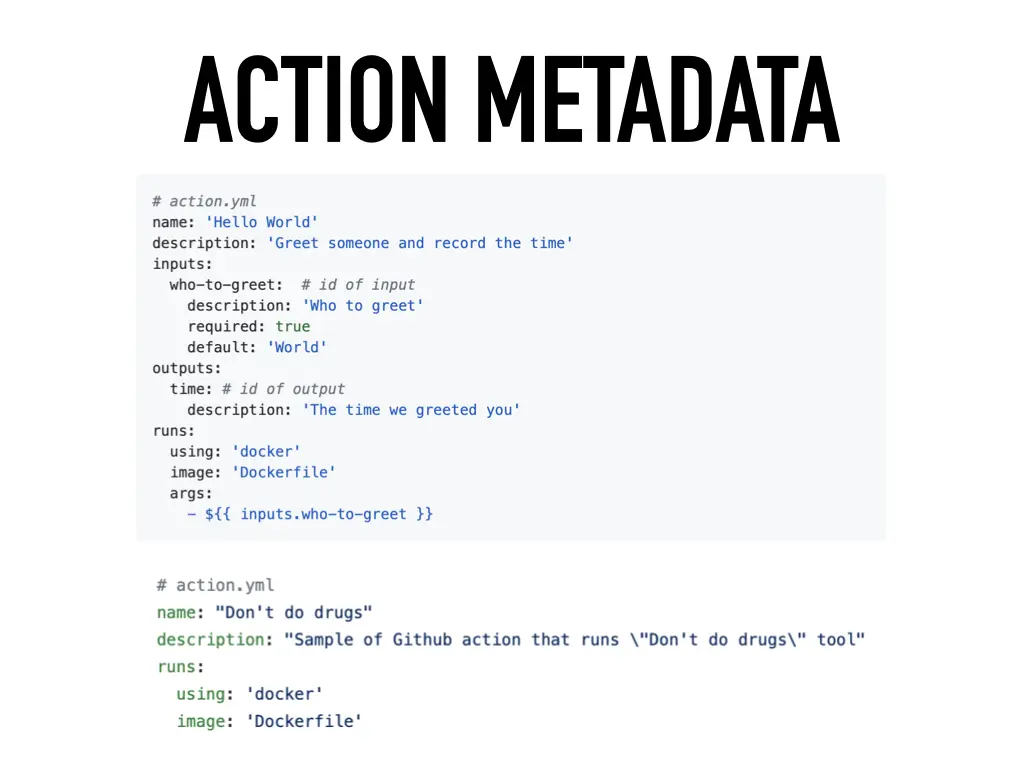
An action.yml in the root of the tool’s repository tells GitHub what the action is and how to run it. It can declare inputs and outputs, as in the docs’ “Hello World” example, but the minimum for a Docker action is short:
# action.yml
name: "Don't do drugs"
description: "Sample of Github action that runs \"Don't do drugs\" tool"
runs:
  using: 'docker'
  image: 'Dockerfile'
Use it in a project
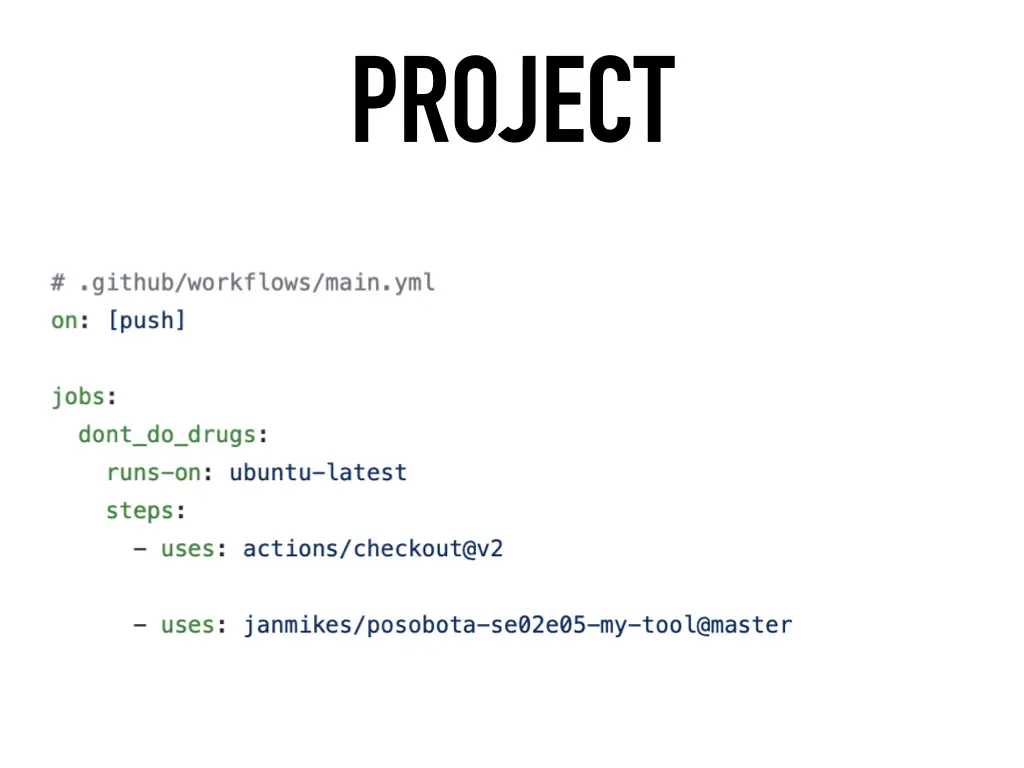
Now any repository can use the action by referencing the tool’s repository and a branch or tag:
# .github/workflows/main.yml
on: [push]

jobs:
  dont_do_drugs:
    runs-on: ubuntu-latest
    steps:
      - uses: actions/checkout@v2

      - uses: janmikes/posobota-se02e05-my-tool@master
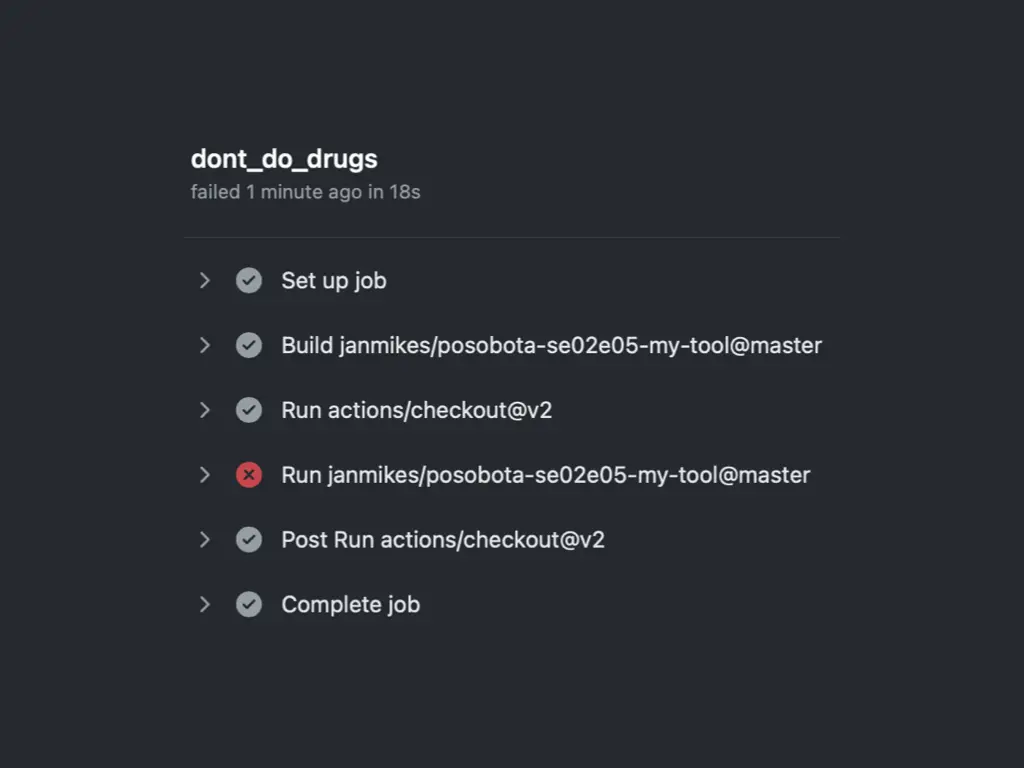
On push, GitHub builds the image from the tool’s repository, checks out the project and runs the container. The sample project contains the forbidden word, so the job fails, as it should:
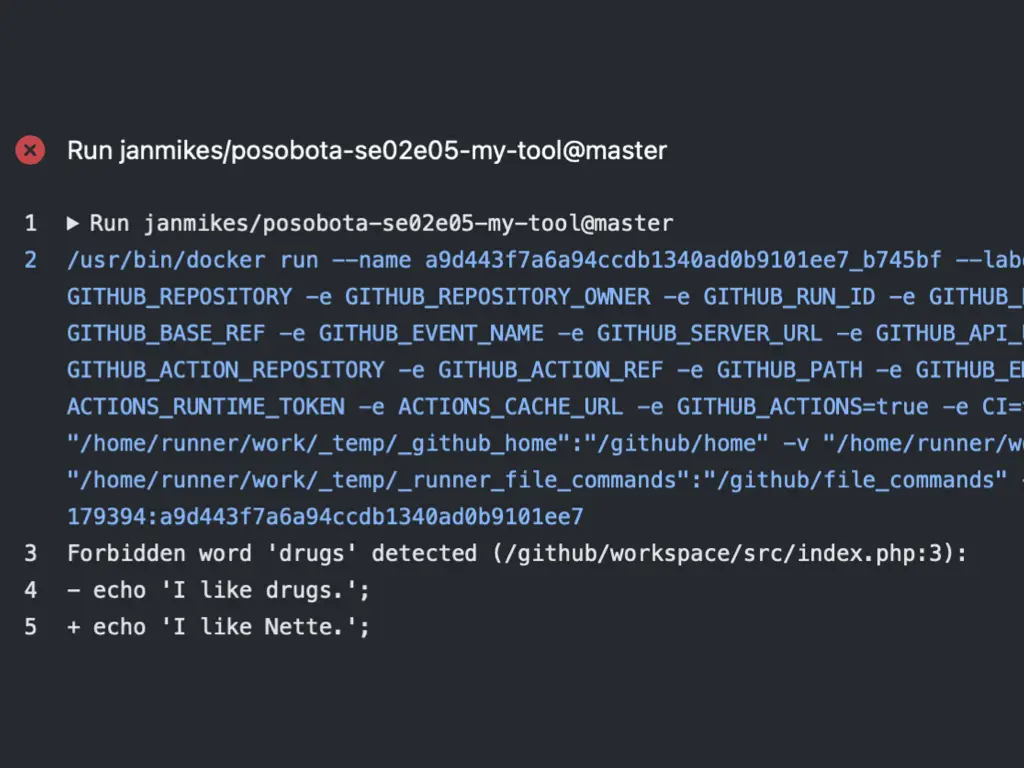
docker run that GitHub executes, and the tool’s output. The project is mounted at /github/workspace.Next steps
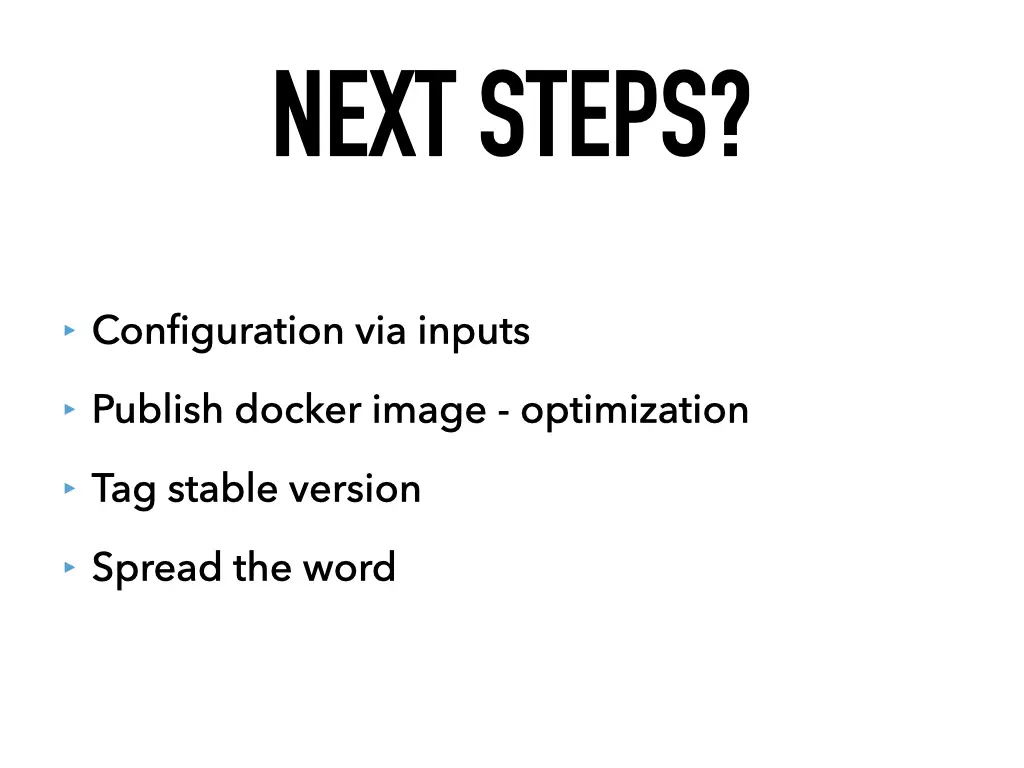
The quick start gets you a working action. To make it a good one:
- Configuration via inputs, so users can change the behaviour from their workflow
- Publish the Docker image. Building from a Dockerfile happens on every run. Pointing
action.ymlto a prebuilt image is faster. - Tag a stable version, so users don’t depend on
@master - Spread the word
All 17 slides



Related talks
- Build your own GitHub bot · 2019
- Ultra-fast Docker on a Mac with an Ubuntu VM · 2021
- The simplest GitLab CI pipeline ever · 2018
Video The action on GitHub Sample project GitHub docs: Docker container action All talks