Ultra-fast Docker on a Mac with an Ubuntu VM
Ultrarychlý Docker na Macu pomocí Ubuntu VM. In early 2021, Docker Desktop for Mac made our Symfony app painfully slow. Moving the Docker engine into a plain Ubuntu virtual machine took one page from 160 seconds to 85 milliseconds.
The problem: Docker Desktop for Mac
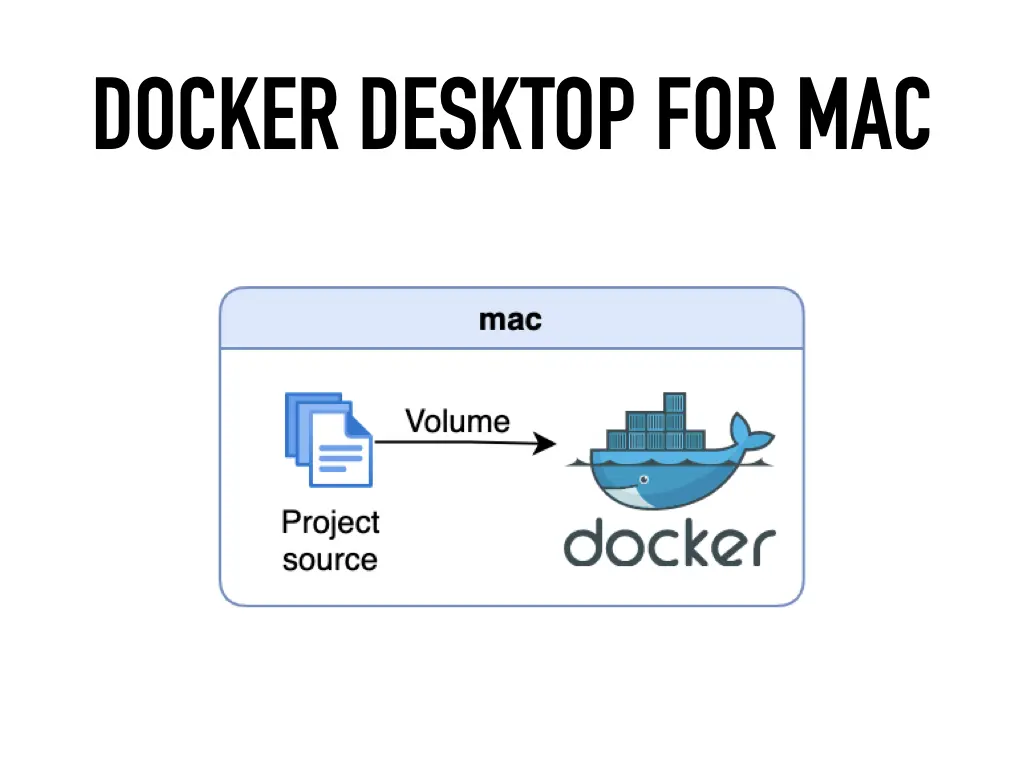
Docker needs a Linux kernel, so on a Mac, Docker Desktop runs it inside a hidden virtual machine. Your project source lives on the Mac and gets mounted into the containers as a volume. Every file the app reads crosses the boundary between macOS and that VM, and back then that crossing was slow.
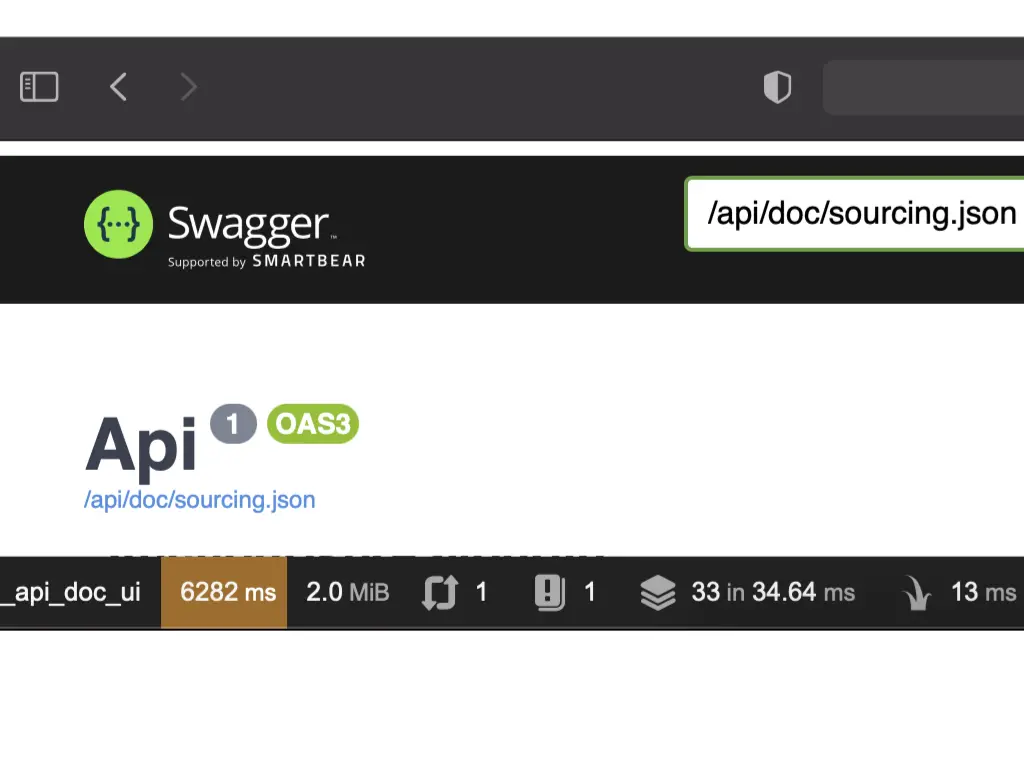
A PHP app built on Symfony reads a lot of files: vendor code, cache, config. At Carvago it showed. This is our API documentation page, served through Docker Desktop, with the Symfony profiler toolbar at the bottom:
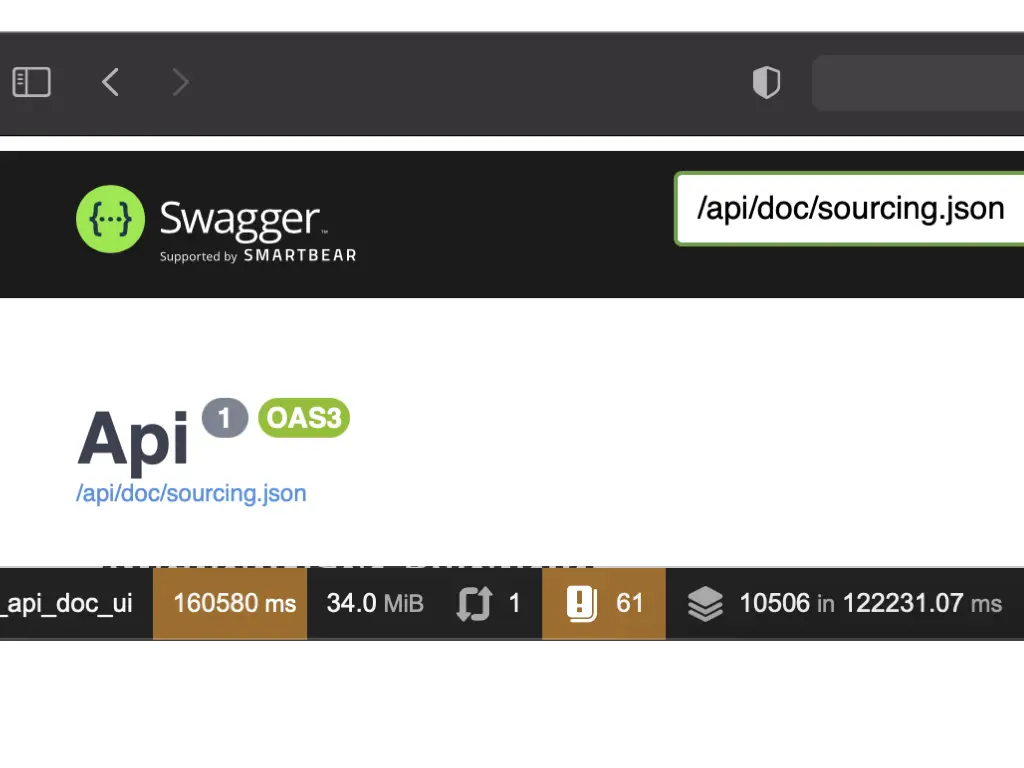
Another load of the same page showed 6,282 ms. Better, still unusable for day-to-day development. The slide after that was the “This is fine” dog sitting in a burning room.
Possible fixes
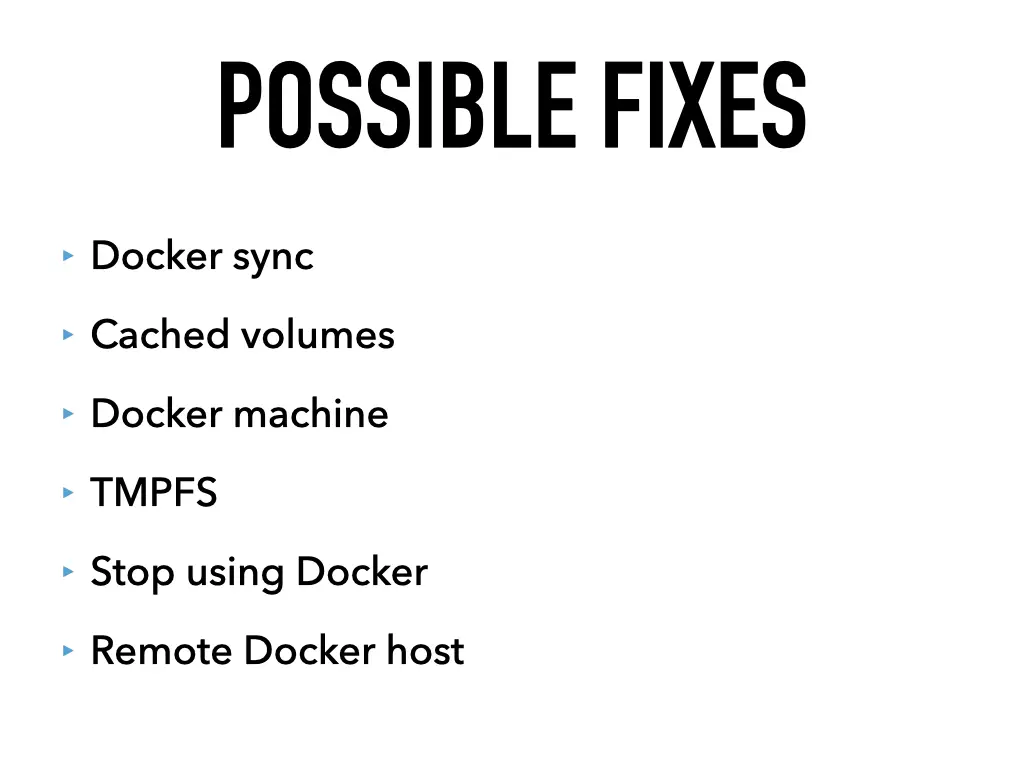
People tried many things to make this bearable:
- docker-sync: a tool that syncs files into the container instead of mounting them directly
- Cached volumes: mount options that relax consistency between host and container for speed
- Docker Machine: running the engine in a separate VM managed by docker-machine
- tmpfs: keeping hot data such as the cache in memory inside the container
- Stop using Docker for local development
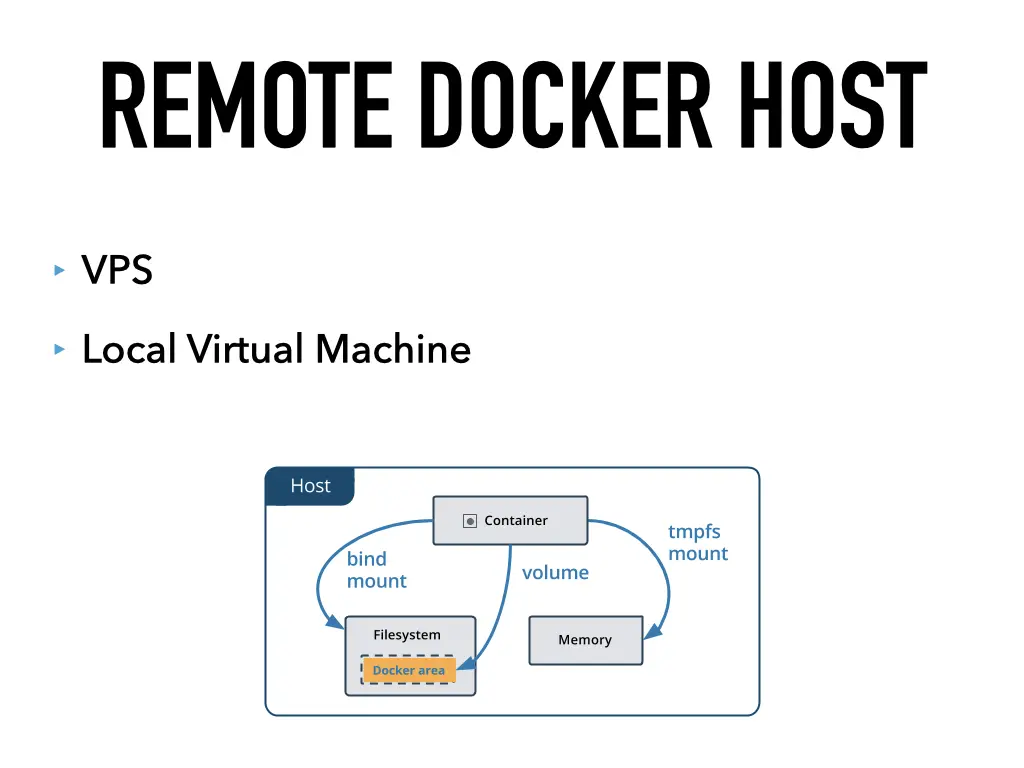
- A remote Docker host
I went with the last one.
Remote Docker host
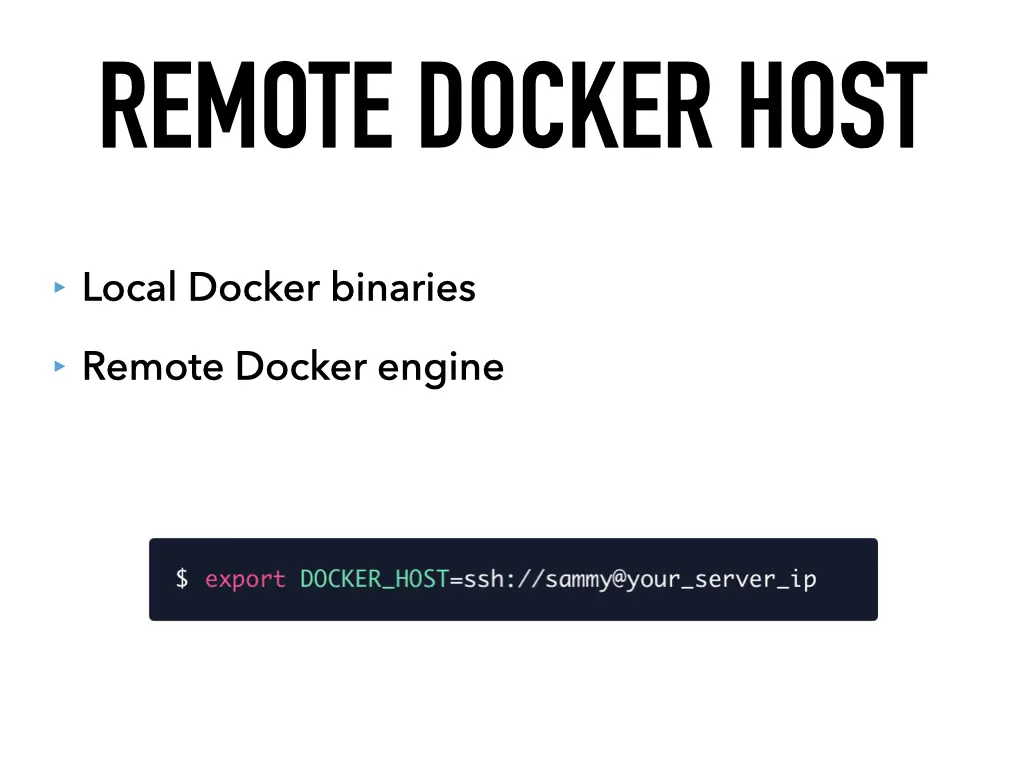
The docker command on your Mac is only a client. It talks to the Docker engine through an API, and that engine doesn’t have to run on the same machine. You keep the local Docker binaries and point them at a remote engine, for example over SSH:
$ export DOCKER_HOST=ssh://sammy@your_server_ipFrom then on every docker command runs against that engine. The remote host can be a VPS somewhere, or a local virtual machine on the Mac itself. I chose the local VM.
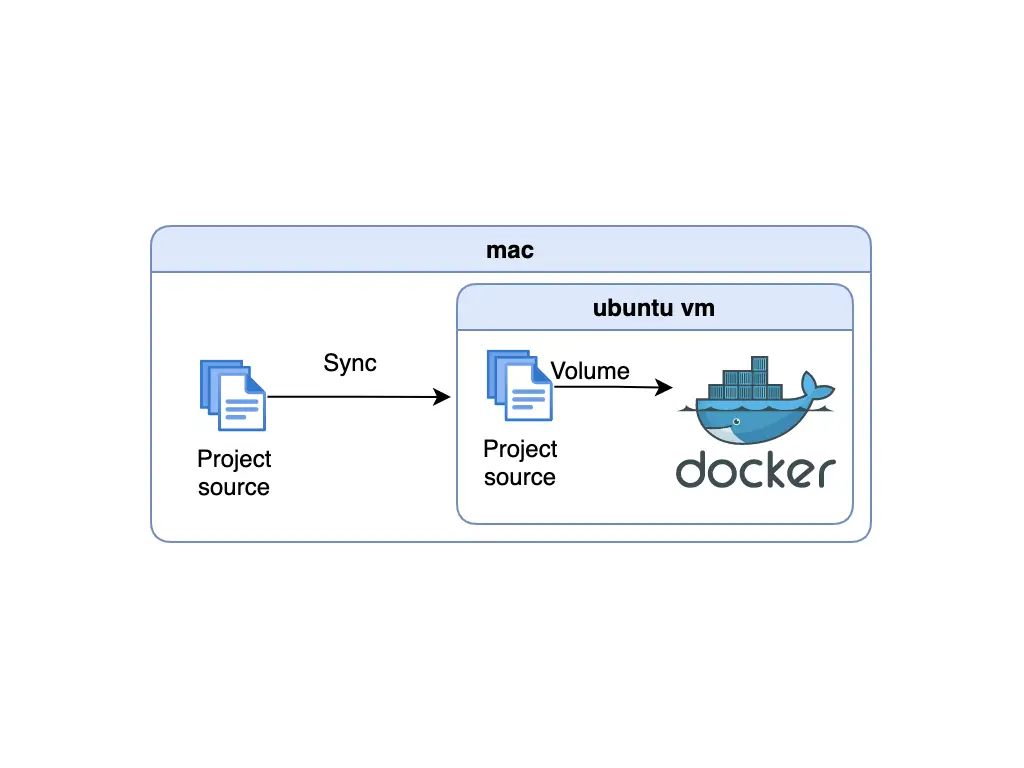
The key difference is where the files live. In the VM setup, the project source is synced from the Mac into the Ubuntu VM, and the containers mount it from the VM’s own disk. Reads are local Linux file system reads again.
Which virtual machine?
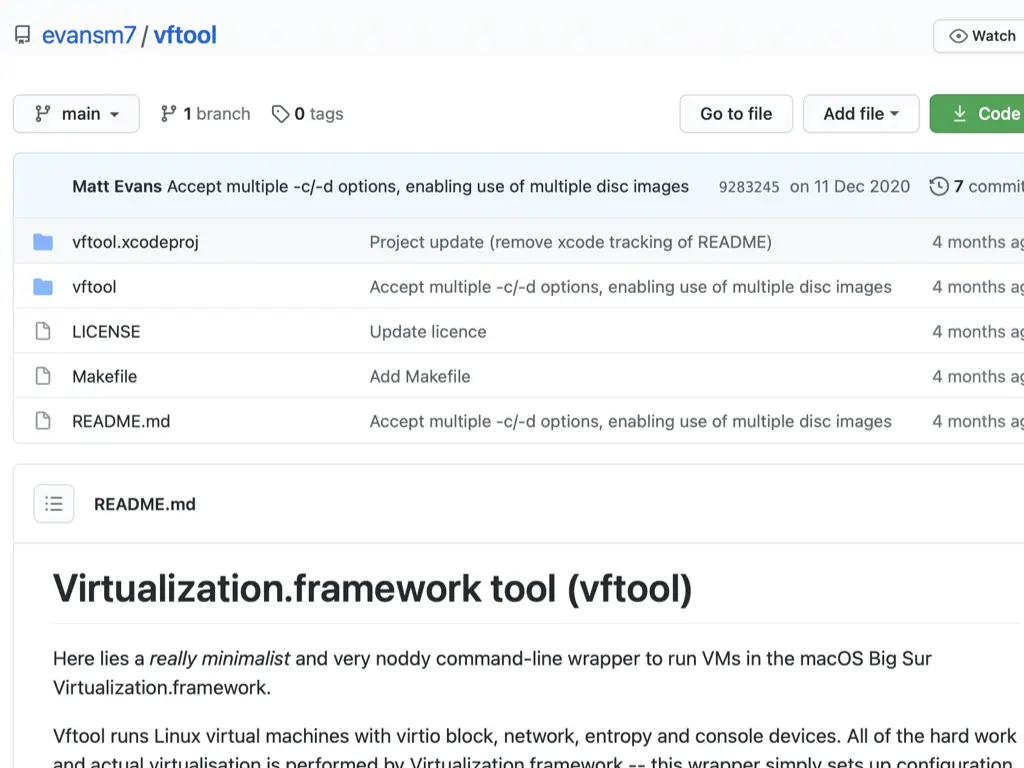
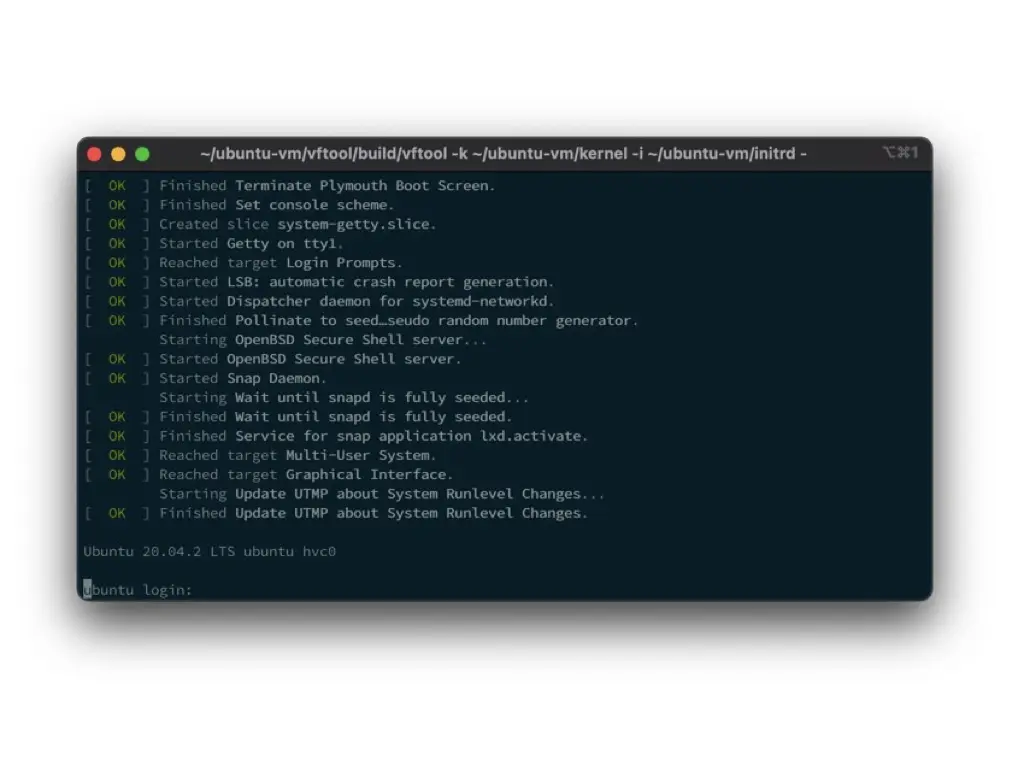
The usual options are Parallels, VMware and VirtualBox. I showed another one: vftool by Matt Evans, a minimalist command-line wrapper around the Virtualization.framework that Apple added in macOS Big Sur. It runs Linux VMs with virtio block, network, entropy and console devices, and Apple’s framework does the actual virtualization. In the demo it booted Ubuntu 20.04.2 LTS straight into a login prompt in the terminal.
The setup
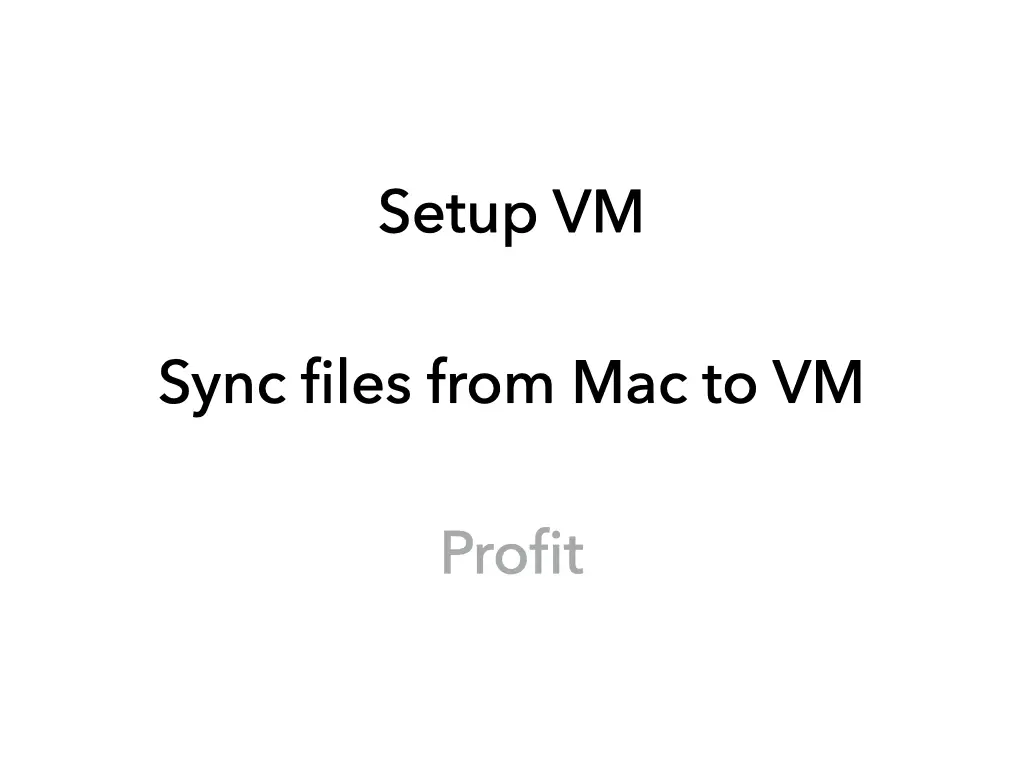
The whole recipe has three steps:
- Set up the VM: install Ubuntu and Docker in it.
- Sync files from the Mac to the VM.
- Profit.
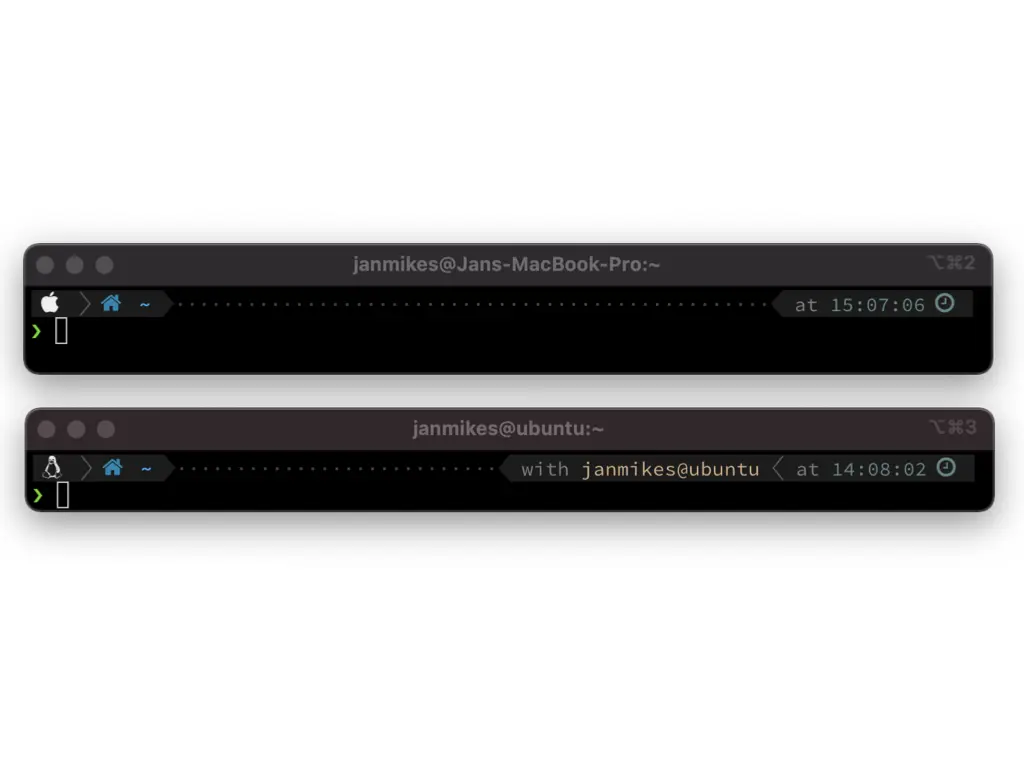
The step-by-step VM setup was published on the Carvago development blog on Medium. The result: two terminals, one on the Mac and one in the Ubuntu VM.
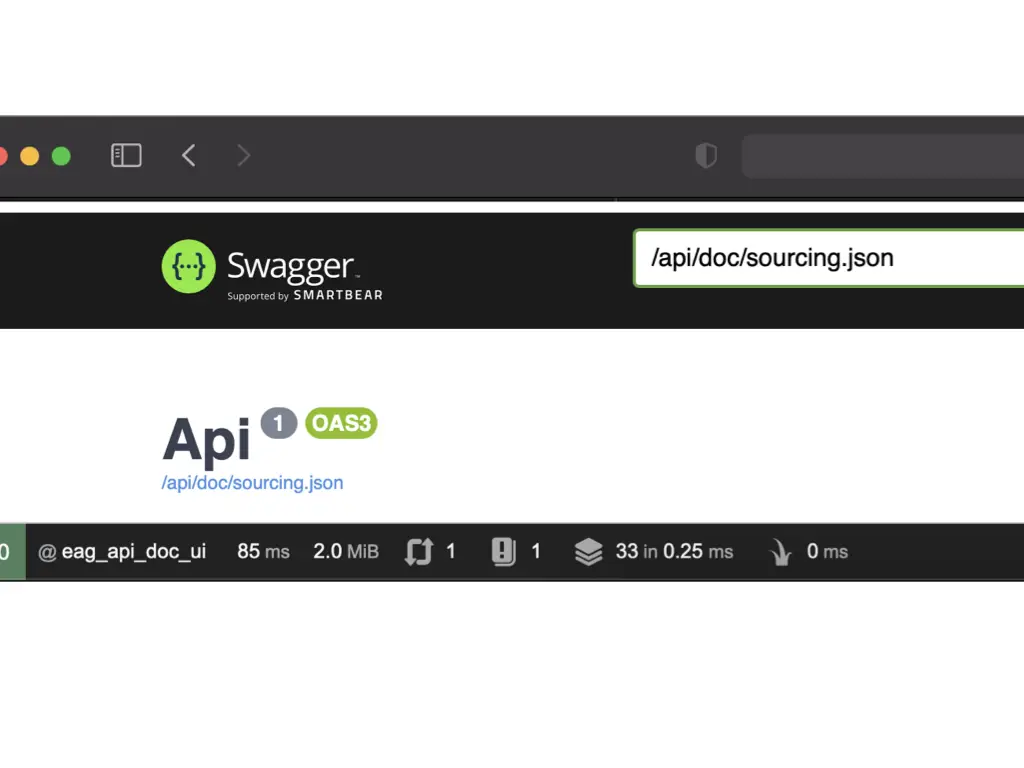
And the same API documentation page in the VM:
The details of the sync and the VM configuration were shown live, so see the video for the full walkthrough.
All 17 slides



Related talks
- Save $$$ with Dokku · 2020
- Your own GitHub Action: a quick start · 2020
- Modern PHP web servers · 2024