CI in a monorepo with GitLab parent-child pipelines
CI v monorepu pomocí Gitlab parent-child pipelines. One .gitlab-ci.yml for a whole monorepo grows until nobody wants to touch it. GitLab lets one pipeline start other pipelines in the same project, generate them on the fly, and run only the ones a change actually affects.
We used this setup in production at Carvago and Sharry, so this isn’t a toy. The feature was still fresh: parent-child pipelines arrived officially in January 2020 and dynamic child pipelines around February or March 2020. The talk had four parts: what a parent-child pipeline is, what a dynamic child pipeline is, the use case (a monorepo), and a long live demo. I only flew through the theory; GitLab’s documentation is excellent for almost everything it does. A shorter, demo-focused version of the same topic was also at WarpCamp 2021.
What is a parent-child pipeline?
GitLab already had multi-project pipelines, where a job in one project triggers a pipeline in another project. Parent-child pipelines, introduced in GitLab 12.7, do the same within one project. In the words of the GitLab docs: a pipeline can trigger a set of concurrently running child pipelines, but within the same project.
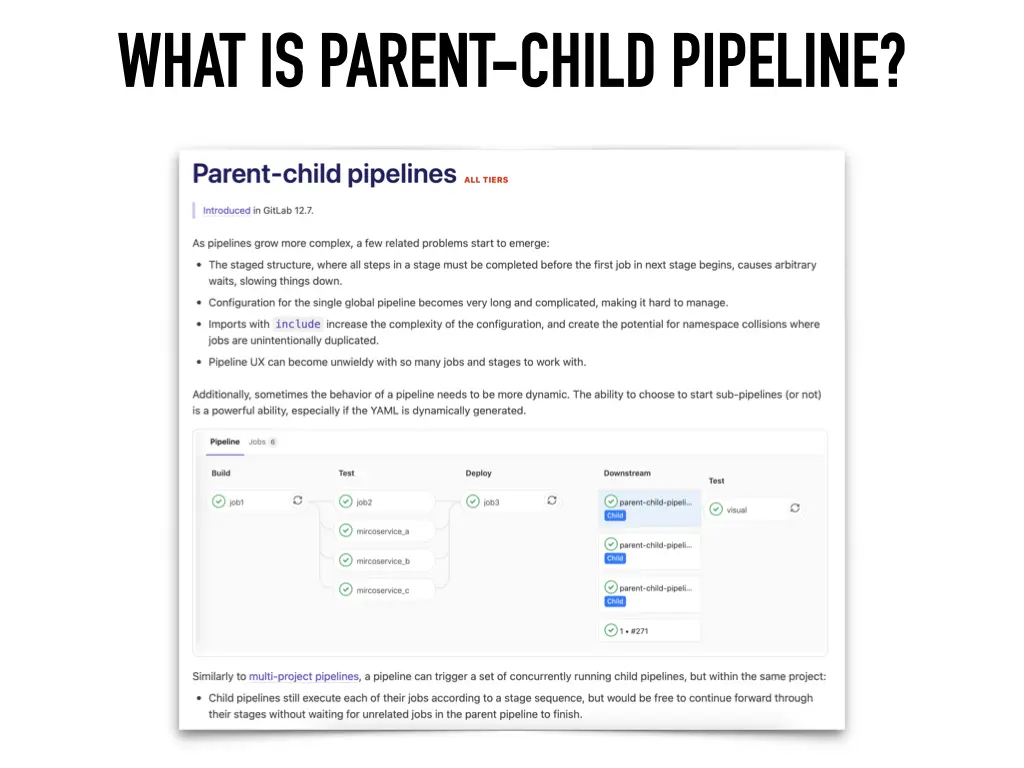
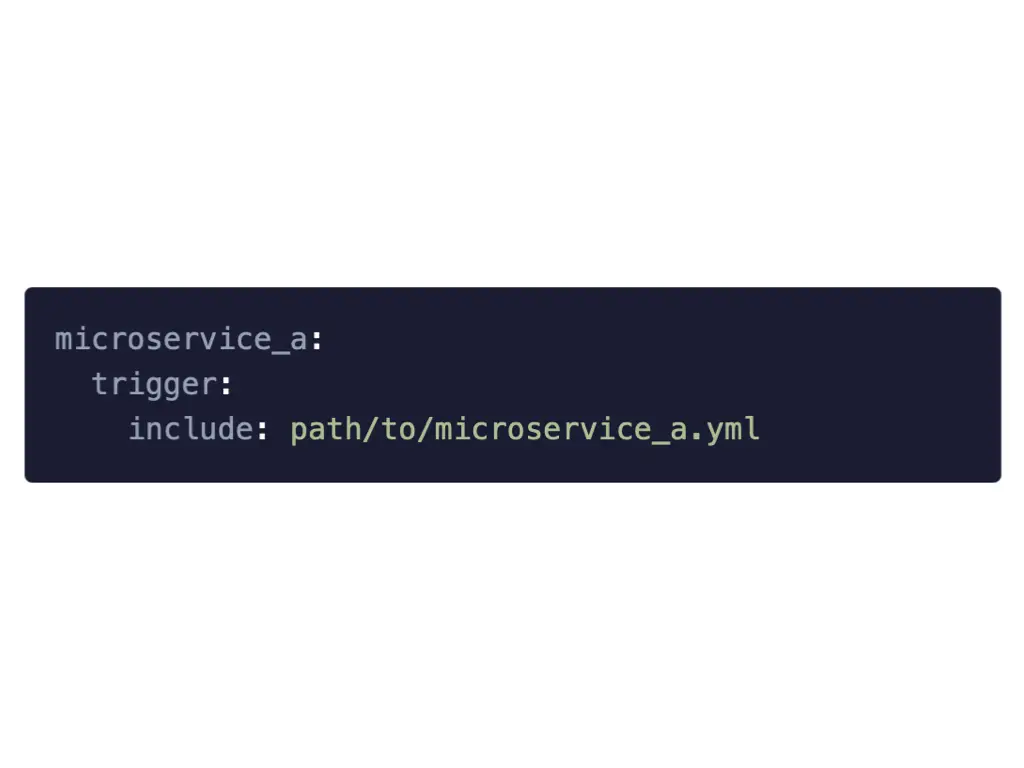
A child pipeline is just a job with the trigger keyword. The simplest version points at another YAML file in the repository:
microservice_a:
  trigger:
    include: path/to/microservice_a.yml
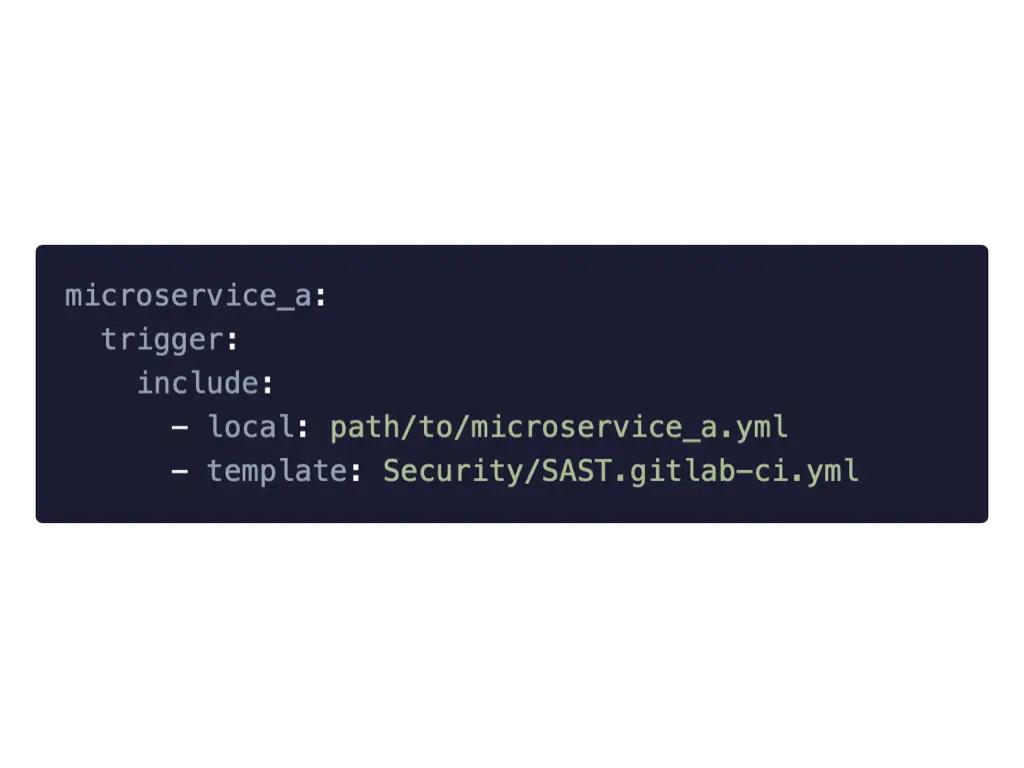
The include can be a list, and it can mix local files with GitLab’s built-in templates:
microservice_a:
  trigger:
    include:
      - local: path/to/microservice_a.yml
      - template: Security/SAST.gitlab-ci.yml
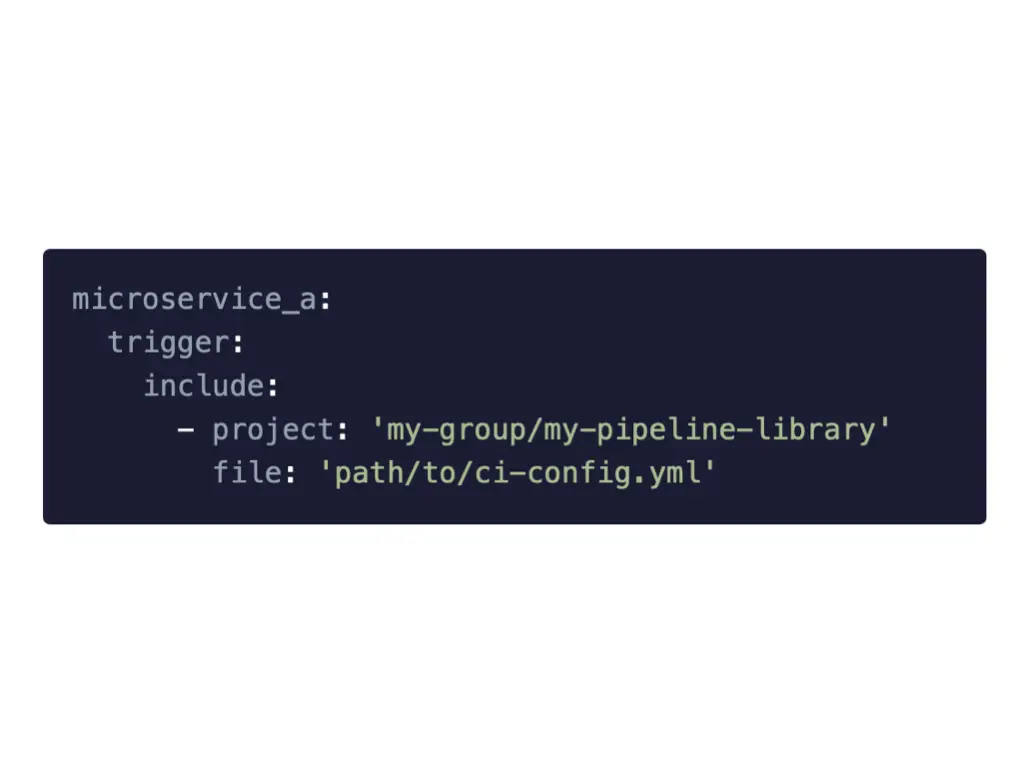
Or it can take the child configuration from a different project, for example a shared pipeline library:
microservice_a:
  trigger:
    include:
      - project: 'my-group/my-pipeline-library'
        file: 'path/to/ci-config.yml'
Why bother?
Everything this technique does could be done before, with some hacking. It just solves these problems better:
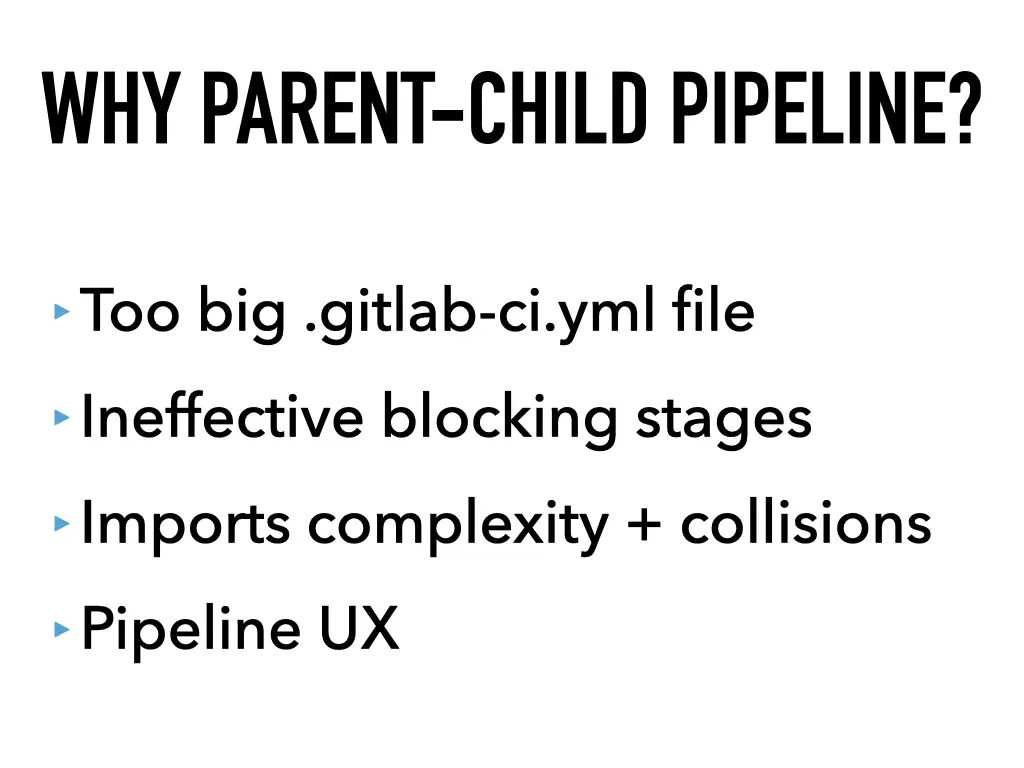
- Too big
.gitlab-ci.yml. If your CI file has hundreds or thousands of lines, this is for you. - Inefficient blocking stages. With classic stages, every job in a stage waits for the last one to finish before the next stage starts. Child pipelines don’t wait for each other; they run in parallel, fully isolated.
- Imports complexity and collisions. Splitting the file with
includehelps with length, but all included files share one namespace, so you end up prefixing job names to avoid collisions. Isolated child pipelines don’t need any of that. - Pipeline UX. One pipeline with dozens of jobs is hard to read. Child pipelines group related jobs together.
Dynamic child pipelines
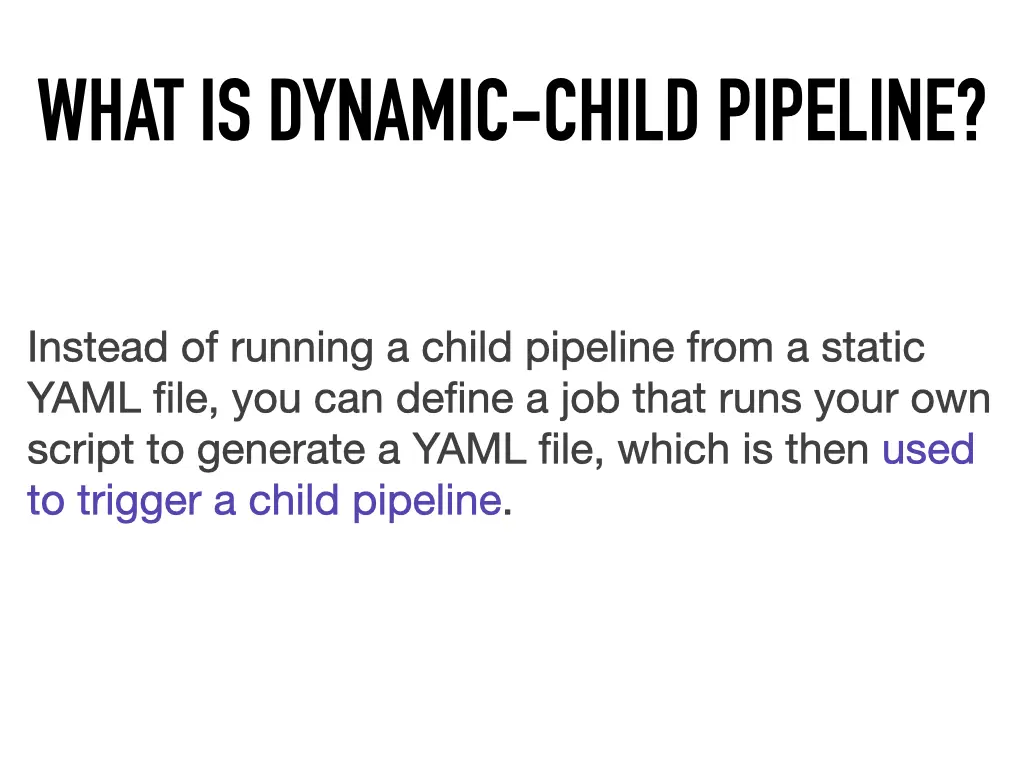
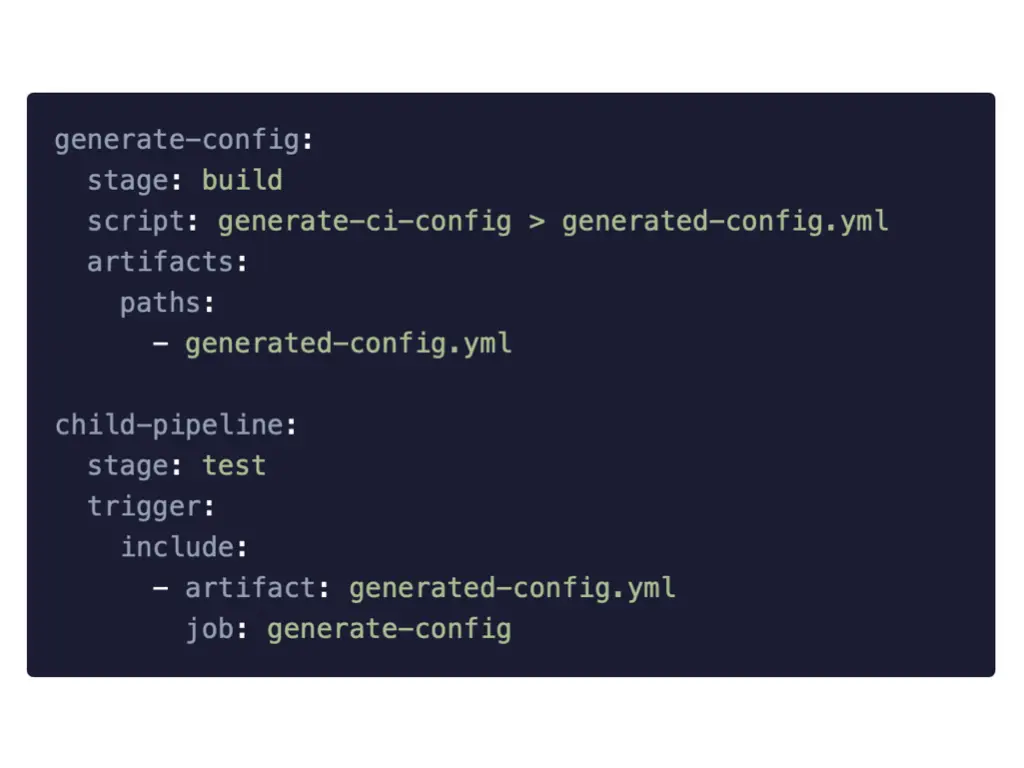
Normally your YAML has to exist when the pipeline starts; GitLab takes it and runs it. A dynamic child pipeline goes one step further: one job runs your own script to generate the YAML, saves it as an artifact, and the next job triggers a child pipeline from that artifact. When the pipeline starts, nobody knows yet which jobs will run.
generate-config:
  stage: build
  script: generate-ci-config > generated-config.yml
  artifacts:
    paths:
      - generated-config.yml

child-pipeline:
  stage: test
  trigger:
    include:
      - artifact: generated-config.yml
        job: generate-config
The generator can be anything. I used PHP, because it was php.live. That’s the whole magic; the rest is up to your imagination.
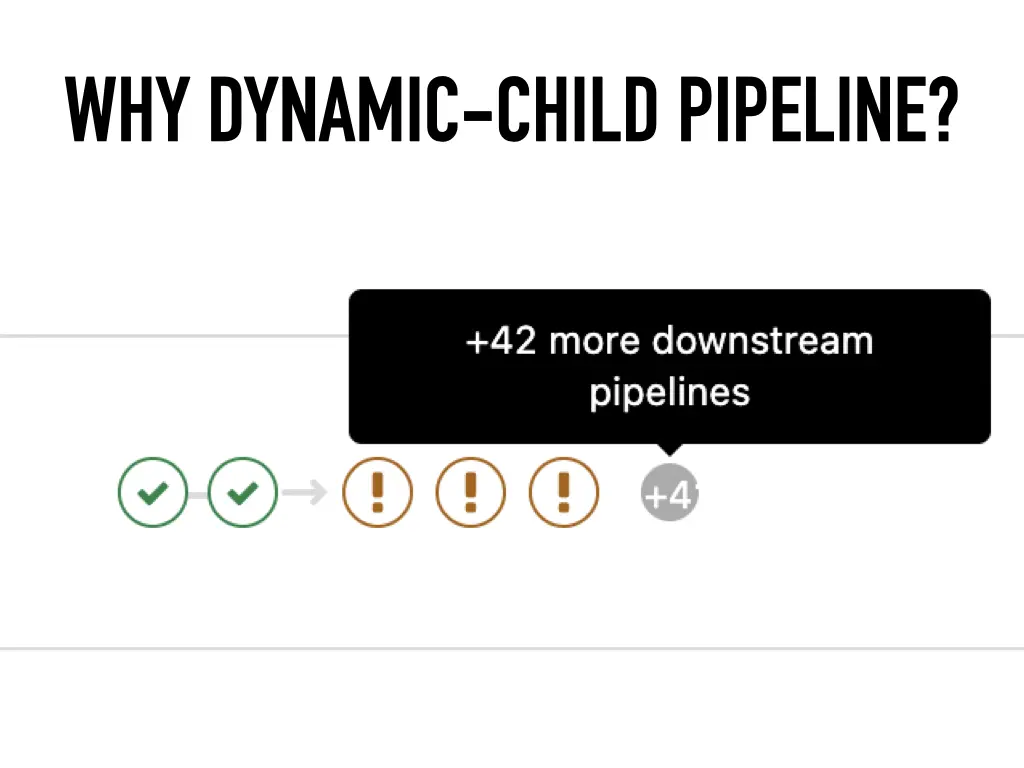
I ran into the need when we first put parent-child pipelines into our monorepo. Any change triggered all the children: some 40 child pipelines for packages and microservices, each with roughly ten jobs and running maybe ten minutes. Change one line and 600 to 700 jobs ran (7:28 in the video). Multiply that out and you see how much machine time burns for 40 parts of the application where nothing changed. Generating the pipeline lets you trigger only what matters.
The use case: a monorepo
Honestly, I couldn’t think of a use case other than a monorepo, which keeps many packages or services in one repository. At Carvago we had over 30 developers on the backend alone, several teams working fully in isolation, and we were moving to a monorepo. When one team changes a part of the application that doesn’t affect another part, there is no reason to build the other part. The other reason is simply a lot of code you want to split up. Symfony, which also lives in a monorepo, is a good example.
Live demo
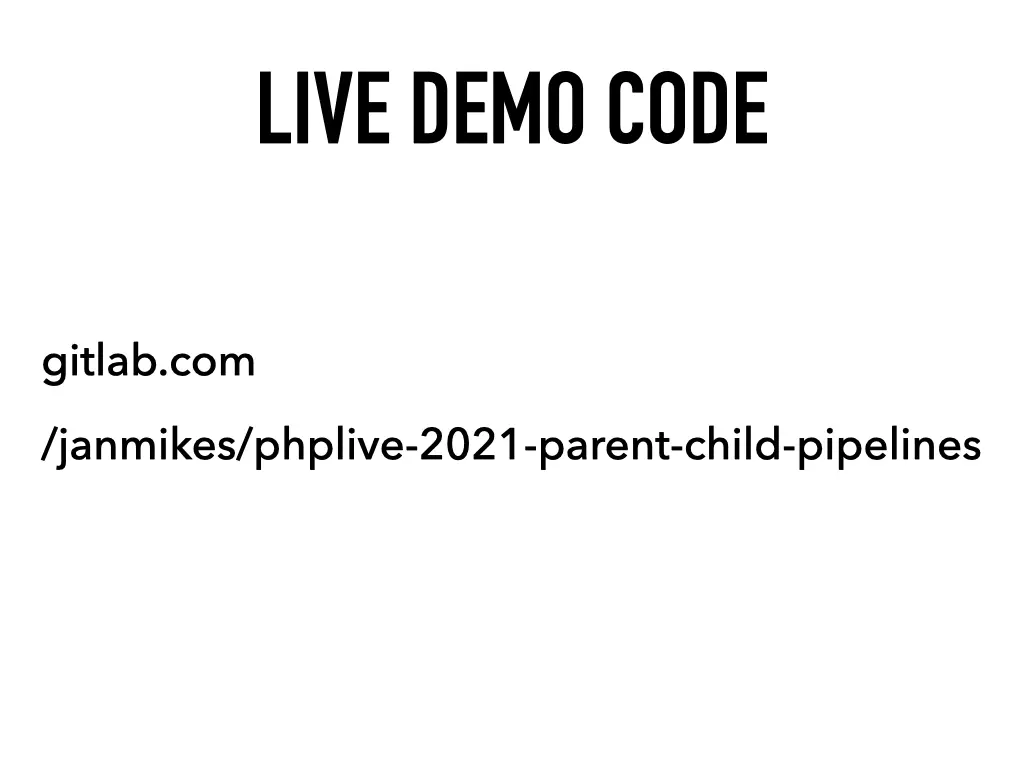
The demo (“what could go wrong”, 9:20 in the video) is on GitLab, one branch per step: gitlab.com/janmikes/phplive-2021-parent-child-pipelines. The app is a tiny monorepo with three packages, each a single nearly empty file. Package A uses B and C; B and C use nothing. Imagine each is published as a Composer package.
1. The classic pipeline. Three stages, build, test and deploy. A composer build job (faked with echo so the demo runs fast), then package-a-tests, package-b-tests, package-c-tests, then three deploy jobs. Job names must be unique across the whole pipeline, hence the prefixes. And the stages block: if the tests for C take 20 minutes and A is tested in one, A waits 19 minutes before it can deploy.
2. Parent-child. The build job stays shared in the parent; artifacts from it still reach the children. Each package gets its own .gitlab-ci.yml with plain job names, tests and deploy, no prefixes. I copy-pasted them on purpose; include would remove the duplication. The parent only triggers:
package-a:
  stage: triggers
  trigger:
    include: "packages/A/.gitlab-ci.yml"
In the UI the children show up as downstream pipelines you can click into, and back. The UX still isn’t ideal and GitLab has plenty of issues about it (I sent them feedback too), but it’s far better than when the feature appeared; back then it was a massacre. On a rerun you could see the point: one package was already deploying while another was still running its tests.
3 and 4. When a child fails. I added exit 1 to the tests of package C. By default the parent doesn’t care how its children end: C failed and the parent pipeline was green. Sometimes that’s what you want. We don’t. We want nothing to deploy until everything, integration, functional and end-to-end tests, is green. One keyword in the parent fixes it:
package-c:
  stage: triggers
  trigger:
    include: "packages/C/.gitlab-ci.yml"
    strategy: depend
With strategy: depend the trigger job mirrors the child’s status, and the parent turned red.
5. Generating the pipeline. The three trigger jobs are copy-paste that differs only in the package name, and GitLab couldn’t use variables in job names. So a PHP script generates them. A job runs it, prints the result with cat to check it, and passes the file on as an artifact; a second job triggers it. The script, which took me “a whole afternoon”:
$packages = ['A', 'B', 'C'];
$ciFileContent = '';

foreach ($packages as $package) {
    $ciFileContent .= <<<FILE_CONTENT
package-$package:
  trigger:
    include: "packages/$package/.gitlab-ci.yml"
    strategy: depend
FILE_CONTENT . "\n\n";
}

file_put_contents(__DIR__ . '/generated-gitlab-ci.yml', $ciFileContent);
The result was the same pipeline as before, only no longer written by hand.
6 and 7. Merge request pipelines. Then a short detour that makes all of this powerful (20:20 in the video). By default a pipeline only knows about the last commit. For a merge request you want to decide based on every file the whole branch changed, and that’s what merge request pipelines are for. I took the condition from GitLab’s official merge request pipelines template rather than writing it myself, and added a rule to each trigger:
  rules:
    - if: $CI_MERGE_REQUEST_ID || $CI_COMMIT_BRANCH == $CI_DEFAULT_BRANCH
      changes:
        - packages/C/**/*
Why test A if nothing in A changed? In a merge request that touched only package C, only C’s child pipeline ran. Then the same thing generated: the PHP script got an if per package and writes the rules block itself. The generator job also only runs when something under packages/ changed.
The ultimate version: a dependency map. This is how we use it in practice, for microservices (25:26 in the video). A depends on B and C. In the previous demo I changed C and only C ran. But what if that change broke A, and I have no idea?
You need a map of dependencies between your packages or services. How you get it, and in which language, doesn’t matter. My approach, which I called stupid but which works great, is about 80 lines of PHP: read all PSR-4 roots from composer.json, go through every package directory, read every PHP file in it, and check whether it mentions a namespace from another package’s root. If it does, this package depends on that one. Every package also depends on itself. The generated YAML then lists all those paths under changes:
packages-A:
  trigger:
    include: packages/A/.gitlab-ci.yml
    strategy: depend
  rules:
    - if: $CI_MERGE_REQUEST_ID || $CI_COMMIT_BRANCH == $CI_DEFAULT_BRANCH
      changes:
        - packages/A/**/*
        - packages/B/**/*
        - packages/C/**/*
B and C list only themselves. Proof instead of promises: a merge request adding a “much wow, useful comment” to A ran only A, since nothing depends on A. The same comment in C ran C and A, because A depends on C.
Questions
- How do you make sure a change in one component doesn’t break another, when its pipeline doesn’t run? With the dependency map. Once you can describe the dependencies and put them into the dynamic pipeline, everything that depends on a change gets tested.
- Do you split the monorepo into separate package repositories, like Symfony does? Yes, after the tests pass. A split stage adds an SSH key with write access to the target repository and uses a tool built on
git subtreeto push each package there. At WarpCamp I learned how to sync changes pushed to a split repository back into the monorepo: alsogit subtree, about four lines. - Would you use this for parts of an app, like running only database migrations? No. A merge request pipeline with the right conditions on changed files is enough for that.
- Shouldn’t testing A wait for C to be built and released? It depends on your use case, and both can be done. We didn’t need it: in a monorepo the packages see each other’s files directly.
All 18 slides




Related talks
- The simplest GitLab CI pipeline ever · 2018
- Auto-deploying to Google App Engine with GitLab CI · 2018
- Continuous Deployment is the best! · 2022
Video Demo code on GitLab GitLab docs: downstream pipelines All talks